Corporate event planning is the work of turning a business goal into a gathering that people attend, remember and act on. A product launch for three hundred guests and a leadership offsite for fifteen look nothing alike on the day, but they are planned the same way: purpose first, then budget, audience, format, venue, program, production, people, promotion, rehearsal and follow-up.
Most events that go wrong fail because a decision was made in the wrong order. A venue gets booked before anyone agrees on the format, or invitations go out before the agenda is final. This guide walks through the steps in the order that keeps those problems from stacking up.
It is written for in-house planners, executive assistants, marketing and HR teams, and anyone else who has been handed "the company event" alongside a full-time job.
What Counts as a Corporate Event?
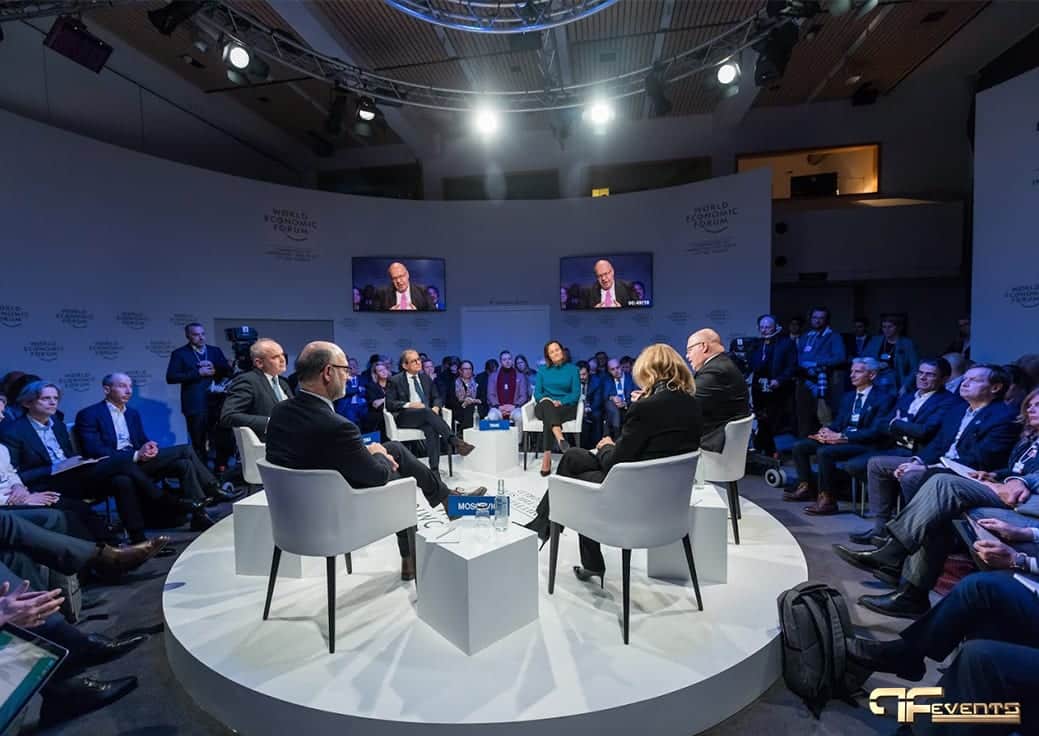
A corporate event is any gathering a business organizes for its employees, clients, partners, shareholders or the public. The most common types are:
- Conferences and seminars built around speakers and learning
- AGMs, board and shareholder meetings where decisions are made
- Town halls and all-hands meetings that share news with staff
- Product launches aimed at customers, media and partners
- Sales kickoffs and training days that align teams
- Recognition events, galas and awards that celebrate people and milestones
- Trade shows and client hospitality focused on relationships
- Team-building and holiday parties that are mostly about morale
The type decides what success looks like. A town hall succeeds if every employee hears the message clearly. A gala succeeds if the room feels special.
Step 1: Define the Objective Before Anything Else
Start by answering one question with your senior stakeholders: why are we holding this event? "Raise brand awareness" is too vague to plan around. "Brief every regional manager on the new pricing model and collect their questions" is something you can design an agenda, a room and a follow-up survey around.
Good event objectives are:
- Specific. They describe a result, not an activity.
- Measurable. You can tell afterward whether you hit them, through attendance, survey scores, sign-ups or another clear signal.
- Realistic. They fit the time, budget and team you actually have.
- Aligned. They support a wider business goal.
Write the objective at the top of your planning document. Every later decision, from the venue to the menu to the screen size, should be tested against it.
Step 2: Set a Budget With Room to Move
Once the objective is clear, find out how much money is really available and who has to approve changes. Then split it into the main categories so nothing is forgotten:
- Venue rental, including setup and teardown time
- Food and beverage, including dietary accommodations
- Audio visual production, lighting and staging
- Speakers, hosts and entertainment
- Decor, signage and printed materials
- Registration tools, badges and attendee communication
- Staffing, security and accessibility support
- Travel and accommodation, if guests or speakers are coming in
- A contingency line for the surprises every event has
Spend where the objective lives. If the event exists to deliver a message, sound, screens and speaker preparation deserve more than elaborate centerpieces. Ask vendors for itemized quotes so you can compare like with like, and keep the contingency untouched until you truly need it.
Step 3: Know Your Audience and Build the Guest List
Decide exactly who the event is for: employees, executives, clients, partners or a mix. When you can name your audience, you can shape the content, timing and tone around what they need. Have the guest-list conversation with the right stakeholders early, so a key partner or department head is not left off. While you are at it:
- Collect accurate contact details. Invitations sent to a generic inbox often never reach the intended person.
- Estimate attendance honestly. Capacity, catering and seating all depend on the number.
- Ask about access needs. Mobility, hearing, dietary and language requirements shape venue and production choices.
- Think about travel. Where are guests coming from, and how will they get there?
Step 4: Choose the Format and Theme
With the objective, budget and audience in hand, decide how the event will run. Will it be a single general session or several breakout rooms? A seated dinner with speeches, or a standing reception? In person only, or with a livestream for remote staff?
A theme is optional, but the best ones come from the objective rather than a trend list. A client event built around an industry expert, for example, positions your company as a trusted advisor rather than a seller. Give guests at least one moment they would not get anywhere else, and balance it with breathing room. Overloaded agendas leave people tired and less likely to remember the key message.
Step 5: Pick the Date and Venue
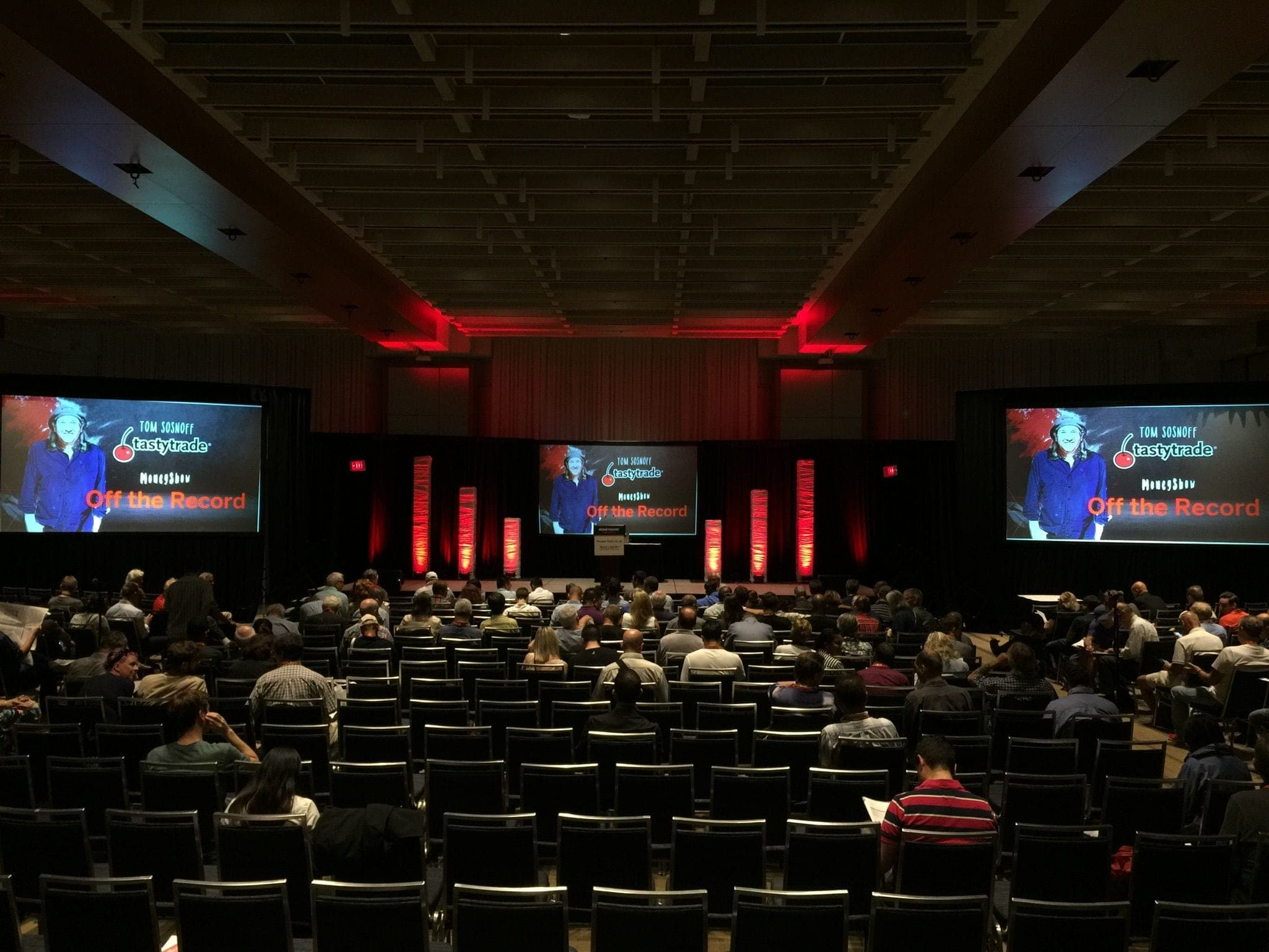
Book the venue after you know the format. A beautiful room that cannot fit your stage, screens and breakouts is the wrong room. When you compare venues, check:
- Location and accessibility. Is it easy to reach by transit and car, with accessible entrances, washrooms and seating?
- Availability. Is it free for your full event window, including setup, rehearsal and teardown?
- Capacity and layout. Does it fit your seating style, stage and sightlines comfortably?
- Technical infrastructure. What power, internet, rigging points and in-house AV rules apply?
- Load-in access. Where do equipment and vendors enter, and when?
- Safety and security. Are exits, crowd flow and emergency procedures clear?
- Cost and policies. What is included, what is extra, and what are the cancellation terms?
If your budget is tight, consider dates when the venue is in lower demand. Once you have a shortlist, walk the space in person with your production partner. Our event venue walkthrough checklist covers what to look at on site, and it is worth reviewing your event power requirements before you sign, because electrical limits can quietly rule out the stage and screens you have in mind.
Step 6: Build a Working Timeline
A master timeline turns hundreds of small tasks into milestones. Work backward from the event date and assign each task an owner and a deadline.
A simple structure is a shared spreadsheet with a tab for each area: schedule, venue, speakers, production, catering, registration, travel and communications. Each row lists the task, the person responsible, the due date and the status. Review it in a short standing meeting so nothing quietly slips.
Larger events benefit from milestone check-ins, such as when the venue is confirmed, the program is locked and registration opens. Planning software and AI tools can help with drafting, scheduling and reminders. Our guide to AI in event planning covers where they save time and what should stay in human hands.
Step 7: Plan the Program and the Run of Show
The agenda tells attendees what is happening. The run of show tells your team how it will happen, minute by minute, with every speaker, video, walk-on, microphone change and lighting cue in order.
Build the program around the objective. Put the most important content where attention is highest, keep sessions to a sensible length, and plan transitions so the room never sits in silence while a laptop is swapped. Confirm speakers early, collect their slides and videos well before the event, and agree who has final sign-off on content.
The run of show is the single most useful document on event day. Our guide to building an event run of show explains what to include and how to keep everyone working from the same version.
Step 8: Plan AV and Production Early
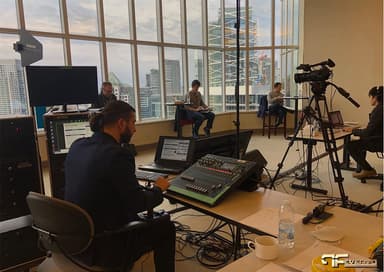
Guests will forgive a late coffee break. They will not forgive a keynote they could not hear or a video that never played. Bring your production partner in while the venue and format are still being decided, not after. The main areas to discuss are:
- Audio. Microphones for every speaker and panelist, playback for music and video, and coverage so the back of the room hears as well as the front.
- Video and screens. Projection or LED walls sized to the room, confidence monitors for presenters, and a reliable playback and switching setup.
- Lighting. Stage lighting so speakers look good in person and on camera, plus room lighting that sets the mood.
- Staging. A stage sized to the program, with safe access, a lectern and clean sightlines.
- Livestreaming and recording. Cameras, encoding and a dedicated internet connection if remote audiences or recordings are part of the plan.
- Power and cabling. Enough dedicated circuits, safely run, for everything above.
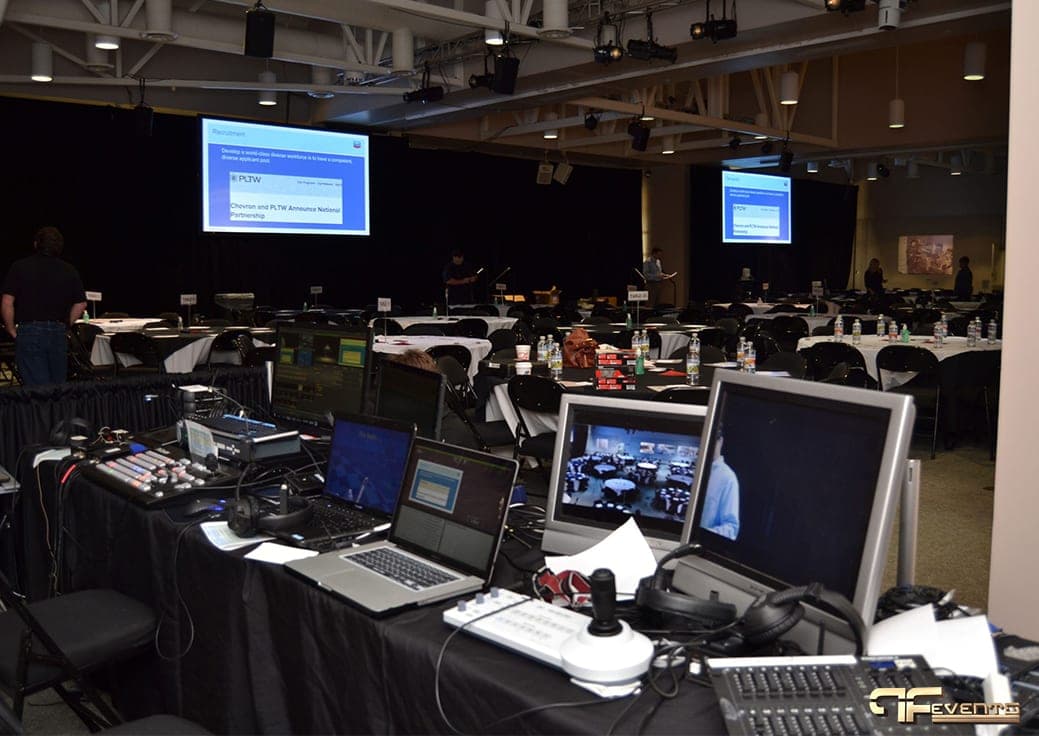
Share the run of show, floor plan and speaker list with your AV team as soon as they exist. The more they know, the fewer surprises on the day.
Step 9: Line Up Vendors, Staff and Risk Plans
Most corporate events depend on several suppliers: venue, catering, AV and production, decor, photography, printing, security and transportation. Collect all their contacts in one place, confirm arrival times and load-in windows, and make sure each vendor knows who the single point of contact is on your side.
Staffing is a common weak point. Map out who will handle registration, speaker care, VIPs, vendor questions and problem-solving, and give each person a clear role.
This is also the time to think through what could go wrong: a speaker cancels, the internet drops during a livestream, a guest needs medical help. Writing down a response for each is far easier now than in the moment. Our event risk assessment guide walks through the process step by step.
Step 10: Promote the Event and Manage Registration
For a small internal event, a clear calendar invite and a reminder may be enough. For larger or external events:
- Build a simple event page or landing page with the date, location, agenda, speakers and registration link.
- Use the channels your audience already reads, whether that is email, internal newsletters, social media or partner networks.
- Keep messaging, naming and hashtags consistent everywhere.
- Send confirmation and reminder messages with practical details: arrival time, parking, transit, dress code and accessibility information.
- Track registrations against capacity, and decide in advance how you will handle a waitlist or walk-ins.
If sponsors are involved, agree early on what they receive in return and how their presence will appear on screens, signage and stage.
Step 11: Rehearse and Run the Day
A rehearsal is where plans meet reality. Walk through the full program with speakers, hosts and the production crew. Test every microphone, slide deck, video, transition and remote connection. Time each segment, and adjust the run of show to match what actually happens. Our event rehearsal checklist covers what a good rehearsal should prove.
On the day itself:
- Check the room, registration area and stage before guests appear.
- Brief your team and key vendors so everyone knows the plan and who to call.
- Keep printed copies of the run of show, contact sheet and floor plan.
- Assign one person to make final calls when something changes.
Step 12: Follow Up, Measure and Debrief
The follow-up is where you prove the event met its objective and collect the lessons that make the next one better.
- Send a thank-you message to attendees, speakers, sponsors and vendors within a few days.
- Run a short survey while the experience is fresh. Ask what worked, what did not, and what people would change.
- Share content. Recordings, slides, photos and key takeaways extend the value of the event for people who could not attend.
- Close out the finances. Settle final invoices and compare actual spending with the budget.
- Hold an internal debrief. Review the objective, the results and the feedback, and write down what to repeat and what to fix.
Planning a Holiday Party or Year-End Celebration?
The steps above apply to celebrations too, with a few differences. Holiday parties land in the busiest weeks of the event calendar, so venues and production crews need to be booked well ahead, and the AV has to carry speeches, videos and a dance floor in the same night. Our guide to corporate holiday party AV covers the sound, lighting and screens in detail.
Frequently Asked Questions
How far in advance should you start planning a corporate event?
It depends on size and complexity. A small internal meeting can come together in a few weeks. A conference, gala or multi-room event usually needs several months, mainly because popular venues, speakers and production crews book up early. Start with the objective and venue, since most other decisions depend on them.
What is the difference between an agenda and a run of show?
An agenda is the public schedule that tells attendees what happens and when. A run of show is the internal production document that lists every cue, speaker change, video and transition, along with who is responsible for each. You need both.
When should you bring in an AV company?
As early as possible, ideally while you are still choosing the venue and format. Your production partner can flag problems with ceiling height, power, sightlines or internet before you commit, and can help size the screens, sound and lighting to the room and the budget.
What is the most common corporate event planning mistake?
Booking the venue before the format and audience are clear. It locks in constraints, such as capacity, layout and technical limits, before you know what the event needs. Close behind are skipping the rehearsal and not leaving enough contingency in the budget.
Plan Your Next Corporate Event With Future's Past Events
Future's Past Events has been producing events across Toronto and the GTA for over 20 years, handling the audio, video, lighting, staging and livestreaming behind conferences, AGMs, town halls, launches and celebrations. If you are early in planning, that is the best time to talk, while the venue, format and budget can still shape each other.
Explore our corporate event production services, or contact Future's Past Events to talk through your next event.
Related posts
Toronto Events Near me
What are the best opportunities for Toronto events near me? We all need a vacation, to relax somewhere to escape. I understand that you are bored with city life because of the many cars in Toronto. But oftentimes we don’t have the economic or time to leave the city. But Future’s Past Events is there […]
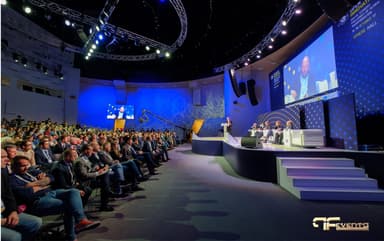
Events as a Marketing Tool for Communication and Promotion
The events (whether an institutional or product, exclusive or mass, for business or cultural) have assumed, in recent years, increasing weight in the marketing and communication policies of companies and bodies that intend to promote their business, product, service, territory, or idea. The main purpose is to generate…
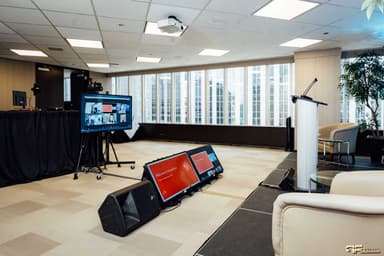
Audio Visual Tips for Virtual Events
Audio Visual Tips for Virtual Events We all have an active life, go to work, school, vacation, and many other things we lose when we are few others. But since 1993 this does not happen anymore, because virtual events enable us to do this. We can just sit where we want to go, at home, […]