Hybrid event planning is harder than it looks. You are not running one event with a camera pointed at it. You are running two experiences at the same time: one for the people in the room and one for the people watching from a laptop, a boardroom, or a phone on another continent. Each audience has different needs, different attention spans, and different ways of losing interest.
The good news is that successful hybrid events follow a repeatable structure. Get four components right and everything else becomes easier. Miss one and the online audience usually feels it first.
If you are still deciding whether a hybrid format suits your event at all, start with our explainer on what a hybrid event is and why organizations choose one. This guide assumes you have already made that call and need to plan it properly.
The 4 Essential Components of Hybrid Event Planning
Every hybrid event, from a town hall to a multi-day conference, rests on the same four pillars:
- Strategy and audience design. Why the event exists, who it serves, and what each audience should experience.
- Venue, production and AV. Cameras, audio, lighting, streaming, and the network that carries it all.
- The virtual attendee experience. The platform, engagement, moderation, and accessibility for remote viewers.
- Run of show, rehearsal and post-event follow-through. The timing, the practice, and what happens to the content and data afterward.
Component 1: Strategy and Audience Design
Start with the goal, not the technology
Do not begin by shopping for a streaming platform. Start with the business goal. Are you reaching staff in several offices, generating leads, delivering training, or including members who cannot travel? The answer shapes almost every later decision, from how many cameras you need to whether sessions are live or on demand. Write it down in a sentence or two and share it with your production partner, speakers, and sponsors.
Design for two audiences, not one
In-person guests get the room: the energy, the coffee breaks, the hallway conversations. Remote viewers get whatever you deliberately build for them. If you do not plan their experience, they get a wide shot of a stage and muffled audio.
For each part of the agenda, ask what the in-room audience will do and what the online audience will do. A long panel can work in the room, but online viewers may need a shorter segment, on-screen graphics, or a moderator who brings their questions forward.
Decide what is live, recorded, or on demand
Not every session has to be streamed live at the moment it happens in the room. Many planners mix three formats:
- Live sessions streamed as they happen, best for keynotes, announcements, and anything with real-time interaction.
- Pre-recorded sessions with the speaker available live for questions afterward, which gives you polished content and lower technical risk.
- On-demand content released after the event, often for a defined window so viewers still feel a reason to watch soon.
Plan registration, communication and sponsors for each group
Create separate registration paths so each group gets the right information. In-person guests need venue, parking, and arrival details. Virtual guests need the access link, time zone, technical requirements, and a contact for help. Keep branding and messaging consistent across both so it feels like one event. Virtual registrations often arrive late, so keep online sign-up open and plan reminders close to the date.
If sponsorship matters, agree early on how sponsors will reach remote viewers as well as guests in the room: on-screen recognition, a sponsored segment, or a virtual booth or meeting room.
Component 2: Venue, Production and AV
This is where hybrid events succeed or fail technically. A virtual audience experiences your event entirely through the camera and microphones, so production quality is not a nice extra. It is the event.
Choose a venue with hybrid in mind
When you tour venues, look beyond the room capacity and decor. Ask about:
- Dedicated, wired internet for the stream, separate from guest Wi-Fi
- Upload speed, not just download speed
- Space for a technical table or control area with sightlines to the stage
- Camera positions that do not block the in-room audience
- Power availability near the stage and control area
- Control over room lighting, including the ability to turn off or dim specific zones
- Noise from air handling, kitchens, or neighboring rooms
Cameras
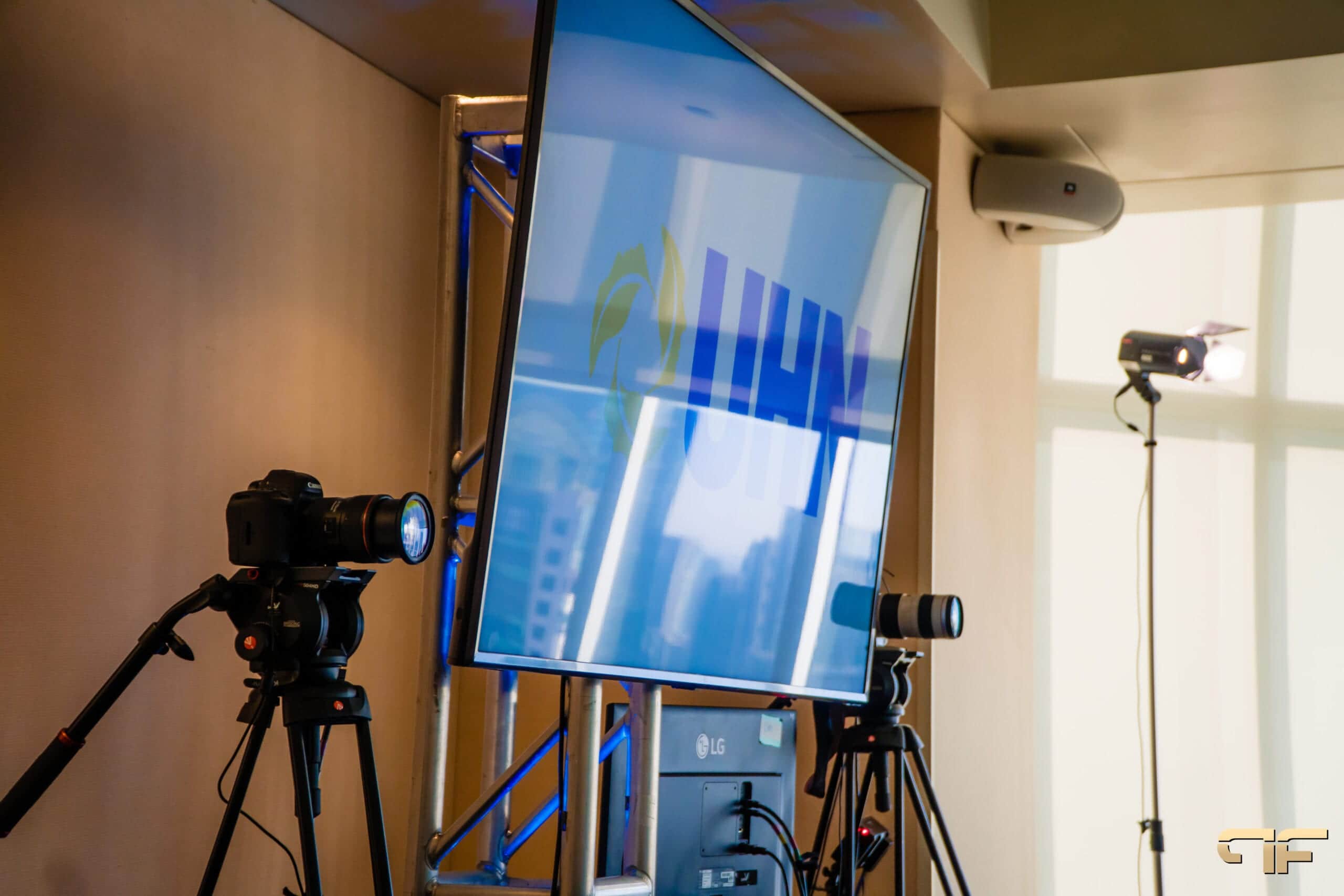
A single locked-off camera at the back of the room is rarely enough. Most hybrid events need at least two angles: a tight shot of the presenter and a wider shot of the stage. Panels may need a third so viewers can see who is speaking. Someone has to switch between those shots, and camera positions should be planned with your staging and seating so they have clear sightlines without blocking guests.
Audio
Online viewers forgive imperfect video far more readily than poor audio. Everyone who speaks should be on a microphone, including audience members asking questions. The room mix and the stream mix are often handled separately, because what sounds right in the room does not always sound right online.
If remote speakers will join live, you also need a clean way to bring their audio into the room and send the room audio back to them without echo.
Lighting
Cameras need more, and more even, light than the human eye. Light presenters from the front, keep the background darker than their faces, and ask speakers to avoid busy patterns that flicker on camera.
Streaming and bandwidth
The stream needs a reliable, dedicated internet connection with enough upload capacity for your video quality, plus a backup. Do not share the stream connection with attendee Wi-Fi. Our guide to event bandwidth requirements covers how to size the connection, what to ask the venue, and how to build a backup layer such as a second line or bonded cellular.
Record locally as well as streaming. If the connection drops, you still have a clean recording to publish afterward.
Staffing the production
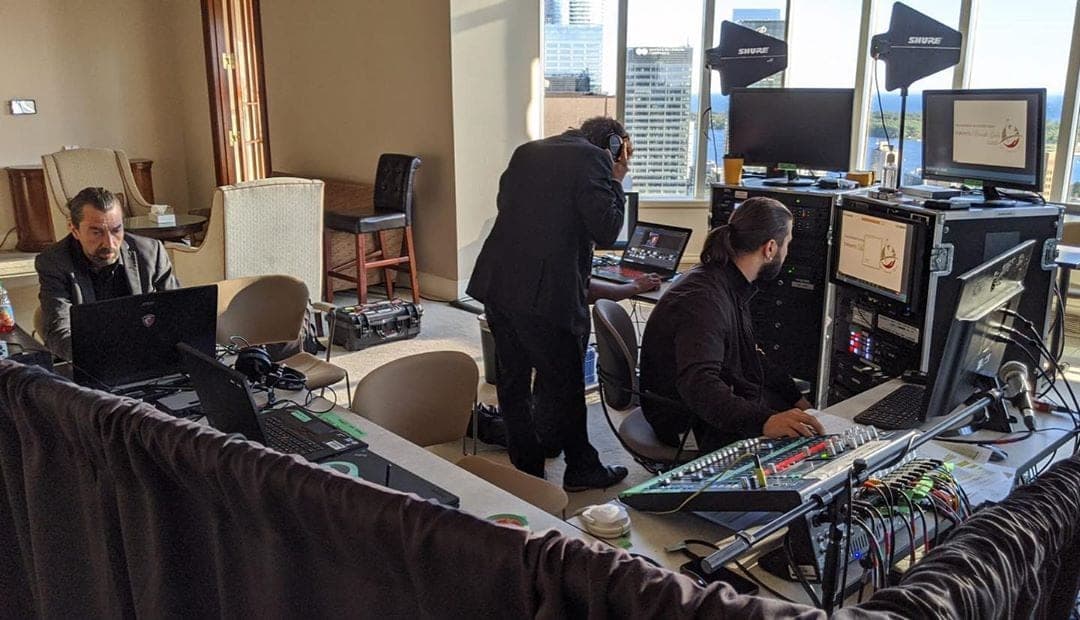
A hybrid event needs more technical people than an in-person event of the same size. A typical crew might include a technical director, camera operators, an audio engineer, a streaming or platform operator, and someone dedicated to remote speakers. For a deeper look at how production supports online audiences, see our AV production guide for virtual events.
Component 3: The Virtual Attendee Experience
Choose the platform for the audience, not the feature list
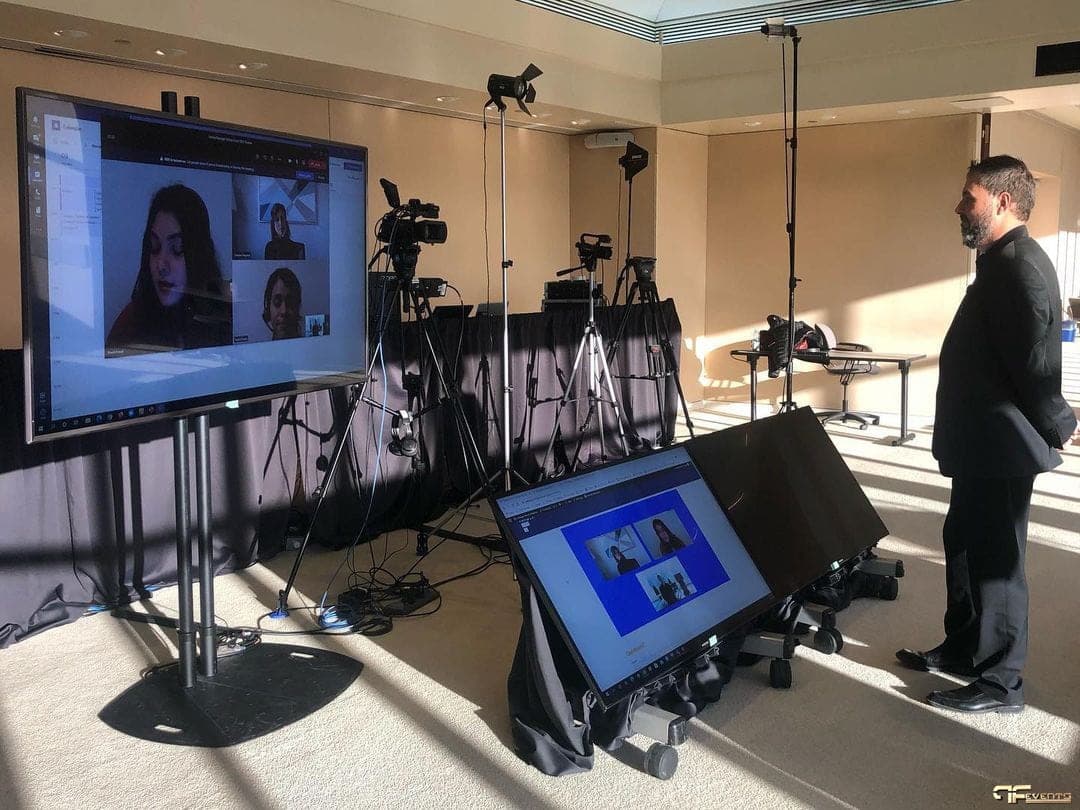
Your platform might be a meeting tool such as Zoom or Teams, a stream embedded on your website, or a dedicated event platform. The right choice depends on audience size, how much interaction you need, and how comfortable your audience is with technology. A simple platform everyone can open without help usually beats a complex one. Test the attendee view on phones and different browsers, not just the production laptop.
Give virtual attendees their own host
One of the most effective things you can do is assign a dedicated host or moderator for the online audience. This person welcomes remote viewers, explains what is coming next, relays their questions to the stage, and fills breaks with useful content instead of a static holding slide. It makes online attendees feel that someone is looking after them.
Build engagement into the agenda
Engagement should be planned, not hoped for. Useful tools include:
- Live polls that both audiences answer, with results shown on screen in the room
- Q&A where online questions are given equal priority with in-room questions
- Chat that a moderator actively monitors and responds to
- Breakout discussions for virtual attendees during in-room networking time
- Short sessions with breaks, since screen fatigue sets in faster than room fatigue
Where possible, connect the two audiences. Show online comments on a screen in the room, invite a remote participant to ask a question on camera, or pair in-room and online attendees in a shared activity.
Networking for remote attendees
Networking does not happen by accident online. Consider virtual networking rooms, topic meet-ups, or sponsor office hours, and encourage exhibitors to staff the virtual side as well as the physical booth.
Accessibility
Hybrid events can include people who could never attend in person, but only if the online experience is accessible. Plan for live captions, readable slides, clear audio, a recording to watch later, and presentation materials that are easy to download.
Component 4: Run of Show, Rehearsal and Post-Event Follow-Through
Write a run of show that covers both audiences
A hybrid run of show needs more detail than a standard agenda. It should list every cue for both the room and the stream: walk-in music, holding slides, camera changes, remote speaker connections, polls, video playback, and what the online audience sees during breaks. Our guide to the run of show for corporate events explains how to build one that your whole crew can follow.
Rehearse with the real setup
A rehearsal is where hybrid problems surface. Test every remote speaker connection, every video clip, every microphone, and the full streaming path from the room to the platform as a viewer would see it. Run at least the opening, transitions, and any segment with remote participants in real time. Use our event rehearsal checklist to make sure nothing is skipped.
Give speakers time to practice for both audiences. Presenters used to a live room often forget the camera or point at slides the online audience cannot see.
Prepare a backup plan
Decide in advance what happens if something fails. If the stream drops, who tells the online audience, and where? If a remote speaker cannot connect, is there a pre-recorded version? Write the answers down and make sure the people responsible know them.
Use the content and data afterward
A hybrid event produces recordings, poll results, and attendance data. Use them:
- Publish session recordings for registered attendees, either indefinitely or for a set window
- Cut shorter clips for social media and future promotion
- Send a post-event survey to both audiences and compare their experience
- Follow up with attendees who were highly engaged, asked questions, or visited sponsors
- Share engagement data with sponsors so they can see the value of the virtual audience
The feedback from this event is the best planning tool you will have for the next one.
Questions to Answer Before You Plan a Hybrid Event
Use this checklist at the start of hybrid event planning. If you cannot answer a question yet, it tells you where to focus next.
- What is the main goal of the event, in one sentence?
- Who is the audience, and how many will attend in person versus online?
- Is there a strong reason for people to meet face to face?
- Which sessions will be live, which pre-recorded, and which on demand?
- Will in-person and online sessions happen at the same time, or will some be scheduled separately?
- How will content be adapted for online attention spans?
- What platform will remote attendees use, and how familiar are they with it?
- Does the venue have dedicated, wired internet with enough upload speed, plus a backup?
- How many camera angles, microphones, and lighting positions do you need?
- Who will host and moderate the virtual audience?
- How will online attendees ask questions, network, and interact with sponsors?
- What do sponsors and exhibitors need from the virtual side?
- Will the hybrid format need extra internal planning resources or staff?
- Do registration and marketing need different messaging for each audience?
- What accessibility features, such as captions, will you provide?
- What is the backup plan if the stream, a speaker connection, or the platform fails?
Common Hybrid Event Planning Mistakes
Most hybrid problems are predictable. The most common ones include:
- Treating the stream as an afterthought. A camera at the back of the room is not a hybrid event.
- Sharing one internet connection for everything. The stream should never compete with attendee Wi-Fi.
- Forgetting the online audience during breaks. A frozen holding slide for 30 minutes tells viewers to leave.
- No microphone for audience questions. Remote viewers hear silence followed by an answer to a question they never heard.
- Skipping the full rehearsal. Remote connections and video playback are where surprises live.
We cover several of these in more detail in the major mistakes to avoid for hybrid events.
Frequently Asked Questions About Hybrid Event Planning
How far ahead should I start planning a hybrid event?
Start as early as you would for an in-person event of the same size, and bring your AV and production partner in before you sign the venue contract. Network, power, and camera positions are much easier to solve before the venue is locked in.
Do I need a dedicated event platform?
Not always. Smaller internal events often work well on familiar meeting tools. Larger events with networking, sponsors, or multiple tracks may benefit from a dedicated platform. Choose based on what your audience needs to do.
How many cameras does a hybrid event need?
It depends on the format. A single presenter can be covered with two angles. Panels, award presentations, and events with audience interaction usually need more. Your production team can recommend a camera plan once they see the agenda and the room.
Planning Your Next Hybrid Event
Strong hybrid event planning comes down to four things: a clear strategy for two audiences, production that makes the event look and sound right on screen, a virtual experience that someone actively manages, and a run of show that has been rehearsed with the real setup. Get those right and both audiences leave feeling they were part of the same event.
Future's Past Events has been producing live events in Toronto and the GTA for over 20 years, and our hybrid event production services cover cameras, audio, lighting, streaming, and on-site technical crews. If you are planning a hybrid event and want a production partner involved from the start, contact our team to talk through your goals, venue, and audience.
Related posts
How to Organize an Inclusive Hybrid Event in 5 Easy Steps
One of the many advantages hybrid events offer for in-person and virtual participants is the option to participate on one’s terms and in ways appropriate for each person’s particular requirements. Future’s Past Events has the necessary experience to organize an inclusive hybrid event that is accessible for all guests,…
Organizing A Virtual Event In 2022-Our 10 Smart Tips
Organizing a virtual event has become extremely essential for many businesses over the past few years. Virtual business events are probably going to continue even as things eventually return to “normal.” Organizations have learned there are many advantages to having meetings, conferences, and other events online, from…
Hybrid Trade Shows: Best Ideas and Practices
Imagine holding a trade show where you not only get to service your actual audience, but you also get to deliver a fantastic virtual trade show experience. With such a fragmented industry, marketers devised a new strategy: hybrid trade shows. Hybrid trade shows are defined as dynamic event that provides virtual…