
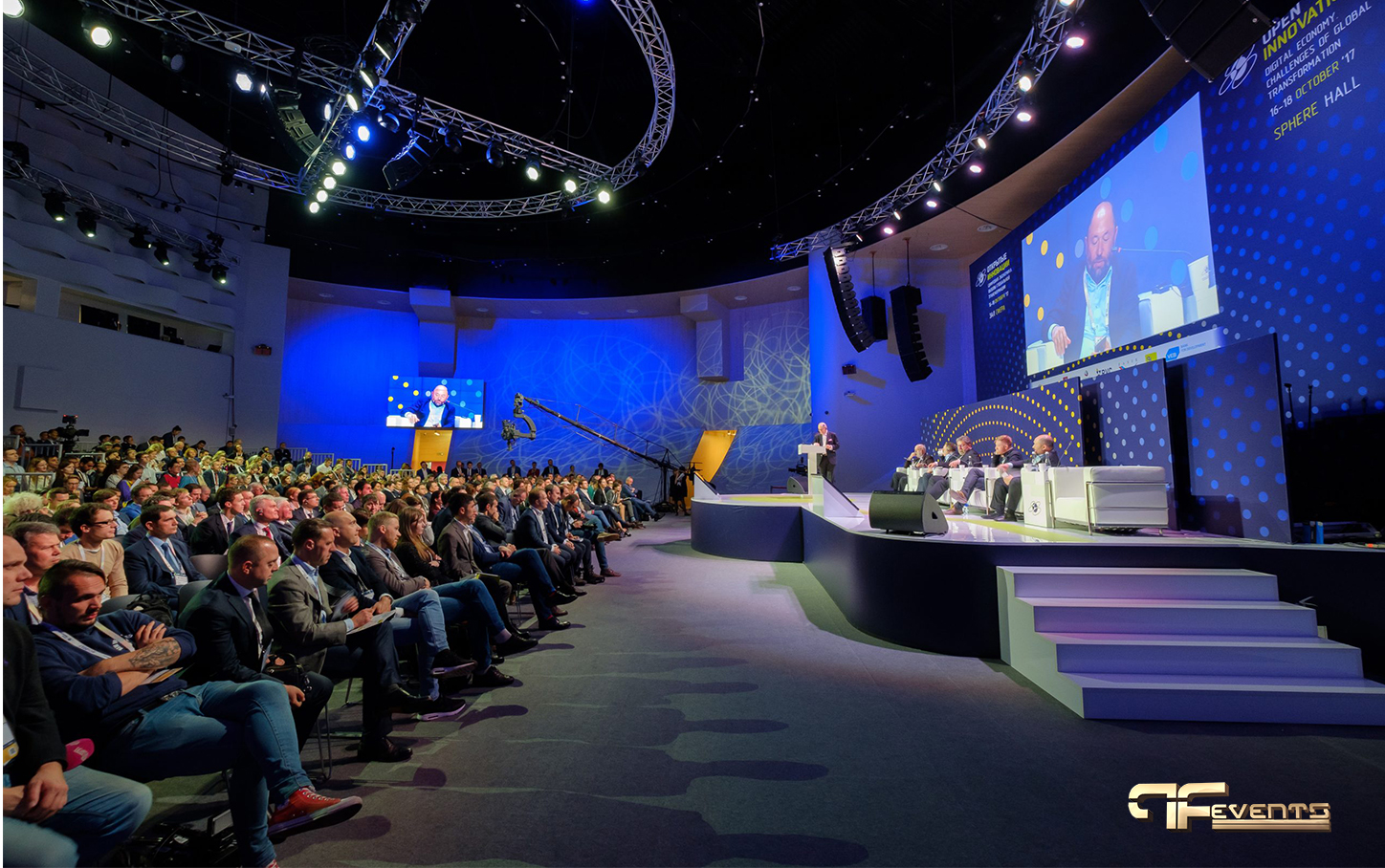
Event bandwidth requirements are one of the most overlooked parts of event planning.
That is surprising, because internet performance now affects almost every part of an event. It shapes livestream quality, presenter confidence, audience engagement, registration flow, sponsor activations, remote participation, and even how polished your brand feels in the room.
A few years ago, many events could survive with basic venue Wi-Fi and a simple projector setup. That is no longer the case. Today, a corporate conference may include a livestream, a remote keynote, live polling, digital registration, audience devices, presentation downloads, sponsor demos, and multiple content feeds running at the same time.
That is why event bandwidth requirements need to be planned early, not treated as a last-minute technical check.
If you have already been thinking about production quality, you have probably seen how much technology expectations have changed in modern corporate AV planning.
Why Event Bandwidth Requirements Matter More Than Ever
Good production can still fail if the connection behind it is weak.
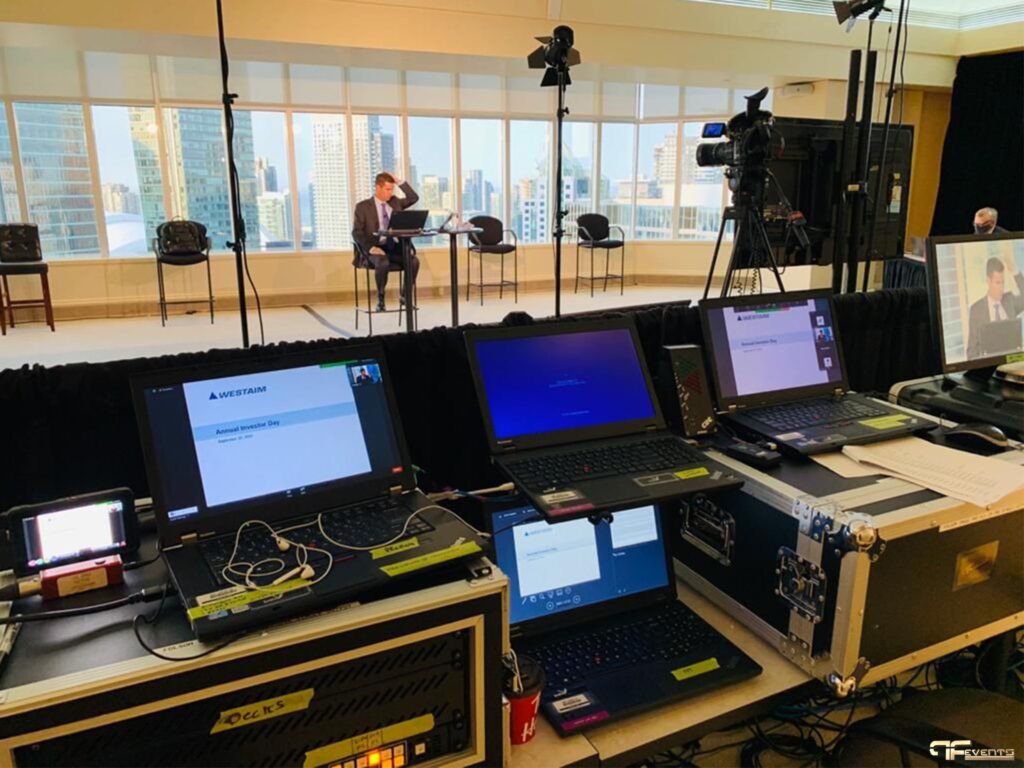
You can have excellent cameras, strong microphones, clean staging, and polished content, but if the network is unstable, the audience will remember the freezes, buffering, lag, audio dropouts, and awkward pauses.
This matters even more for organizations running hybrid events. In a hybrid format, internet is not just a convenience. It is part of the show. Remote speakers depend on it. Virtual attendees depend on it. The production team depends on it. Your event app, cloud presentation files, and live audience interactions may depend on it too.
In practical terms, event bandwidth requirements now affect five major experience layers.
1. Livestream delivery
Your outgoing stream needs stable upload speed, not just decent download speed. This is where many event teams get caught off guard.
2. Remote presenter feeds
A hybrid event may involve panelists joining from other cities, executives dialing in from home, or clients appearing virtually from another office. That adds two-way bandwidth pressure.
3. Attendee Wi-Fi demand
Even if your audience is not supposed to be using much internet, they will still connect phones, open email, check LinkedIn, upload stories, and access event materials.
4. Event operations
Registration desks, payment systems, check-in tools, cloud-based show files, digital signage, and polling platforms all compete for connectivity.
5. Sponsor and exhibitor activity
For trade show production, event bandwidth requirements get even heavier. Booth demos, lead capture tools, QR interactions, and video playback can multiply demand quickly.
When you view the network as part of the guest experience instead of background infrastructure, planning gets much sharper.
The Traffic Streams Most Planners Forget
One of the biggest reasons event bandwidth requirements get underestimated is that teams only count the livestream.
That is a mistake.
A realistic bandwidth plan should also consider:
- The production team uploading graphics, videos, and updated show assets
- Speakers downloading revised presentations
- Audience polls and event apps refreshing in real time
- Translation, captioning, or transcription tools
- Media teams posting live content
- Sponsor activations that rely on web-based demos
- Backup recordings syncing to cloud platforms
- Zoom, Teams, or webcast return feeds for remote participants
This is why a venue that says, “Yes, we have Wi-Fi,” has not really answered the question.
If you are still evaluating spaces, pair internet planning with your event venue checklist. Internet capacity should sit right beside loading access, room layout, power, and audience flow on your planning list.
How to Estimate Event Bandwidth Requirements
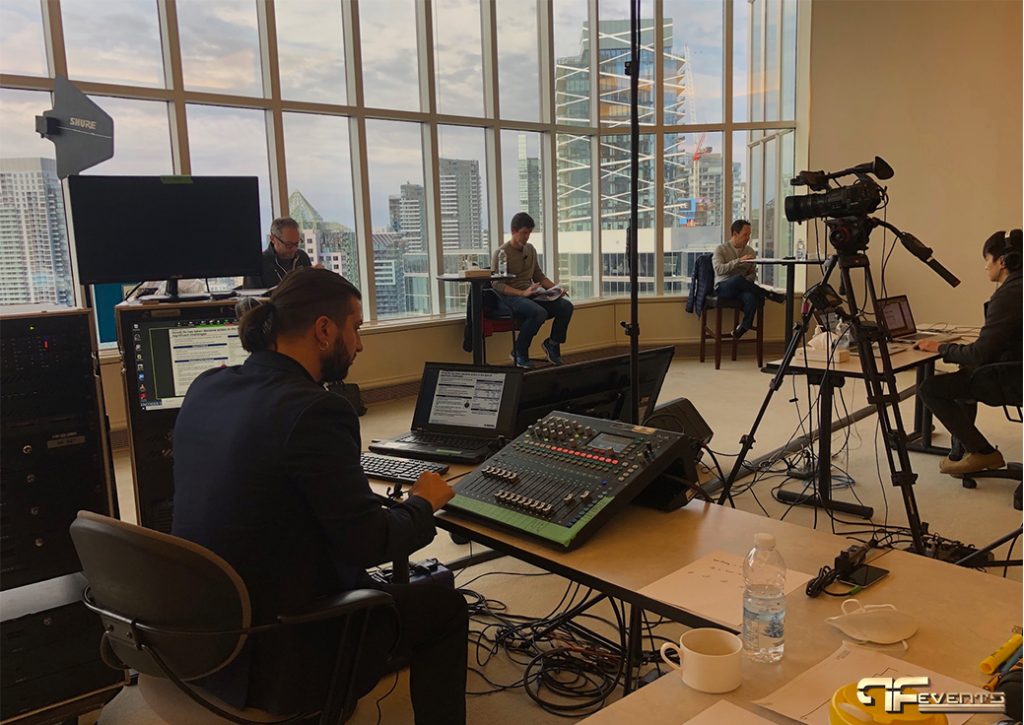
The cleanest way to estimate event bandwidth requirements is to break the event into functions.
Think in layers, not in one total guess.
Step 1: Identify mission-critical tasks
Start with the items that absolutely cannot fail.
That usually includes the livestream, the show caller’s systems, presentation playback, registration, and any remote presenter connections.
These tasks should get first priority.
Step 2: Separate upload from download
Most venues advertise download speed because it sounds impressive.
For event bandwidth requirements, upload speed is often the more important number. If you are sending video out to a platform, pushing files to cloud systems, or supporting remote presenters, upload capacity matters most.
Step 3: Estimate peak use, not average use
Do not ask what the internet will look like for the full day.
Ask what happens during the keynote, the product demo, the panel with remote guests, the exhibitor rush, or the moment everyone opens the event app at once. Your event bandwidth requirements should be built around peak moments.
Step 4: Add headroom
Even when your math looks correct, leave room for reality.
A practical planning approach is to add extra capacity so the network is not running close to the limit. That margin protects you from unexpected device load, bitrate spikes, or platform changes.
Step 5: Separate public and production traffic
If your livestream is sharing the same connection as hundreds of attendee phones, you are creating a risk you do not need.
A smarter plan is to isolate production traffic from guest usage whenever possible.
As a simple guide, a small meeting with cloud presentations usually needs a stable wired connection with some extra headroom. A single-camera livestream needs dedicated upload capacity reserved for production. A hybrid panel discussion works better with a separate production network and separate attendee Wi-Fi. A larger conference with app-driven engagement benefits from segmented traffic and priority bandwidth. A sponsor-heavy show often needs a custom plan based on booth demos, lead capture, streaming, and guest usage.
That is not a replacement for a technical assessment, but it is a much better planning framework than guessing.
Do You Need Dedicated Internet or Is Venue Wi-Fi Enough?
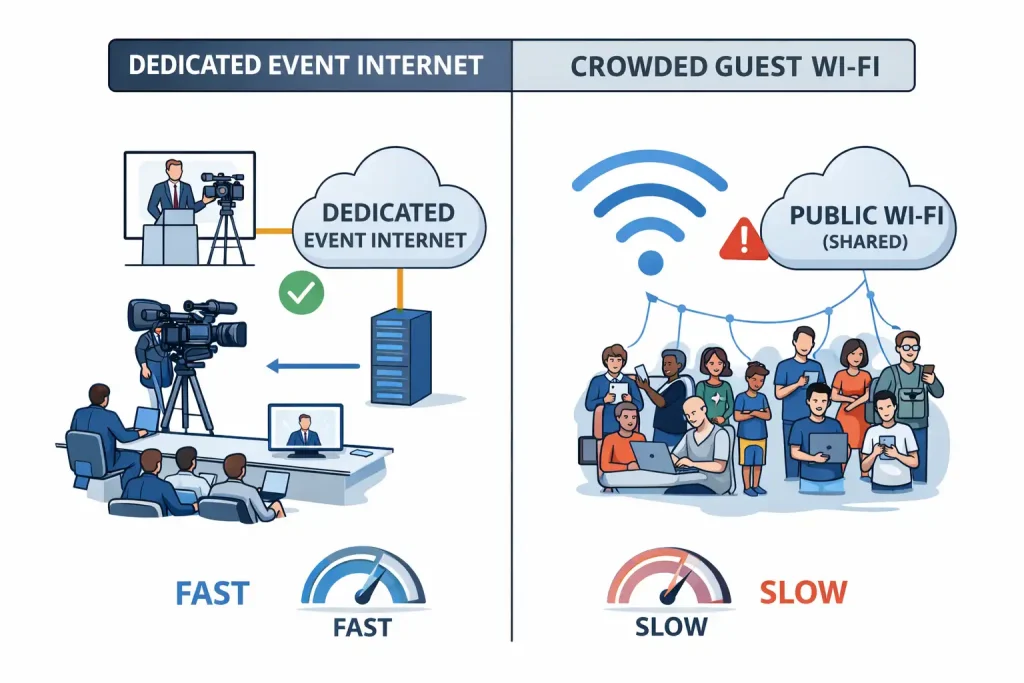
This is one of the most common questions planners ask.
The honest answer is that sometimes venue Wi-Fi is enough, but often it is not enough for anything mission-critical.
If your event is a simple internal meeting with minimal online activity, the house network may be perfectly fine.
If your event includes livestreaming, remote participation, sponsor demos, digital check-in, or time-sensitive presentations, dedicated internet is usually the safer choice.
When shared venue Wi-Fi can work
- The audience is small
- There is no live broadcast
- Remote participation is limited
- The consequences of a slowdown are minor
- The venue can clearly explain how its network is managed
When dedicated internet is the better move
- You are sending a live stream off-site
- Executives or clients are joining remotely
- The event is branded, public-facing, or high-stakes
- Booths or sponsors need reliable access
- You need predictable performance during a keynote or launch
A useful question to ask is not, “Do we have internet?” but, “Who else is sharing it, and what can affect us?”
That one question changes the entire discussion around event bandwidth requirements.
For planners running multi-layer productions, it also helps to coordinate internet planning with AV rentals, audio visual support, lighting design, and staging early, because all of those departments intersect during setup and show flow.
How Much Upload Speed Is Enough for a Livestream?
Another frequent question is whether there is one correct upload speed.
Not really.
Event bandwidth requirements depend on your stream resolution, frame rate, platform, redundancy plan, and what else is sharing the network. A single-camera 720p stream needs far less than a polished multi-camera 1080p program with remote guests and simultaneous platform outputs.
As a planning rule, your available upload should comfortably exceed your target streaming bitrate rather than just barely match it.
For technical reference, it helps to review YouTube Live bitrate recommendations, Zoom system requirements, and Microsoft Teams network planning guidance before finalizing your streaming setup.
A simple way to think about it is this:
- Lower production complexity gives you more flexibility
- Higher quality video requires more stable upload
- Multi-camera programs need more cushion
- Remote presenters and return feeds increase pressure
- Backup recording and simultaneous streaming increase demand further
If a speaker is joining remotely, it is also worth reviewing presenter-side best practices. Even the best event bandwidth requirements plan can be weakened by a remote panelist on unstable home Wi-Fi.
Common Mistakes That Break Event Bandwidth Requirements
Most event internet failures are not caused by one dramatic technical problem.
They usually come from a few small assumptions stacking up.
Mistake 1: Trusting a speed test from another day
Venue conditions change. Network load changes. Nearby events change. Test the actual connection as close to show time as possible, and test from the actual room.
Mistake 2: Only checking download speed
A venue may show impressive download numbers and still struggle to support your outgoing livestream.
Mistake 3: Letting guest traffic share production bandwidth
If attendees are free to use the same connection as your stream, you are giving up control at the exact moment you need control most.
Mistake 4: Ignoring exhibitor or sponsor needs
At conferences and exhibits, one sponsor running a heavy web demo or large download can affect the environment around them. This is especially important if you are trying to improve results from trade show participation.
Mistake 5: Not asking about wired access
Wi-Fi is convenient, but wired access is usually more stable for mission-critical production traffic.
Mistake 6: No backup plan
If your primary connection fails, what happens next? If the answer is “we hope it comes back,” your event bandwidth requirements plan is incomplete.
The Venue Questions You Should Ask Before Signing Off
A strong venue conversation can save you from expensive surprises later.
Ask questions like:
- Is there dedicated wired internet available for production?
- Is the advertised speed shared or reserved?
- What other rooms or events may be using the same network?
- Can attendee Wi-Fi be separated from production traffic?
- Can the venue provide static IPs if needed?
- Where are the network drops in relation to stage, control, and registration?
- Who is the on-site network contact on show day?
- What is the backup option if the primary connection fails?
These questions fit naturally beside broader venue planning decisions. It also helps to review stage and lighting considerations and audio equipment planning, because internet performance should never be planned in isolation from the rest of production.
Sample Breakdowns for Different Event Types
Corporate AGM or leadership meeting
This kind of event often looks simple from the outside, but it may involve presentation laptops, confidence monitors, cloud-hosted files, audience Wi-Fi, recording, and a stream for remote stakeholders.
The smart move is to prioritize the presentation path and stream first, then separate attendee internet from the production network.
If the event is formal and reputation-sensitive, that separation is usually worth it.
Hybrid conference
Hybrid event bandwidth requirements are heavier because the room is serving two audiences at once.
You may need livestream output, remote presenter return feeds, Q&A moderation tools, polling or chat platforms, captioning or translation, on-demand recording uploads, and speaker prep zones with reliable connectivity.
This is one reason so many organizers now treat hybrid production as a specialized service rather than a DIY add-on. If your event includes remote speakers, webcasting, or a virtual studio workflow, the operational planning starts to overlap with the work behind virtual studios and professionally produced livestream events.
Tradeshow booth or brand activation
Trade shows introduce a different challenge.
Instead of one central stream, you may have many small bandwidth users at once: demo stations, QR scans, lead retrieval apps, video loops, interactive displays, and staff devices.
That is why event bandwidth requirements for trade shows should be discussed booth by booth, not just event wide.
Special event or branded launch
A branded event may not look technical, but it can still have digital demands. Guest check-in, media uploads, live photo sharing, content playback, and social coverage all add up.
If the event design includes layered visuals or immersive staging, the internet plan should support the experience rather than sit behind it as an afterthought.
The Backup Plan Every Event Should Have
A complete event bandwidth requirements plan always includes backup.
Not because failure is guaranteed, but because events are live and stakes are real.
A solid backup strategy might include:
- A second dedicated line
- A bonded cellular option
- Local recording even if the stream drops
- Downloaded presentation files instead of cloud-only access
- A clear failover process the team has rehearsed
- An on-site technician who owns connectivity during the show
Even a modest event can benefit from simple redundancy.
The goal is not just to avoid disaster. It is to keep the audience unaware that anything almost went wrong.
Why This Topic Matters for Future’s Past Events Clients
For organizations planning corporate meetings, hybrid conferences, trade shows, livestreams, or branded events in Toronto and the GTA, event bandwidth requirements should be part of the production conversation from day one.
That is where working with an experienced partner makes a difference.
At Future’s Past Events, the value is not just equipment. It is the coordination that makes the whole show feel seamless. A team that understands event production strategy, corporate event execution, hybrid event production, trade show environments, special events, and real-world event delivery can spot bandwidth risks before they become live problems.
That means asking the right venue questions, separating mission-critical traffic, matching the network to the show format, coordinating with AV rentals, audio visual support, lighting design, and staging, and building practical backup layers into the plan.
If you are planning an event and want help aligning connectivity, production, rentals, and on-site execution, explore the full range of services, review the FAQs, or contact Future’s Past Events to start the conversation early. The earlier event bandwidth requirements are addressed, the easier it becomes to deliver a polished, stress-free event experience.
Comments are closed.