
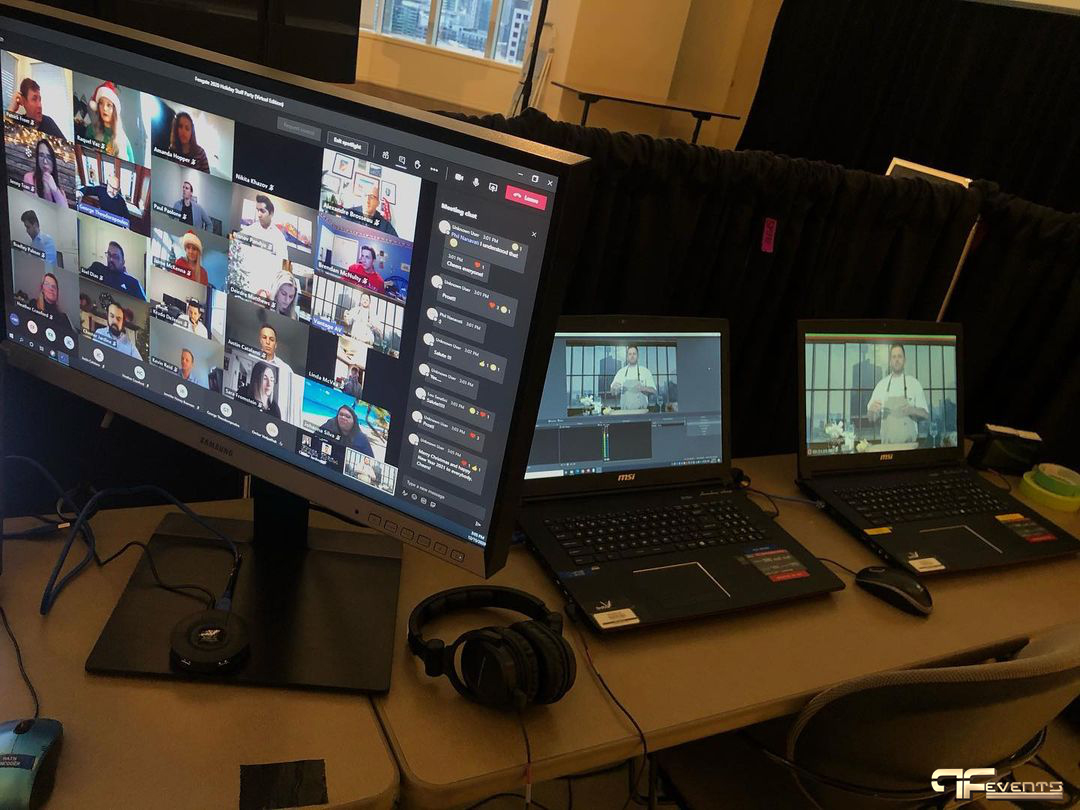
Event run of show planning is one of the clearest differences between an event that feels polished and an event that feels rushed. Guests may never see the document itself, but they feel the result in every transition, every lighting cue, every speaker handoff, and every moment that starts on time.
A strong event run of show does more than list what happens next. It aligns planners, presenters, technicians, venue teams, and client stakeholders around one working version of the day. That matters even more now, when many events blend in-room audiences with livestreams, remote speakers, LED content, walk-on music, sponsor moments, and branded visuals.
For companies planning meetings in Toronto and the GTA, this document often becomes the backbone of the entire production. It supports corporate events, keeps hybrid events from drifting, and brings structure to trade show production, keynote sessions, galas, and multi-speaker conferences.
If you already have an agenda, you may wonder whether that is enough. In most cases, it is not. An agenda tells attendees what is happening. An event run of show tells your team exactly how it will happen.
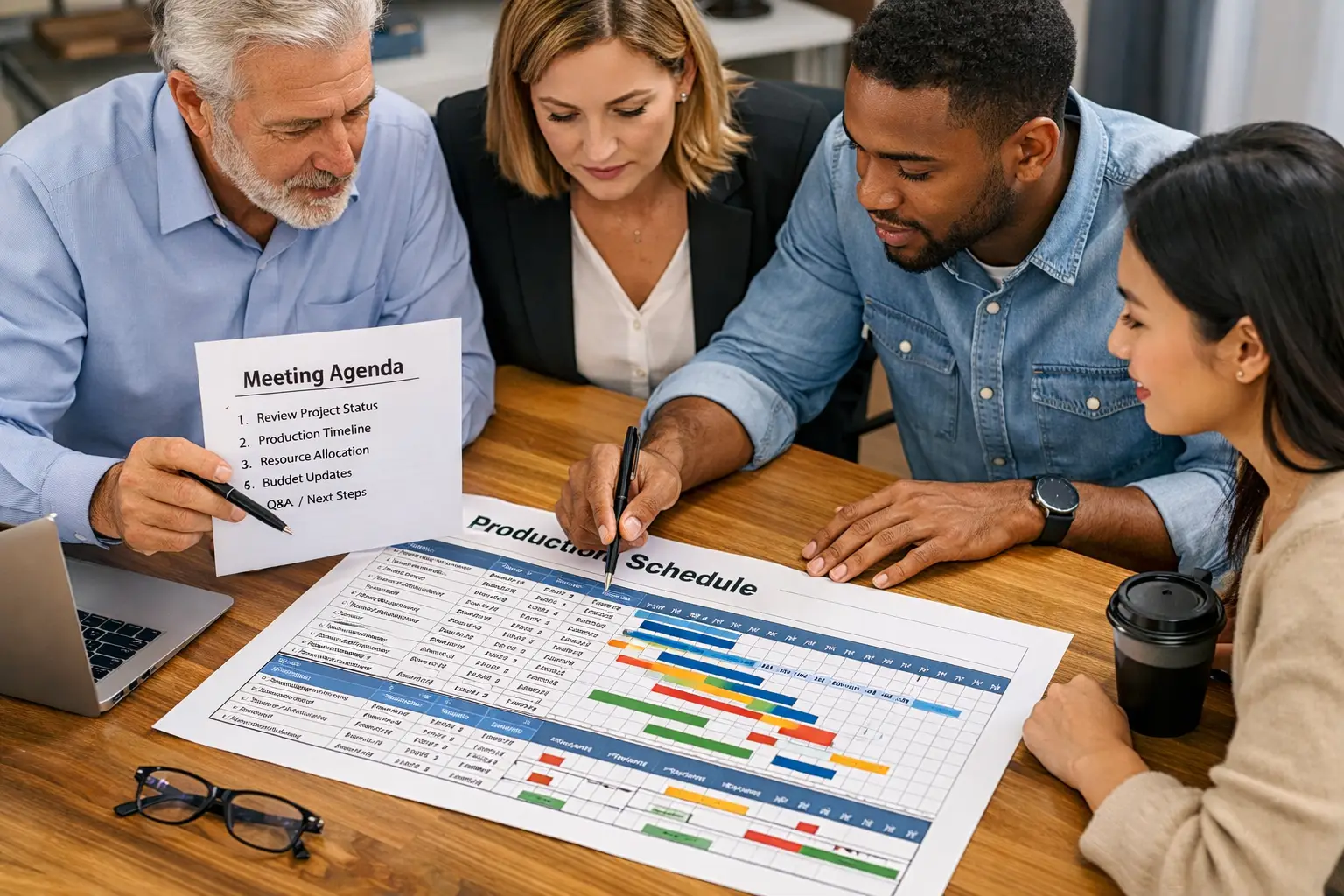
What an Event Run of Show Really Is
An event run of show is a detailed production timeline that maps out the event minute by minute, or in some cases second by second. It includes the sequence of content, the people responsible, the technical cues, and the contingency notes that keep the day moving cleanly.
Think of it as the operating system behind the guest experience.
It usually covers items such as:
- doors open and guest arrival
- walk-in music and pre-show visuals
- speaker entrances and exits
- presentation start times
- video playback cues
- lighting changes
- microphone handoffs
- remote speaker connections
- break transitions
- closing remarks and room reset
A common question is whether this is the same thing as an agenda.
Not quite.
Your agenda is guest-facing. Your event run of show is team-facing. One is designed for communication. The other is designed for execution.
| Document | Main purpose | Who uses it most | Level of detail |
|---|---|---|---|
| Agenda | Shows attendees what is happening | Guests, speakers, sponsors | High level |
| Run of show | Tells the team how the event is executed | Producers, AV crew, planners, venue staff | Detailed and operational |
If your team is running projection, audio, staging, decor, streaming, or speaker support, the event run of show should be treated as a live working document, not an afterthought.
Why an Event Run of Show Matters More Than Ever
The reason an event run of show matters more today is simple: events are more layered than they used to be.
A single morning conference can now include a registration app, branded welcome content, a CEO keynote, a sponsor reel, live polling, a remote panelist joining by video, a lunch reset, breakout sessions, social clips for post-event use, and a closing call to action. Each of those moments needs timing, ownership, and technical clarity.
That is why recent topics on the Future’s Past Events blog, such as AV technology in 2026 and event bandwidth requirements, matter so much in pre-production. The more technology you add, the more important timing and cue discipline become.
For example, if a remote speaker joins a session late, does the moderator stretch? Does the show caller hold walk-on music? Does the screen switch to a holding slide? Does the livestream team keep the current camera up or move to a wide shot?
If those decisions are not inside the event run of show, the team starts improvising under pressure.
That is when audiences notice awkward pauses, dead air, and visual confusion.
It is also why the document should be finalized early enough to support venue conversations, content deadlines, and rehearsals. If you are still choosing a space, this should happen alongside your venue review. The site’s guide on choosing the right event venue pairs well with this step, because room layout, loading access, ceiling height, and in-house infrastructure all affect your show flow.
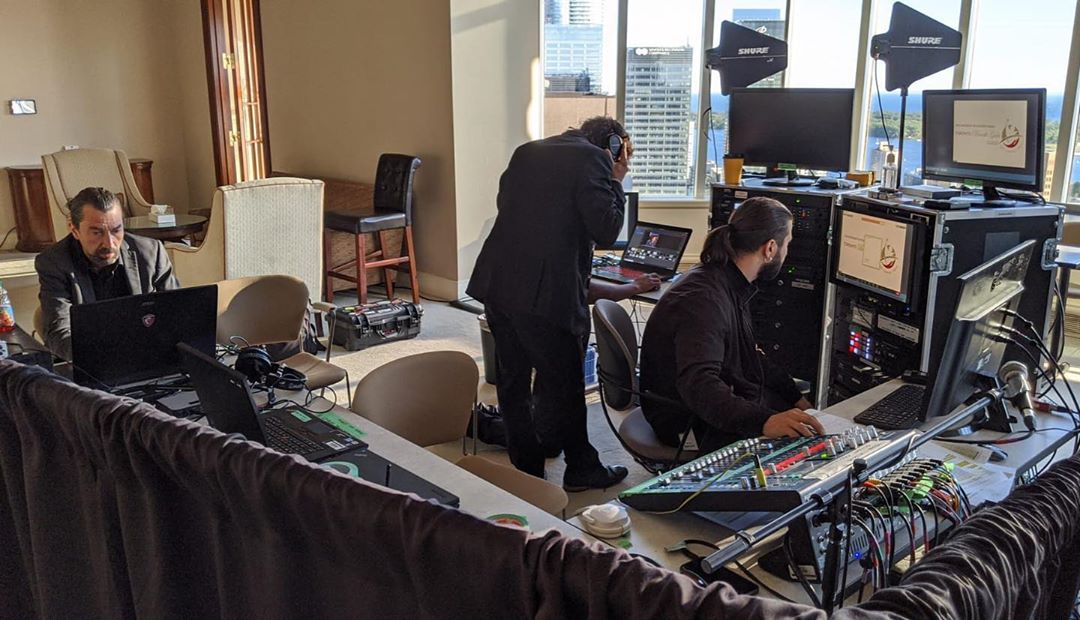
The 10 Details Every Event Run of Show Should Include
Every team formats things a little differently, but the best event run of show documents usually include the same core building blocks.
1. Exact timing
Use real start times, not vague blocks. “Opening remarks” is not enough. “9:02 a.m. to 9:07 a.m.” is better. That precision helps everyone understand what is tight and what has flexibility.
2. Segment name
Name the section clearly. Opening video, sponsor message, panel discussion, live demo, audience Q&A, awards walk-up, lunch release, or room turnover all need labels people can scan quickly.
3. Segment owner
Every line should have a person or team attached to it. If nobody owns it, it usually gets missed.
4. Technical cues
Your event run of show should note the audio, video, lighting, and staging actions tied to each moment. That may include mic changes, content playback, stage wash shifts, lower-third graphics, remote speaker handshakes, or confidence monitor prompts.
5. Content source
Where is the asset coming from? A show laptop? A speaker laptop? A media server? A webcast platform? If a video rolls from the wrong machine or the wrong version is loaded, the mistake usually traces back to missing source notes.
6. Presenter notes
Include arrival times, hold positions, walk-on direction, lectern use, teleprompter needs, handheld versus lav choice, and who is escorting them. Small speaker notes save major stress.
7. Room and stage notes
This section is especially useful for events using staging, lighting, or decor. It helps the whole team understand where scenic elements, sponsor signage, furniture, confidence monitors, and cue points sit in the room.
8. Backup plan
If your event run of show misses one thing consistently, it is usually the fallback. What happens if a speaker is late, a video does not load, or a remote connection drops? Good teams document the backup move before show day.
9. Contact chain
List the people the team may need in the moment. That can include the client lead, producer, show caller, technical director, venue contact, registration lead, and speaker wrangler.
10. Version control
This seems small until it is not. Every event run of show should include a version date or revision marker so the whole team knows they are working from the latest file.
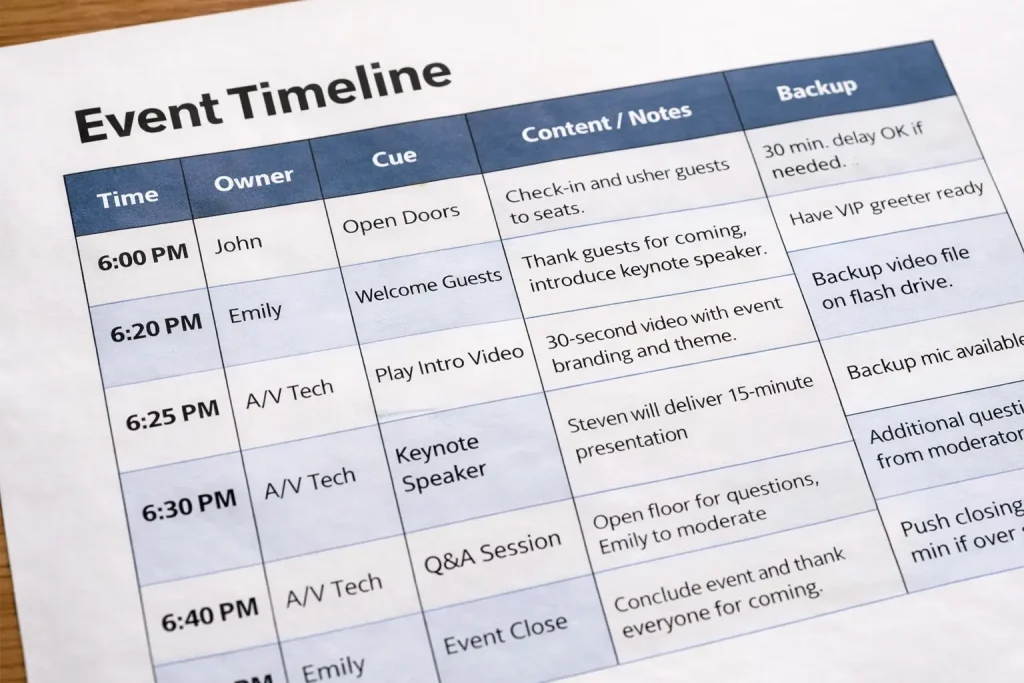
How to Build an Event Run of Show Step by Step
The easiest way to build an event run of show is to move from guest experience to technical execution.
Start with the visible attendee journey.
Ask what the audience should see, hear, and feel from arrival to close. Then translate that into operational detail.
Start with the audience-facing schedule
Map the opening, content blocks, breaks, transitions, meals, networking, and close. This becomes the skeleton.
Add production moments
Now layer in the behind-the-scenes elements. Pre-show music. Countdown clocks. Sponsor loops. Intro videos. Moderator holds. Remote guest checks. Camera changes. Lighting presets. Walk-up and walk-off moments.
Assign ownership early
A common question is who should own the document.
In smaller events, the planner may own it. In more technical events, the producer or show caller often becomes the keeper of the live version. If the event includes streaming, multi-speaker timing, scenic shifts, or complex content playback, this handoff is important.
Review it with every department
Your AV partner, venue, registration team, and content lead should all see the same event run of show. The goal is not just approval. The goal is catching conflicts early.
For example, one line may look simple on paper but create issues in reality:
- a panel begins before the microphones are reset
- a video roll is too long for the room turnaround
- a sponsor activation overlaps with a livestream cue
- a speaker enters from the wrong side for the camera framing
These issues are easier to solve before rehearsals than during them.
Use rehearsal to refine it
The event run of show should never stay static after rehearsal. Rehearsal exists to make the document smarter.
If a keynote speaker naturally takes nine minutes instead of six, update the file. If a video needs a longer blackout, update the file. If the panel moderator wants standing mics instead of seated lavs, update the file.
That is one reason teams working on audio/visual services, rentals, or Toronto AV support benefit from coordinated pre-production rather than isolated vendor handoffs.
Common Event Run of Show Mistakes That Create Show-Day Stress
Even experienced teams make avoidable mistakes with an event run of show. Most are not dramatic. They are the kind of details that look harmless until the room fills up.
Making it too general
If your document says “Panel starts” but does not say who introduces the panel, which mics are live, what is on screen, or how long the walk-up takes, it is still too vague.
Forgetting transition time
Many planners schedule content blocks but forget the human time between them. People need time to walk, clip on mics, reset furniture, switch presentation files, and settle the room.
Ignoring hybrid realities
In hybrid or webcast-driven programs, your event run of show should account for remote checks, backup feeds, holding slides, online moderation, and internet dependency. If your event includes broadcast-style delivery, it also helps to review the company’s pages on hybrid events and virtual event planning in Toronto.
Leaving accessibility until late
Accessibility is not a finishing touch. It belongs in early planning. If your event includes captioning, ASL interpretation, reserved seating, accessible routes, or sensory considerations, those items need to sit inside the timeline. The Government of Canada’s inclusive meetings guidance and Ontario’s accessibility framework are useful references to review while building your event flow.
Not planning for risk
Good production is not just about timing. It is also about resilience. Safety, crowd movement, power, access, and emergency response should be considered early, especially for high-traffic or public-facing programs. That is one reason many professionals keep an eye on resources from the Event Safety Alliance and, when relevant, the City of Toronto’s event planning guidance.
A Simple Event Run of Show Example for a Toronto Corporate Conference
To make this more practical, here is a simplified event run of show example for a half-day corporate conference.
| Time | Segment | Owner | Key cues |
|---|---|---|---|
| 8:00 | Doors open and guest arrival | Registration + producer | Lobby music on, sponsor loop on screens, registration desks live |
| 8:55 | Five-minute warning | Show caller | House lights shift, countdown slide up, speakers to hold positions |
| 9:00 | Opening video | Video op | Playback from show laptop, audio unmuted to house and stream |
| 9:03 | MC welcome | MC + audio | Walk-on music out, lectern mic live, lower third on stream |
| 9:10 | CEO keynote | Producer + graphics | Confidence monitor on, clicker checked, keynote slides loaded |
| 9:30 | Remote guest fireside chat | Hybrid lead | Remote guest online, return audio checked, split-screen layout live |
| 10:00 | Coffee break | Venue + stage team | Break slide up, playlist on, panel chairs set, handheld mics placed |
| 10:20 | Panel discussion | Moderator + audio | Four wireless mics live, panel graphic up, Q&A runner briefed |
| 11:05 | Closing remarks | MC | Panel offstage, closing slide up, thank-you music ready |
| 11:15 | Networking | Event lead | Lights warm, playlist up, sponsor reel returns to side screens |
This sample is still simplified. A real event run of show often includes backstage notes, speaker phone numbers, fallback cues, asset filenames, and separate stream-facing directions.

If the event involves scenic design, immersive audio, or visual storytelling, you may also want to align the timeline with ideas from posts like stage and lighting tips, spatial audio design for corporate events, or virtual studio planning.
When to Bring Production Support Into the Process
If your program includes only a basic screen and a single microphone, you may be able to manage the first version internally.
But once the event includes multiple speakers, timed content, scenic changes, sponsor obligations, live streaming, or a branded stage environment, it helps to bring in production support early.
That support is not only about equipment. It is about translating creative goals into technical sequencing.
A strong production partner can help you decide:
- when rehearsals should happen
- how long transitions really take
- what cueing method the team will use
- which moments need backup content
- how to simplify a crowded agenda before it becomes a problem
In many cases, the best event run of show is the one that makes the event feel effortless because the complexity has already been solved behind the scenes.
How Future’s Past Events Helps Turn an Event Run of Show Into Show-Day Confidence
An event run of show only works when the team behind it knows how to execute it under real conditions. That is where Future’s Past Events fits naturally into the process.
For organizations planning polished conferences, leadership meetings, product launches, galas, or branded experiences in Toronto and the GTA, Future’s Past Events brings together the practical pieces that make the timeline work in the room. Their team supports full production services, corporate event execution, hybrid event production, trade show support, audio/visual rentals and services, and the stage environment itself through staging, lighting, and decor.
If you want to see how that translates into actual event environments, the portfolio is worth reviewing. If you want to understand the company’s experience and approach, the Our Story page and FAQs give useful context.
And if your team is ready to turn a rough schedule into a realistic, well-supported event run of show, the next step is simple: contact Future’s Past Events and start the production conversation before the timing gets tight. A clean show day rarely happens by accident. It usually starts with the right plan, the right cues, and the right team behind them.
Comments are closed.