Corporate video production services cover far more than pointing a camera at a stage. A useful corporate video starts with a clear purpose, a defined audience, and a plan for where the finished piece will live, whether that is a conference recap on LinkedIn, a recorded keynote on your intranet, or a short product piece for your sales team.
This guide is for the people who buy corporate video: event planners, communications teams, and marketing leads. It covers the main kinds of corporate video, how a production runs from brief to delivery, what makes one project cost more than another, and how to brief a production company.
What Corporate Video Production Covers
Corporate video is any video an organization makes to communicate with its own people, its clients, or its industry. In practice, most corporate video in Toronto falls into a handful of types, and many projects combine several of them.
Event recaps and highlight reels
A highlight reel turns a full day or evening into two or three minutes: arrivals, the room, the keynote's best line, the award moment, the crowd reaction. It is the piece most often shared afterward, and it is usually the one sponsors and leadership ask for first. Good recaps are planned around a list of must-have moments, not assembled from whatever happened to be filmed.
Conference and session recording
Full-length recording of keynotes, panels, and breakout sessions gives you an archive, on-demand content for people who could not attend, and material for training. The priority is clean audio and a well-framed picture of the speaker and their slides; a session with muddy sound is rarely watched.
Interviews and testimonials
Interviews with leaders, speakers, attendees, or partners add a human voice to a recap or stand on their own as short clips. They need a quiet space, a simple lighting setup, a lavalier microphone, and someone who can put the subject at ease and ask follow-up questions. An interview corner at a conference is an efficient way to gather several in one day.
Internal communications and town halls
CEO messages, quarterly updates, and town halls are some of the most watched corporate videos, because staff are expected to watch them. Many are recorded live in front of an audience and streamed to remote teams at the same time, which ties the video plan directly to the room's AV. Our guide to town hall AV covers that side in more detail.
Product, promo, and brand pieces
Product demonstrations, launch videos, and short brand pieces are usually scripted and shot in a controlled setting, with more time spent on lighting, framing, and detail shots.
Livestream capture
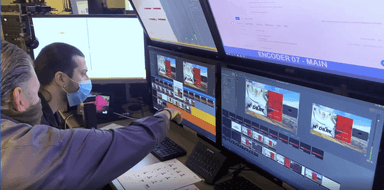
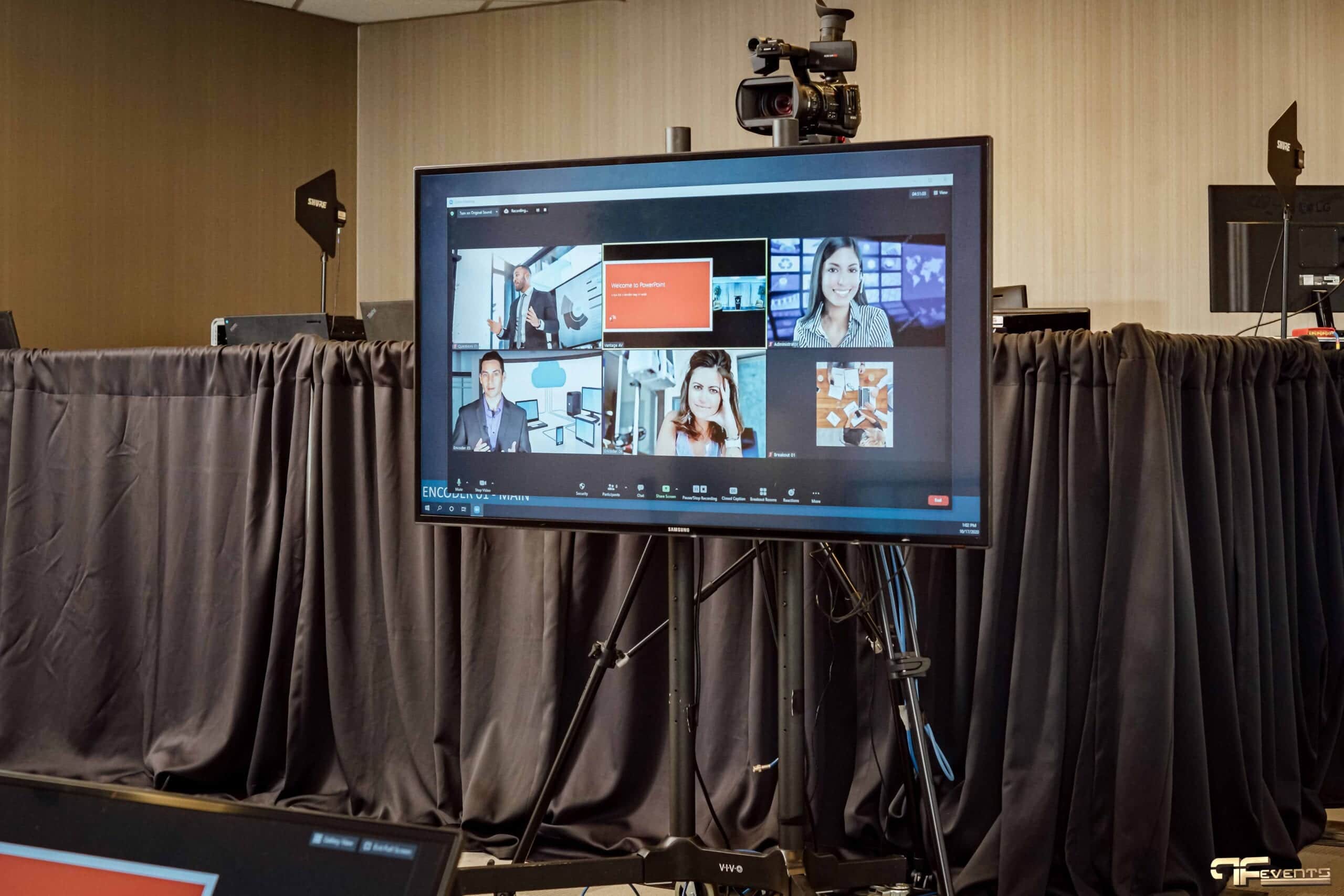
When an event is streamed, the program can also be recorded at the same time, giving you a full-length file the day after the event. The production of a livestream itself is a separate discipline, with encoders, remote presenters, and online audience interaction, and it is covered on our hybrid events page.
How the Production Process Works
Every corporate video goes through the same three phases. The size of each phase changes with the project, but skipping any of them is where most problems start.
Pre-production: brief, script, and shot list
Pre-production is everything that happens before a camera is switched on. It starts with the brief: what the video is for, who will watch it, how long it should be, where it will be published, and when it is needed.
From the brief comes the plan. For a scripted piece, that means a script and often a storyboard. For event coverage, it means a shot list of must-have moments, a copy of the run of show, a list of people to interview, and a schedule that puts the camera operator in the right place at the right time. It also covers locations, consent forms, branding files, and music.
For the detailed step-by-step list, see our corporate video production checklist. This page stays focused on how the service works and what to expect from it.
Production day: crew and gear
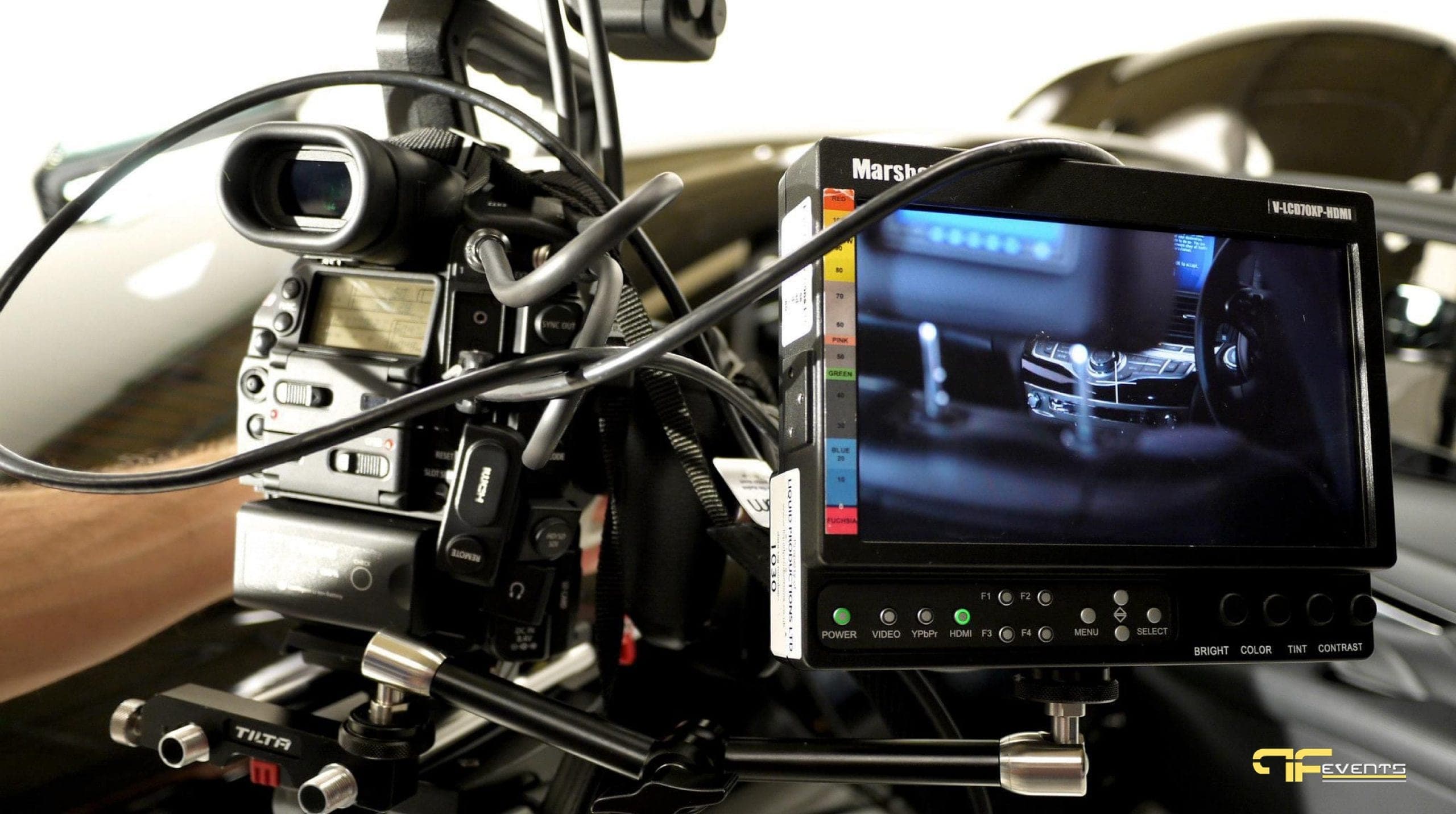
On the day, the crew size depends on what is being captured. A single interview might need one camera operator who also handles sound. A conference with a main stage, breakouts, and a recap reel might need several camera positions, a dedicated audio feed from the sound console, someone gathering B-roll around the venue, and a producer keeping the shot list on track.
Gear follows the same logic: cameras, tripods, microphones for every speaker, and lighting for interviews and darker rooms. At live events, the cleanest recording audio comes straight from the sound board, not from a microphone on the camera.
Post-production: edit, graphics, captions, and delivery
Post-production is where the footage becomes a video. The editor selects the best material, cuts it to length, balances the audio, corrects color, and adds music. Graphics come next: titles, lower thirds with speaker names, logos, and any animated elements.
Captions should be part of every corporate video plan. Many people watch on mute, especially on social media, and captions make the video accessible to viewers who are deaf or hard of hearing.
Delivery is the last step, and it is worth agreeing on early. A single event can produce several files: a highlight reel, a square or vertical cut for social, full-length session recordings, and short clips. Files can be delivered in HD or 4K depending on the brief, in the formats your website, intranet, or video platform requires. Most projects include at least one round of review so your team can request changes before the final export.
What Drives Cost and Timeline
There is no useful flat price for corporate video, because two projects with the same name can be very different jobs. The factors below are what actually move the budget and the schedule.
- Purpose and length. A two-minute recap and a full-day archive of every session are different amounts of work, even if they come from the same event.
- Number of cameras and crew. Each extra camera position adds an operator, gear, and footage to review in the edit.
- Shoot duration. A half-day interview session costs less than a two-day conference with early load-in and evening events.
- Locations. One room is simpler than several rooms, multiple venues, or travel between sites.
- Pre-production depth. A fully scripted and storyboarded piece needs more planning time than straightforward event coverage.
- Editing complexity. Simple cuts are quicker than heavy graphics, motion design, multiple versions, or several rounds of changes.
- Versions. Each additional language, aspect ratio, or length adds edit time.
- Turnaround. A same-day or next-day highlight reel is possible, but it usually means an editor working on site or overnight.
The biggest delays usually come from late approvals, missing branding files, or changes to the brief after filming. Agreeing on review rounds and a single point of contact up front keeps the schedule predictable.
How to Brief a Corporate Video Production Company
A clear brief is the best way to get an accurate quote and a video that does its job. Before you contact a production company, try to answer these questions:
- What is the video for? Recap, archive, training, recruitment, sales, internal update.
- Who will watch it, and where? Staff on the intranet, prospects on your website, followers on LinkedIn, attendees by email.
- What deliverables do you need? Number of videos, approximate lengths, aspect ratios, captions, and full-length recordings.
- What is being filmed? Event date, venue, run of show, number of rooms, and key moments that cannot be missed.
- Who is on camera? Speakers, executives, interview subjects, and whether consent forms are needed.
- What are the deadlines? When you need a first cut and when the final files must be ready.
- Who approves it? One decision-maker who can sign off on edits will save more time than anything else on this list.
Ask a few questions in return, too: who will be your contact, how they handle audio at live events, and their usual turnaround. You want a team that asks about your goals before it talks about equipment.
How Event Video Ties In With On-Site AV
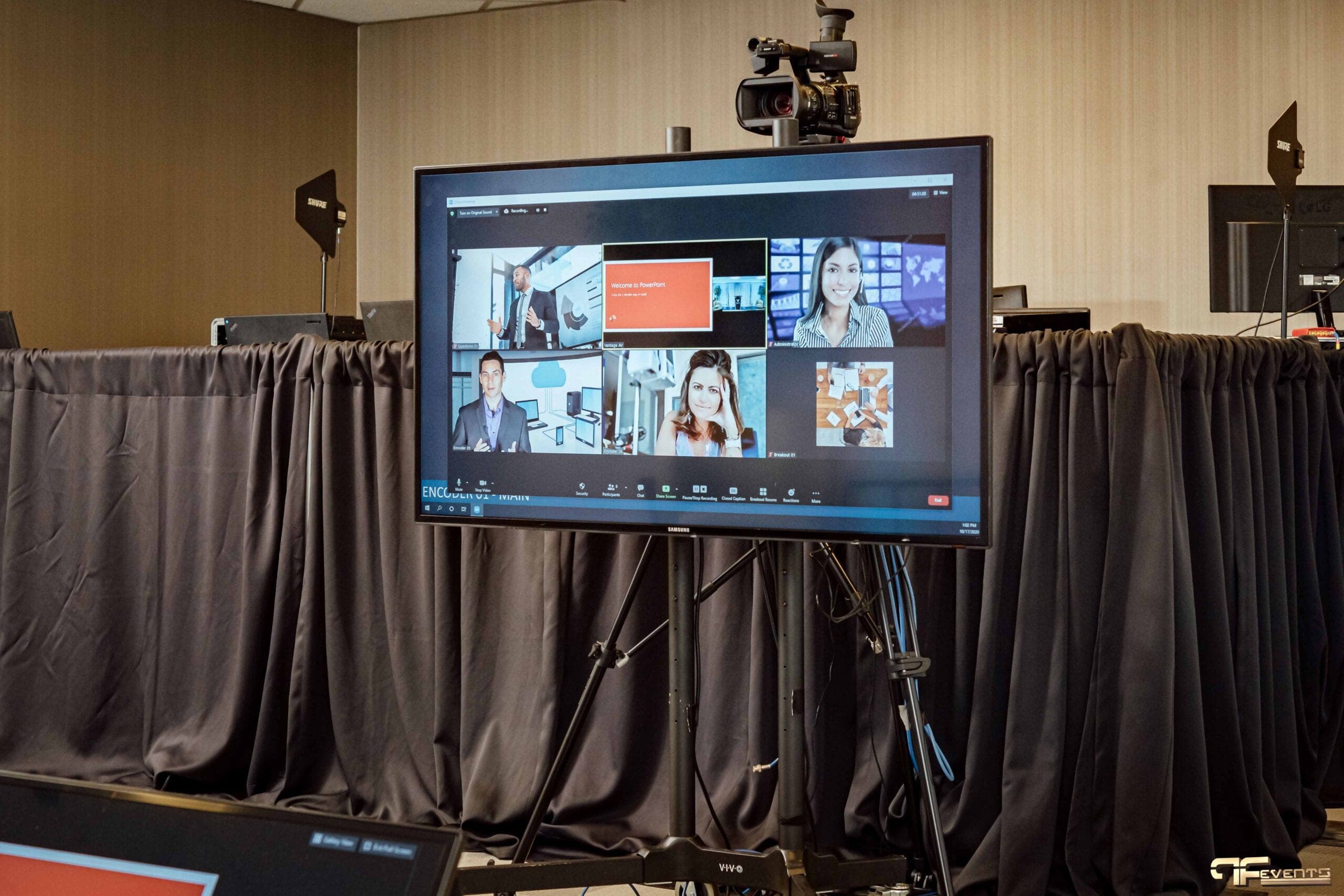
When the video is being shot at a live event, the video crew and the AV crew are working on the same show. The microphones the audience hears are the best source of audio for the recording. The lighting that makes speakers look good in the room also has to look good on camera. The slides on the screen may need to be captured separately so they can be cut into the session recordings cleanly.
When those teams are separate companies, every one of those connections has to be negotiated on site. When the same team handles both, the camera positions, audio feeds, stage lighting, and recording plan are designed together from the start. That is why many organizations bring video into the same conversation as their corporate event AV and audio visual planning, rather than booking it as an afterthought.
Frequently Asked Questions
How long does a corporate video take to produce?
It depends on the type of video. Event coverage can be filmed in a day, with a recap delivered within days to a couple of weeks depending on how quickly it is needed. A scripted brand or product piece usually takes longer because of the planning, shooting, and review rounds involved.
Can you record our conference and stream it at the same time?
Yes. A livestream and a full-length recording can be captured from the same camera and audio setup, which is often the most efficient way to cover a conference or town hall.
Do we need a script for event coverage?
Usually not. Event coverage works from the run of show and a shot list of must-have moments. Scripts matter more for interviews with prepared messages, executive updates, and promotional pieces.
Plan Your Corporate Video With Future's Past Events
Future's Past Events has over 20 years of experience producing corporate events in Toronto and the GTA, and video capture is part of that work: recording conferences and town halls, filming highlight reels and interviews, and handling the edit afterward. Because the same team also runs the sound, screens, lighting, and streaming, the video is planned together with the rest of the event rather than squeezed in around it.
If you have an event coming up or a video project in mind, contact Future's Past Events with the date, venue, what you want filmed, and how the finished video will be used. A clear brief is the fastest route to a useful quote and a video your audience will actually watch.
Related posts
Incorporate AV Equipment on your next Trade Show
Are you planning or managing a trade show? Are you wondering how to make a great impact and stand out from your competitors? Phases, audio systems, lighting, and technology such as LED video walls, large format HD screens, projection, or even TV monitors can be included on the commercial floor. Live demonstrations by…
Corporate Video Production Checklist
Checklist for Corporate Video Production Technology has changed the style of doing business today. New advances are being developed now and then to boost customer experiences and ease operations. One of the important innovations is corporate video. The last few decades have seen many businesses accept the corporate…
5 Unique Advantages Of Virtual Trade Shows
Virtual trade shows are an important part of the event industry. Do you know why? One of the main reasons is the enormous opportunity for business networking that virtual trade exhibitions provide. It enables attendees to network effectively, event organizers to access a global audience, and exhibitors to increase the…