
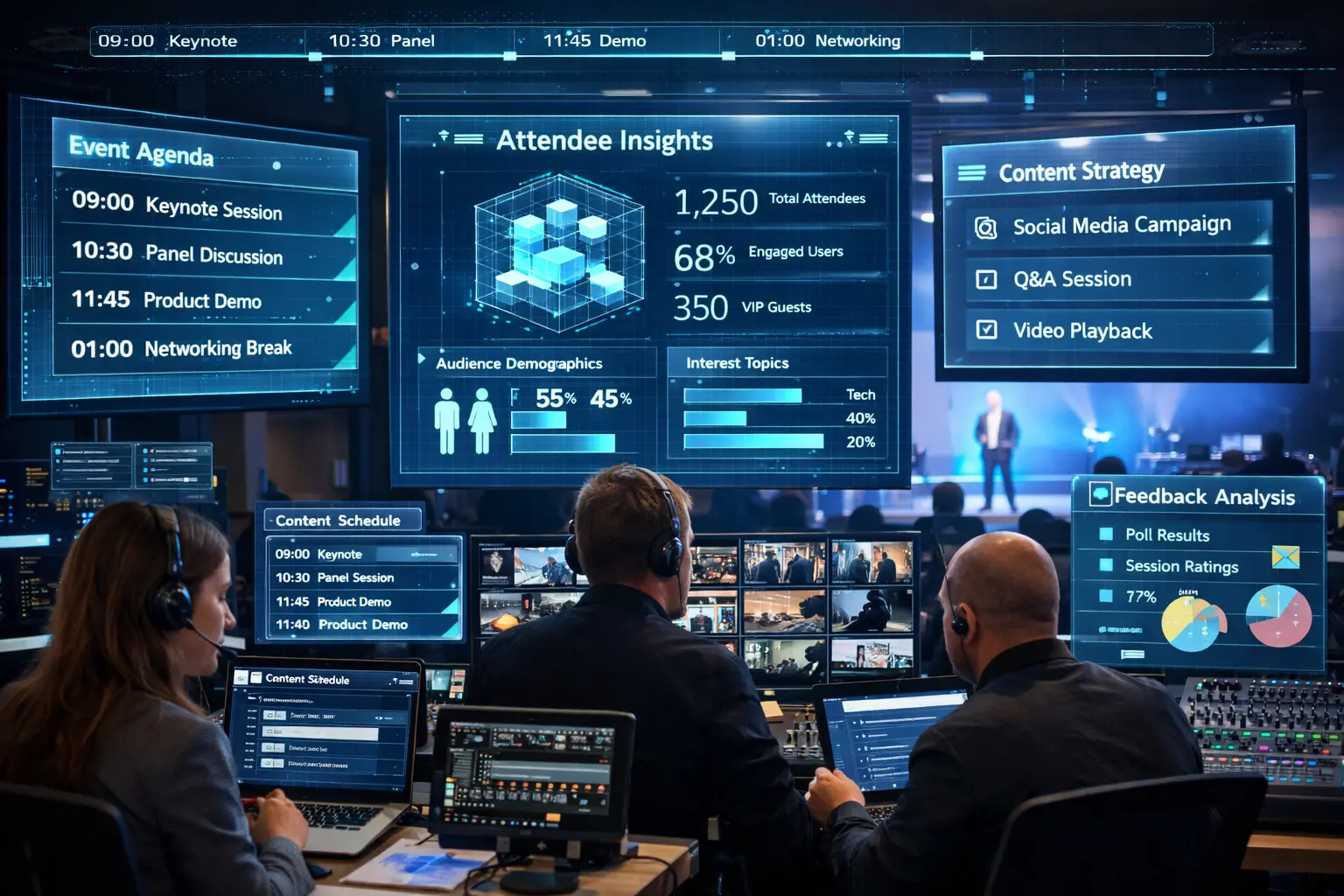
AI in event planning is quickly becoming one of the most practical tools available to modern event teams. It can help with research, scheduling, content ideas, attendee communication, post-event analysis, and dozens of repetitive planning tasks that usually eat up valuable time.
At the same time, AI in event planning is not a shortcut to a great event on its own. The events that feel polished, memorable, and genuinely well-produced still depend on human judgment, technical experience, creative direction, and flawless execution.
That balance matters more than ever for companies planning conferences, leadership meetings, product launches, galas, hybrid programs, and trade show experiences. If you have already seen how AV technology is shaping events in 2026, you already know the industry is moving fast. The real question now is how to use new tools wisely.
This guide breaks down where AI in event planning adds real value, where it should never take the lead, and how event teams can use it to work smarter without losing the human side of live experiences.
Why AI in Event Planning Matters in 2026
Planners and production teams are being asked to do more with tighter timelines, more channels, and higher audience expectations. A single event may now involve in-room guests, livestream viewers, sponsor content, branded visuals, registration flows, speaker decks, social clips, and follow-up reporting.
That complexity is exactly why AI in event planning has become more relevant. It helps reduce admin pressure, speeds up early-stage thinking, and gives teams a faster starting point for decisions that still need expert review.
It is also showing up across the industry more often. A recent PCMA survey on how planners are using Gen AI shows just how quickly AI is becoming part of everyday event workflows.
Still, speed should never be confused with strategy. AI can organize possibilities. It cannot truly understand your audience, your venue constraints, your brand tone, or the pressure of a live cue on show day the way an experienced team can.
Where AI in Event Planning Saves the Most Time
The best use of AI in event planning usually starts before the event ever goes live. This is where teams can gain momentum without putting guest experience at risk.
1. Research and idea generation
AI is useful for turning a blank page into a working first draft. It can help brainstorm themes, breakout concepts, networking formats, signage language, or sponsor activation ideas. That does not mean every suggestion is good. It means your team can move from “What should we do?” to “Which of these ideas is worth building?” much faster.
2. Drafting agendas and planning documents
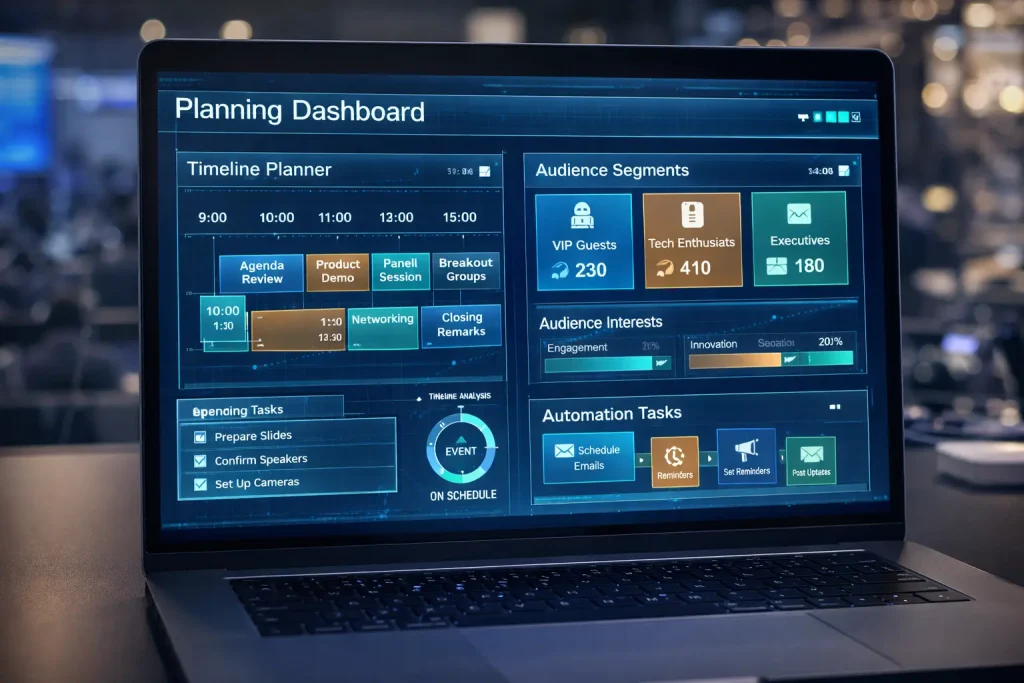
AI in event planning can help create draft agendas, speaker briefing outlines, registration emails, session descriptions, and production notes. That is especially helpful when paired with strong internal review. Once the structure exists, your team can refine it based on timing, audience flow, and technical reality.
For example, if your event already has an outline, AI can help turn it into a clearer planning document before your team develops the more detailed event run of show.
3. Personalizing attendee communication
Email reminders, confirmation copy, pre-event instructions, and follow-up messaging often need multiple versions. AI can help draft audience-specific variations for executives, sponsors, exhibitors, speakers, or remote attendees. That saves time, especially when your team still reviews the language for clarity and brand fit.
4. Organizing event data
AI in event planning can summarize survey responses, cluster common themes, and identify patterns in attendee behavior. Instead of reading hundreds of comments one by one, your team can spot trends faster and decide what needs action.
5. Supporting post-event reporting
Post-event reports often take too long because the information sits in too many places. AI can help summarize outcomes, group feedback, highlight repeated concerns, and create a cleaner first draft of the wrap-up report. That is helpful when the real goal is faster learning for the next event.
Can AI in Event Planning Replace Human Judgment?
No, and this is where many teams get off track.
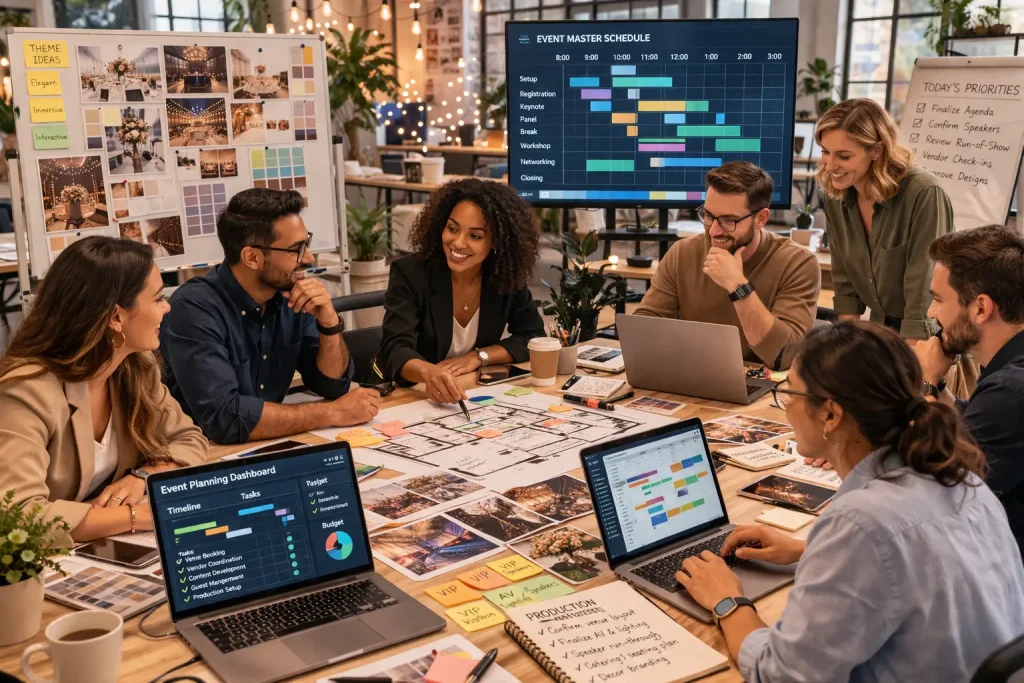
AI in event planning can support decisions, but it should not replace the people responsible for brand, safety, guest experience, technical delivery, and final approvals. Live events are too dynamic for that.
A tool may suggest a shorter transition time between sessions. A producer knows that the panel chairs still need to be reset, four lavaliers need to be changed, the keynote deck must be reloaded, and the stage wash should shift before the audience notices the change.
AI can recommend messaging variations. A skilled strategist knows whether the tone feels right for a board meeting, an association conference, a donor gala, or a product launch.
AI can surface venue suggestions. A production expert knows whether the room can actually support rigging, sightlines, backstage flow, loading access, and the technical demands discussed in a guide like choosing the right event venue.
The smartest approach is simple: let AI speed up low-risk thinking and repetitive tasks, then let experienced humans make the final call.
AI in Event Planning for Corporate Events, Hybrid Events, and Tradeshows
AI in event planning becomes even more useful when you look at how different event formats operate.
Corporate events
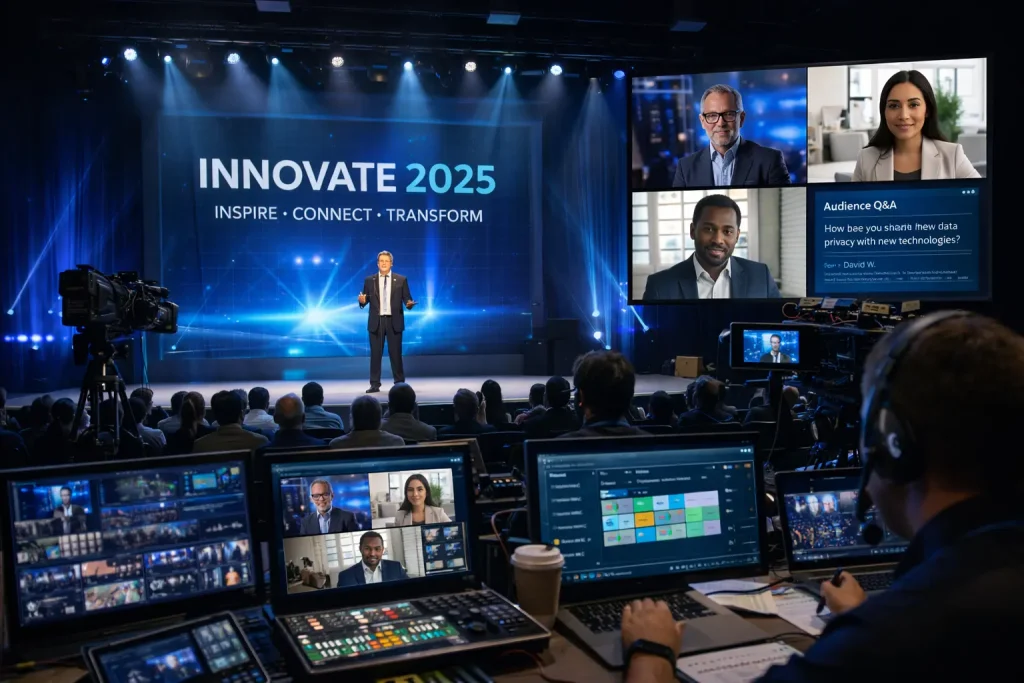
For corporate meetings and conferences, AI can help draft executive briefing notes, speaker bios, session summaries, audience messaging, and post-event recap documents. It can also help planners compare agenda structures, shape networking windows, and identify which content blocks may feel too dense.
That supports early-stage strategy, especially when paired with a more hands-on production process like the one described across corporate event production services and the site’s corporate event planning guide.
Hybrid events
Hybrid programs create more moving parts, which makes AI in event planning even more appealing. Teams can use it to draft run sheets for remote speakers, segment attendee communications, summarize chat questions, and prepare fallback messaging when changes happen.
But hybrid delivery still depends on real-world execution. Internet stability, cue timing, stream layouts, camera decisions, platform testing, and remote speaker support cannot be handed off to automation. That is why AI should support, not replace, the planning behind hybrid events, virtual event planning in Toronto, and even the pre-produced setups discussed in this virtual studio guide.
If your program includes livestreaming or remote participation, AI in event planning also needs to respect technical realities such as latency, upload speeds, and stream stability. That is where operational planning should still align with an event bandwidth requirements checklist.
Tradeshows
At trade shows, AI can help teams draft pre-show outreach, segment leads, build booth talking points, generate follow-up email variations, and summarize lead notes after the event. It can also suggest content themes for digital screens and demos.
What it cannot do is create a compelling booth environment by itself. Trade show performance still depends on visibility, pacing, display design, audience flow, and production quality. That is why AI in event planning works best when it supports the strategy behind trade show production and practical ROI thinking like the ideas in this trade show ROI article.
What Tasks Should Stay Human?
This is one of the most useful questions to ask when using AI in event planning.
Keep these areas human-led:
- final event strategy and messaging
- vendor selection and negotiation
- show calling and cue management
- speaker coaching and rehearsal decisions
- floorplan and audience-flow judgment
- safety planning and contingency planning
- client communication on sensitive changes
- brand approvals and executive-facing content
In other words, AI in event planning is strongest as an assistant. It is weakest when teams expect it to act like a producer, strategist, technical director, or client lead.
How to Use AI in Event Planning Without Creating Privacy or Brand Risk
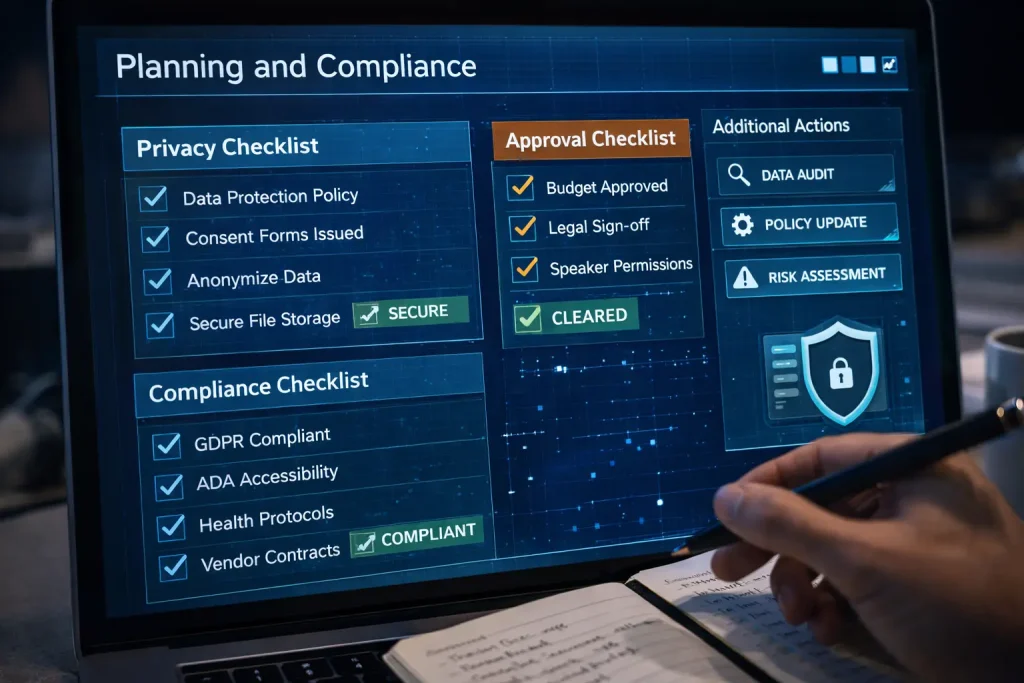
The more helpful AI becomes, the more important guardrails become.
If your team is using AI in event planning, start by deciding what information should never be entered into public tools. Attendee lists, private budgets, unreleased product information, confidential speaker notes, and sensitive client details all require extra care.
It also helps to set internal rules for approvals. Who reviews AI-generated copy before it goes out? Who verifies summaries? Who checks that session descriptions, timelines, and sponsor messages are accurate?
For teams building a more formal process, the NIST AI Risk Management Framework is a useful reference, and the Office of the Privacy Commissioner of Canada’s AI guidance is worth reviewing before you use AI with personal information.
Brand risk matters too. AI often produces language that sounds polished but generic. It can flatten a bold brand into something forgettable. That is a problem for event invitations, keynote intros, sponsor messaging, and stage copy that should feel specific and intentional.
Accessibility is another area where teams should stay careful. AI in event planning can help draft alt text, caption summaries, and accessibility checklists, but it should not be trusted blindly. Human review is still needed to make sure the experience actually works for real attendees.
A Simple Workflow for AI in Event Planning
If you want AI in event planning to be useful, the process has to stay practical. A simple workflow usually works better than trying to automate everything.
Step 1: Start with event goals
Before touching any tool, define the outcome. Are you trying to increase registrations, improve attendee engagement, make sponsor visibility clearer, shorten planning time, or produce a better post-event report?
Step 2: Choose one or two low-risk use cases
Start small. Use AI in event planning for agenda drafts, email versions, survey summaries, or brainstorming. Do not start with high-risk decisions.
Step 3: Add your real-world constraints
The output improves when your prompts reflect reality. Include event type, audience profile, venue limitations, timing windows, brand tone, and production goals.
Step 4: Review with humans
This is the most important step. Every useful output should still be checked by someone who understands the audience and the event.
Step 5: Match ideas to production reality
AI in event planning might suggest a dynamic stage reveal, interactive screens, or multiple session formats. Your production team then decides what fits the venue, budget, staffing, and technical design. That is where pages on staging, decor, audio/visual rentals, and audio visual services in Toronto come into the real conversation.
Step 6: Use AI again after the event
Once the event ends, AI in event planning can help turn messy notes into usable insights. Survey comments, chat logs, debrief points, and lead notes become easier to organize.
Step 7: Keep what worked
Build repeatable workflows. Good prompts, approval rules, and reporting formats become assets for the next event.
Common Mistakes With AI in Event Planning
Teams usually do not struggle because AI is unavailable. They struggle because they use it in the wrong places.
Using it before setting goals
AI in event planning becomes noisy when there is no clear objective. You get more output, not better output.
Trusting the first draft too much
AI-generated ideas often sound confident, even when they are vague or unrealistic. First drafts are starting points, not final plans.
Ignoring venue and production constraints
An AI-generated event concept may sound exciting, but it still has to fit the room, the schedule, and the budget. If your team is pressure-testing scope, it helps to pair ideation with practical references like event budget planning tips and on-site production needs.
Using AI for everything
Not every task should be optimized. Sometimes a direct conversation with a client, a speaker, or an onsite crew member is faster and better.
Forgetting that events are emotional experiences
Guests remember how an event felt. They remember confidence, energy, clarity, pacing, and atmosphere. AI in event planning can support those outcomes, but it cannot create them alone.
Making AI in Event Planning Work in the Real World
AI in event planning is most effective when it helps strong teams move faster, think more clearly, and spend more time on the parts of an event that guests actually notice.
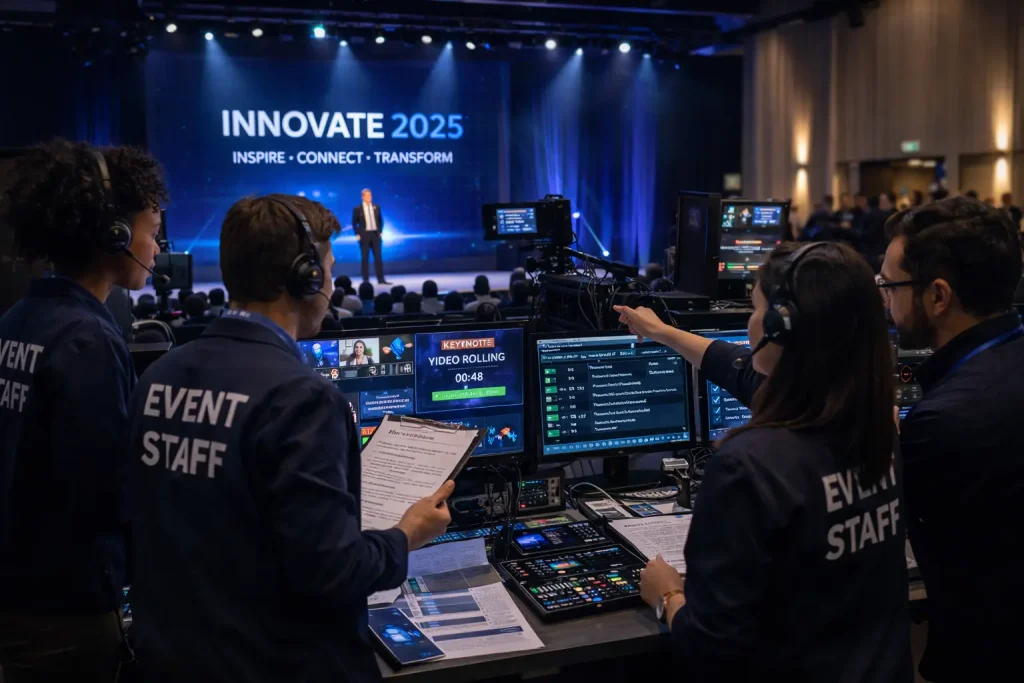
It can help you brainstorm content, draft communications, organize feedback, and tighten internal workflows. But once it is time to build the environment, run cues, support presenters, manage transitions, shape sightlines, balance sound, and deliver a polished guest experience, execution takes over.
That is where working with an experienced production partner matters.
If your organization is planning a conference, leadership meeting, gala, hybrid event, or trade show in Toronto or the GTA, Future’s Past Events can help translate ideas into a show that actually works in the room. You can explore the full range of event production services, learn more about the team, or contact Future’s Past Events directly through the contact page.
Because the real win with AI in event planning is not replacing people. It is giving the right people better tools, better preparation, and more time to create an event worth remembering.
Comments are closed.