
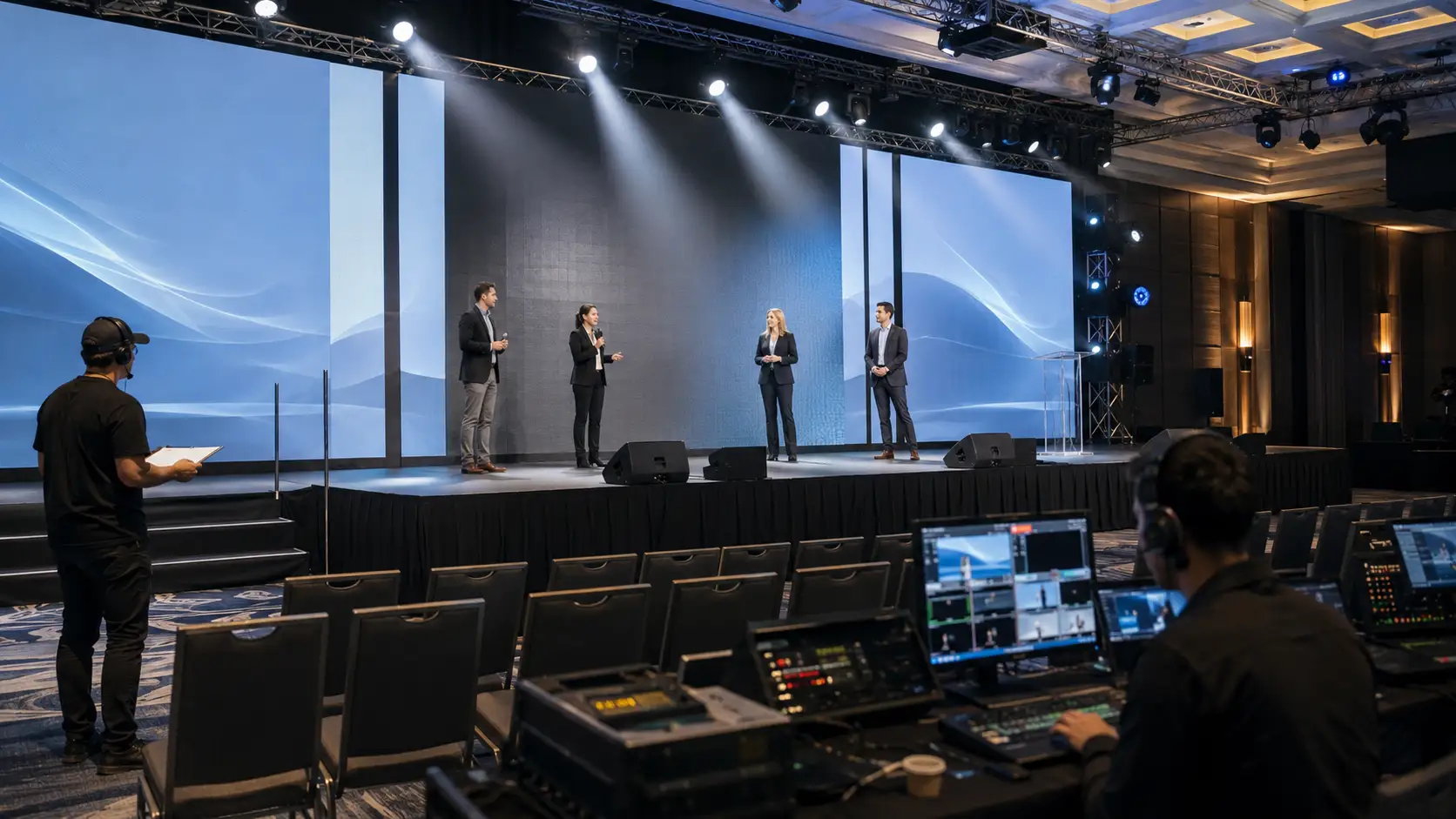
Event rehearsal checklist planning is one of the smartest ways to protect a corporate event before the audience walks into the room.
A polished event rarely happens because everything went perfectly by accident. It happens because the planning team tested the important moments, clarified who owns each cue, walked presenters through the space, checked the content, and gave the production team time to solve small issues before they became visible problems.
That is the real purpose of an event rehearsal checklist.
It is not just a quick sound check. It is not only a speaker walk-through. It is a practical production tool that helps planners, venue teams, presenters, executives, AV technicians, sponsors, and hybrid event teams work from the same plan.
For corporate events, AGMs, conferences, product launches, trade shows, awards programs, and hybrid meetings, rehearsal is where assumptions become proof.
Why an Event Rehearsal Checklist Matters More Than Ever
An event rehearsal checklist matters because events are more layered than they used to be.
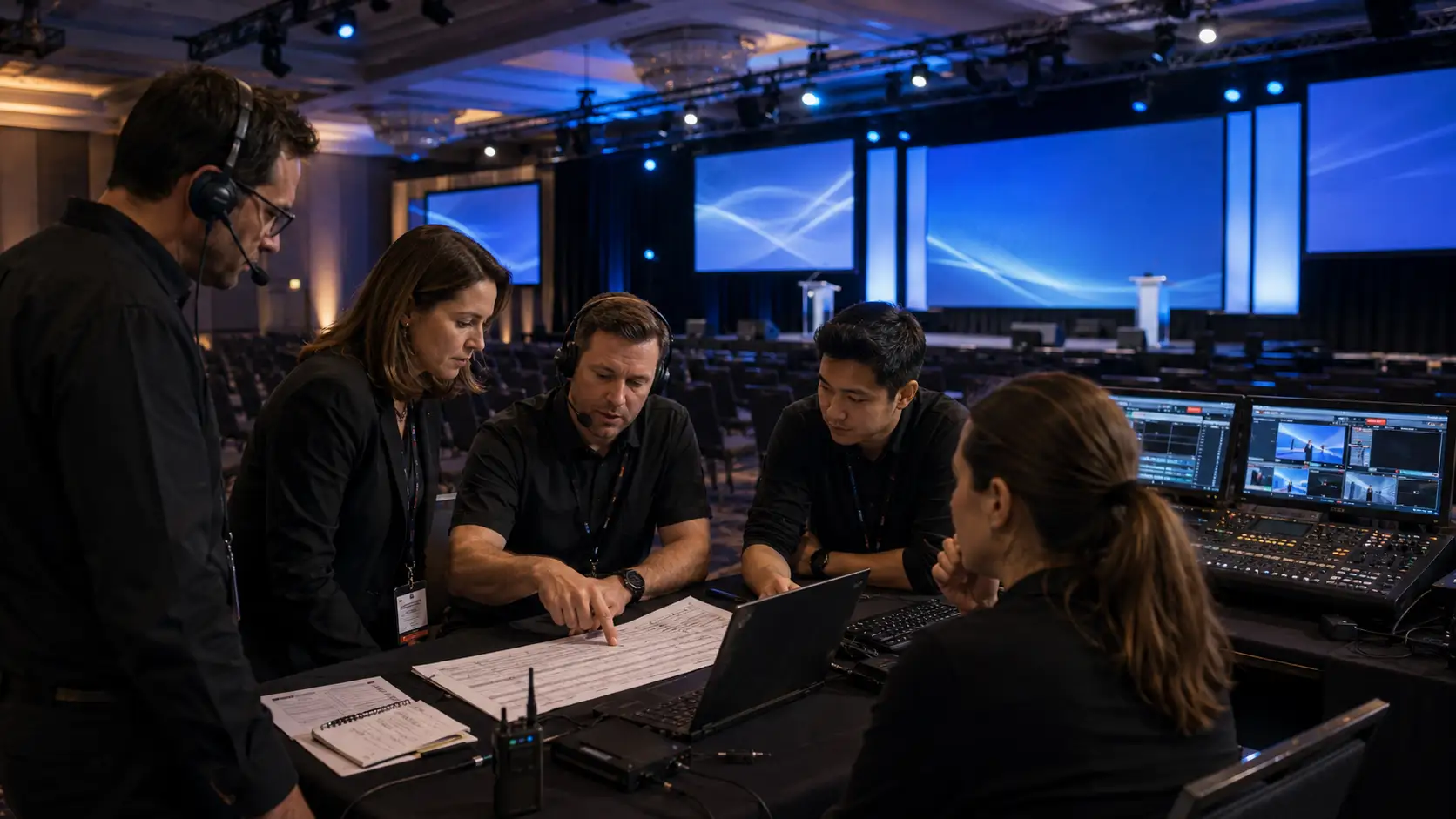
A single corporate program may include a keynote, panel discussion, sponsor video, walk-on music, branded visuals, live polling, recorded content, remote speakers, camera coverage, captioning, audience Q&A, social media clips, and a livestream for people who cannot attend in person.
Each element adds value.
Each element also adds possible failure points.
That is why rehearsal should not be treated as optional. If your event already has an event run of show, the rehearsal is where that document gets tested in real life. If your team has reviewed an event risk assessment, rehearsal is where many of those risks can be reduced.
A good rehearsal answers practical questions before show day:
- Will the speaker be comfortable walking to the stage?
- Can everyone hear the panel clearly?
- Do the presentation files open correctly?
- Is the video audio balanced?
- Does the livestream team know when to switch cameras?
- Does the moderator know how audience questions will be handled?
- Does the team know what happens if a presenter is late?
These are not small details. They shape how professional the final experience feels.
What an Event Rehearsal Checklist Should Prove
A useful event rehearsal checklist should prove three things: the plan works, the people are ready, and the technical systems are aligned.
The plan works when timing, transitions, entrances, content, and responsibilities make sense in the actual room.
The people are ready when speakers, moderators, executives, performers, sponsor representatives, and event staff know where to go, what to do, and who to ask for help.
The technical systems are aligned when audio, video, lighting, staging, livestreaming, presentation playback, internet, and backup equipment have all been tested under realistic conditions.
This is especially important for events with professional audio visual services, custom staging, hybrid delivery, or multiple presenters. The more complex the event, the more valuable rehearsal becomes.
A common question is whether a rehearsal is still necessary for a simple event.
The answer is yes, but the scale can change.
A small internal meeting may only need a short technical check and speaker walk-through. A large AGM, conference, gala, or hybrid event may need a full cue-to-cue rehearsal, content review, speaker briefing, and livestream test.
Event Rehearsal Checklist vs. Run of Show
An event rehearsal checklist and a run of show are closely connected, but they are not the same thing.
The run of show tells the team what should happen and when. The rehearsal checklist tells the team what needs to be tested before it happens live.
Here is a simple way to compare them:
| Planning Tool | Main Purpose | Best Used For |
|---|---|---|
| Agenda | Shows attendees what is happening | Guest-facing schedule |
| Run of show | Tells the team how the event will flow | Timing, cues, owners, transitions |
| Event rehearsal checklist | Tests whether the plan actually works | Speakers, AV, content, backups, movement |
| Risk assessment | Identifies what could interrupt the event | Safety, timing, technology, guest flow |
Used together, these documents make the event stronger. The event venue walkthrough checklist helps confirm the room. The run of show maps the program. The event rehearsal checklist tests the plan before the room is full.
11-Step Event Rehearsal Checklist for a Flawless Show Day
The best event rehearsal checklist is practical, not complicated. It should be clear enough for the full team to use and detailed enough to prevent confusion.
Use the following 11 steps as a planning guide.
1. Confirm Who Needs to Attend the Rehearsal
Start by deciding who actually needs to be in the room.
For a corporate event, this may include the event lead, producer, show caller, AV lead, venue contact, client decision-maker, speakers, moderator, executive assistant, registration lead, sponsor lead, hybrid event lead, and accessibility contact.
Not everyone needs to attend every minute. However, the people responsible for key decisions should be available when their part is being rehearsed.
This part of the event rehearsal checklist should answer:
- Who can approve timing changes?
- Who owns final presentation files?
- Who speaks to the venue if access or room setup changes?
- Who decides what happens if a segment runs long?
- Who communicates with speakers?
On show day, vague ownership creates stress. Rehearsal is the right time to remove that uncertainty.
2. Review the Event Goal Before Testing Cues
Before testing microphones or slides, remind the team what the event must accomplish.
A leadership summit may need executive confidence and clear messaging. An AGM may need precision, accessibility, and trust. A trade show presentation may need energy, visibility, and lead generation. A hybrid town hall may need equal attention to in-room and remote attendees.
This matters because the event rehearsal checklist should support the purpose of the event, not just the equipment list.
For example, if the event goal is stakeholder trust, rushed transitions and unclear audio can damage the experience. If the goal is sponsor value, sponsor videos and branded moments need to be rehearsed properly. If the goal is employee engagement, the Q&A process cannot feel awkward or improvised.
Every cue should support the outcome.
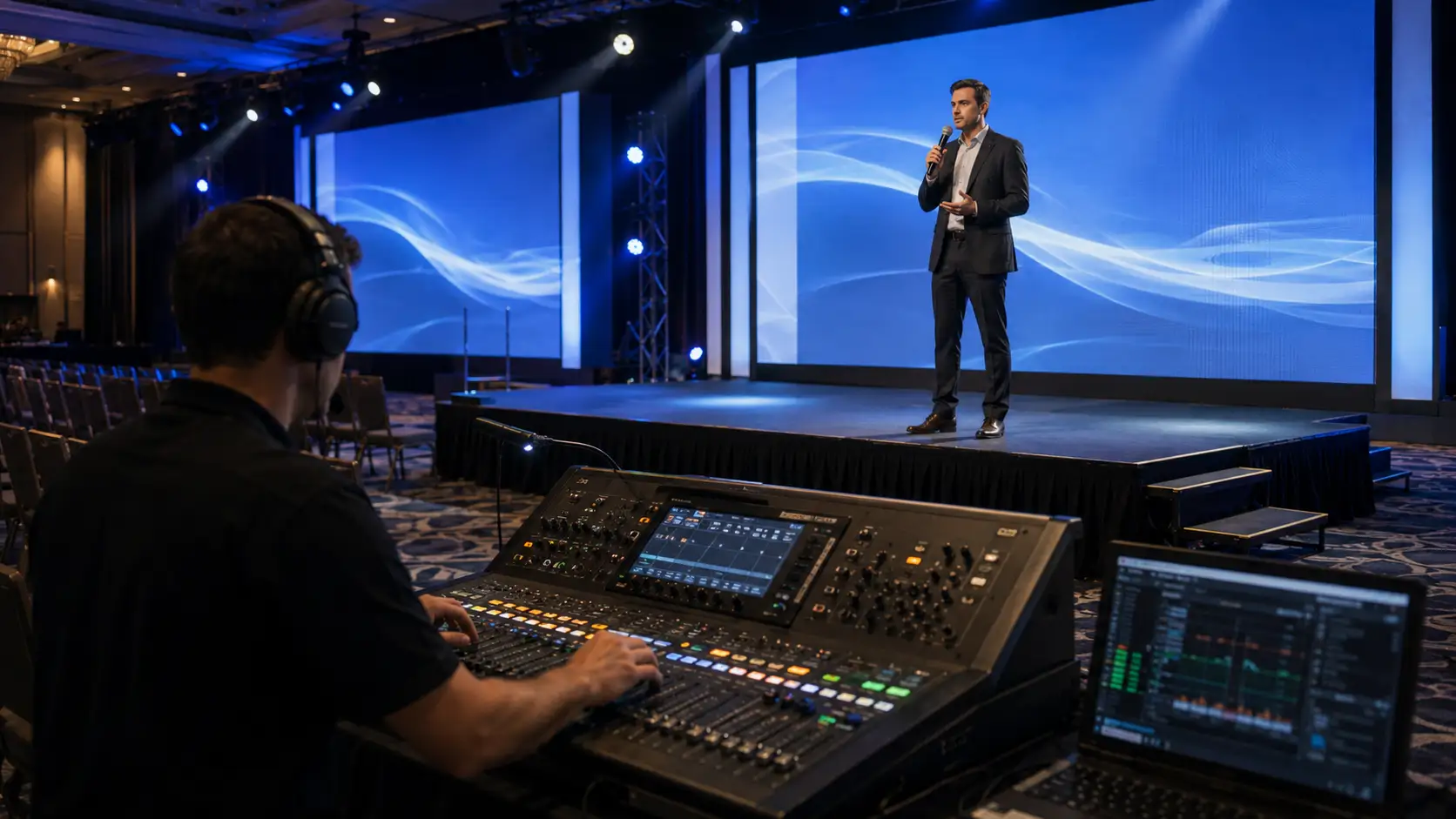
3. Test Audio in the Actual Room
Audio is one of the most important parts of any event rehearsal checklist because guests notice sound problems immediately.
Test every microphone that will be used during the event. This may include lectern microphones, handheld microphones, lavalier microphones, headset microphones, panel microphones, audience Q&A microphones, and backup microphones.
Do not only test whether the microphone turns on.
Test how it sounds when the presenter moves, turns their head, walks away from the lectern, or speaks more softly than expected. Panelists should test their seated positions. Moderators should test transitions between speakers. If audience Q&A is part of the event, rehearse how the microphone will reach the person asking the question.
For larger programs, your corporate event production team should also check room coverage. People near the back should hear clearly without the front rows feeling overwhelmed.
4. Check Every Presentation, Video, and Visual Asset
Content problems are common because files often change late.
Your event rehearsal checklist should include a full content review. Open every deck. Play every video. Confirm the right version is loaded. Check slide formatting, fonts, embedded media, animations, aspect ratio, and file names.
If video is part of the show, test both picture and audio. A video that looks fine on a laptop may behave differently on the main screen, LED wall, or projection system.
This is also the time to confirm who controls slides. Some speakers prefer a clicker. Others want the operator to advance slides from show control. Some executives may need a confidence monitor. Some remote speakers may require a separate screen view.
These details should be tested before the audience arrives.
If your event includes multiple screens, branded content, or rental equipment, align this step with your AV rental equipment plan so the content matches the display setup.
5. Walk Speakers Through the Stage and Room
Speaker comfort affects the entire event.
A speaker may know their content well but still feel uncertain in an unfamiliar room. They need to know where to enter, where to stand, where to look, how to use the clicker, where the confidence monitor is, and how to leave the stage.
This part of the event rehearsal checklist is especially useful for executives, keynote speakers, moderators, award presenters, and panelists.
Walk through simple but important details:
- Where does the speaker wait before being introduced?
- Is there walk-on music?
- Should they stand at the lectern or move freely?
- Will cameras follow them?
- Where is the timer?
- How will they know they have two minutes left?
- Who helps if their microphone slips?
For panels, rehearse seating order, microphone placement, introductions, Q&A flow, and exit timing. These details make the difference between a session that feels composed and one that feels improvised.
6. Rehearse Lighting, Staging, and Visual Transitions
Lighting and staging do more than make the room look better. They guide attention.
If a speaker walks onto a dark stage, the moment loses energy. If a panel starts before the chairs are properly lit, the audience notices. If a sponsor reveal happens without the right lighting cue, the moment feels smaller than it should.
Your event rehearsal checklist should include lighting looks, stage movement, podium placement, furniture resets, camera sightlines, scenic elements, and branded visuals.
This is especially important when your event uses professional event lighting, event staging, or event decor.
For a gala, awards show, product launch, or executive presentation, lighting cues should be rehearsed with the actual walk-ons, videos, and speaker positions. That gives the room a polished rhythm.
7. Run Through the Hybrid or Livestream Experience
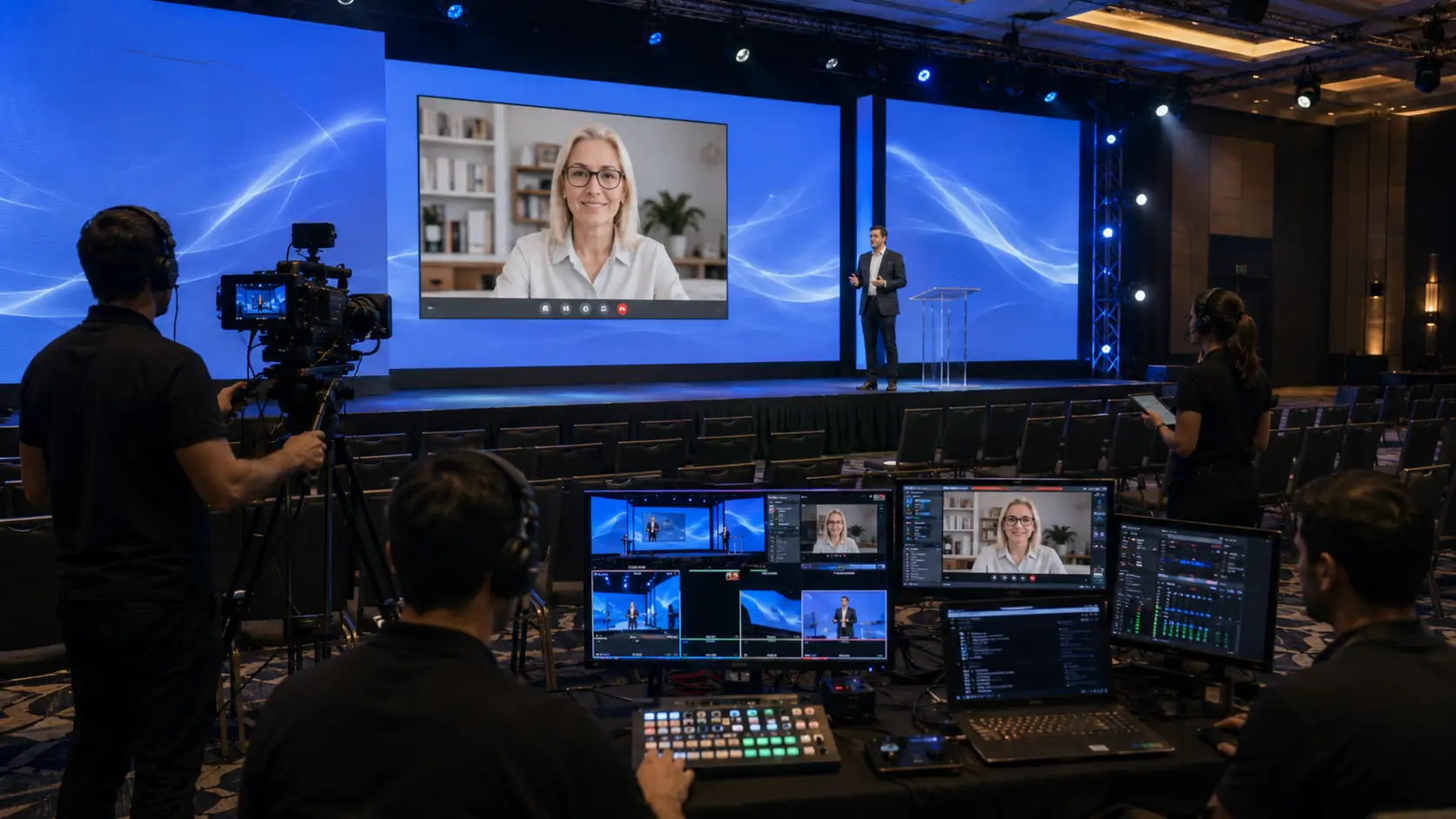
A hybrid event rehearsal needs more than an in-room sound check.
Remote attendees experience the event through cameras, stream audio, screen sharing, captions, chat, and online moderation. That means the event rehearsal checklist should include a separate hybrid review.
Test remote speakers before the event. Confirm their camera framing, microphone quality, lighting, internet connection, backup phone number, and joining process. Make sure they know when to log in, whether they are visible before speaking, and what to do if the connection drops.
For the livestream, test camera shots, lower thirds, stream audio, holding slides, countdown timers, online Q&A, and recording settings.
If the event depends on internet, review your event bandwidth requirements early. A hybrid program should not rely on the same unmanaged Wi-Fi that guests use for casual browsing.
This step is also a good time to revisit your hybrid event production plan so the remote experience feels intentional, not secondary.
8. Test Accessibility and Guest Support Details
Accessibility should be part of rehearsal, not an afterthought.
Your event rehearsal checklist should review captions, interpreters, accessible seating, stage access, screen readability, audio clarity, lighting comfort, wayfinding, washroom access, and guest support roles.
If captioning is included, test where captions appear and whether they are readable from the audience’s view. If a sign language interpreter is present, confirm lighting, camera framing, and sightlines. If guests will receive accessible digital materials, confirm the file format and distribution method.
For broader planning, teams can review the Government of Canada’s inclusive meetings guidance and W3C guidance on captions for audio and video.
Future’s Past Events also has a dedicated event accessibility checklist that can support this stage of planning.
A useful question to ask during rehearsal is simple: can every guest understand where to go, what is happening, and how to participate?
9. Review Power, Internet, and Backup Plans
Rehearsal should confirm more than what guests see.
Behind the scenes, the event depends on power, internet, cables, adapters, laptops, playback systems, lighting fixtures, audio consoles, cameras, monitors, registration devices, and communication tools.
Your event rehearsal checklist should confirm that critical systems are powered safely and that backup options are ready.
This does not mean every planner needs to become a technical specialist. It means the planning team should know what is mission-critical and who owns each backup plan.
For example:
- Is there a backup microphone ready?
- Is the final deck saved in more than one place?
- Is the livestream being recorded?
- Is there a backup laptop?
- Are key files available offline?
- Can the show continue if one speaker is late?
- Has the team reviewed emergency communication?
For workplace and venue readiness, the Canadian Centre for Occupational Health and Safety provides helpful emergency planning guidance. For technical readiness, Future’s Past Events’ guide to event power requirements is a useful companion resource.
10. Rehearse Sponsor, Exhibitor, and Brand Moments
Sponsor moments often look simple on paper but require careful timing.
A sponsor logo may need to appear on screen before an introduction. A sponsor video may need audio levels checked. A trade show demo may need power, internet, lighting, and display support. A branded reveal may need the right music and stage cue.
Your event rehearsal checklist should include these moments because sponsor value depends on execution.
For sponsor-driven corporate events, review sponsor visibility, screen placement, speaking transitions, lead capture tools, booth lighting, and audience flow. If the event includes exhibits or demos, connect this step to your trade show production plan.
If sponsorship is part of the event strategy, the rehearsal should also reflect the promises made in your event sponsorship packages. Rehearsal is where those promises become practical.
11. Capture Final Changes and Assign Owners
The last step in the event rehearsal checklist is documentation.
Rehearsal almost always creates changes. A speaker may need more time. A video may need a longer intro. A moderator may prefer a different chair position. A remote guest may need a backup joining method. A lighting cue may need to happen earlier.
Those updates should not stay in someone’s memory.
Record every change in the run of show, cue sheet, speaker notes, content tracker, or production document. Assign each update to a clear owner. Confirm version control so nobody works from an old file.
Before rehearsal ends, the team should know:
- What changed?
- Who is updating the document?
- Who needs to be notified?
- What still needs to be tested?
- What decisions are final?
A strong event rehearsal checklist ends with clarity.
When Should an Event Rehearsal Happen?
The best rehearsal timing depends on the event size and complexity.
For a simple corporate meeting, a same-day rehearsal before doors open may be enough. For a large conference, AGM, hybrid event, gala, product launch, or multi-speaker program, rehearsal should happen earlier whenever possible.
A practical planning rhythm looks like this:
- Initial technical review: after the venue and production scope are confirmed
- Speaker technical checks: several days before the event, especially for remote speakers
- Cue-to-cue rehearsal: once content and run of show are close to final
- Final rehearsal: before doors open, with critical speakers and production leads present
The event rehearsal checklist should also connect to your content deadlines. If speakers are still sending files minutes before rehearsal, the team cannot properly test the show.
Common Event Rehearsal Checklist Mistakes to Avoid
The biggest mistake is treating rehearsal as a formality.
If the team simply stands on stage, says “testing,” and moves on, the rehearsal has not done its job. A real event rehearsal checklist should test the moments most likely to create confusion.
Another common mistake is rehearsing only the opening. Openings matter, but transitions often create more problems. Panel handoffs, speaker exits, video playback, award walk-ups, room resets, and remote speaker joins all deserve attention.
A third mistake is leaving decision-makers out of the room. If the production team discovers a timing issue but nobody can approve a change, the problem remains unresolved.
Teams also forget to rehearse the guest experience. Registration flow, signage, seating, accessibility, sponsor areas, and break timing all affect how professional the event feels.
Finally, many planners skip backup testing. Having backup equipment is helpful. Knowing exactly when and how to use it is better.
How the Event Rehearsal Checklist Changes by Event Type
Not every event needs the same rehearsal process. The event format should shape the checklist.
Corporate Events and AGMs
For corporate events and AGMs, focus on timing, speaker confidence, presentation accuracy, voting or procedural moments, executive transitions, accessibility, and clear communication.
These events often carry reputational weight. A polished rehearsal helps protect trust.
Hybrid Events and Livestreams
For hybrid events, the rehearsal should test the online experience as carefully as the in-room experience. Remote speakers, stream audio, camera framing, captions, chat moderation, and backup communication need special attention.
A hybrid event rehearsal should always answer one question: will remote attendees feel included?
Trade Shows and Product Demos
For trade shows, the event rehearsal checklist should focus on booth flow, product demo reliability, screen visibility, lead capture tools, staff roles, and sponsor or exhibitor timing.
A demo that fails during a busy trade show can cost attention and opportunities. Testing it ahead of time protects the investment.
Special Events and Galas
For special events, rehearsal often focuses on emotion, timing, and atmosphere. Awards walk-ups, entertainment, lighting changes, music cues, speeches, and room reveals all benefit from rehearsal.
These events need to feel seamless, not scripted. That balance comes from preparation.
A Simple Event Rehearsal Checklist Template
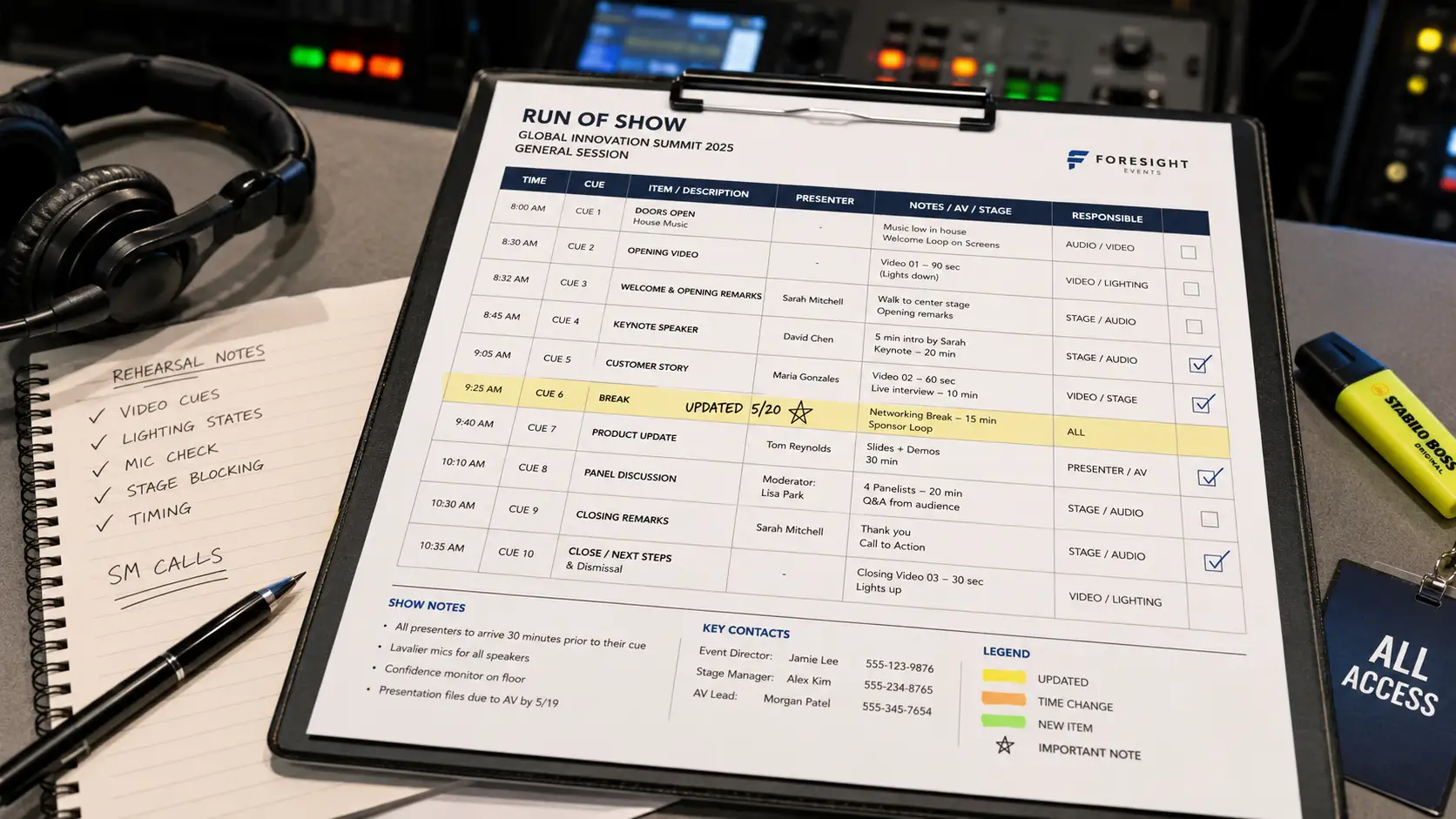
Use this mini-template as a quick working version before building a more detailed document.
| Rehearsal Area | What to Test | Owner | Status |
|---|---|---|---|
| Speakers | Entrances, timing, microphones, clicker, confidence monitor | Speaker manager | Not started / In progress / Done |
| Audio | Mics, playback audio, Q&A, stream mix, backups | Audio lead | Not started / In progress / Done |
| Video | Decks, videos, screen format, branding, lower thirds | Video lead | Not started / In progress / Done |
| Lighting | Stage looks, walk-ons, panels, transitions | Lighting lead | Not started / In progress / Done |
| Hybrid | Remote speaker joins, stream view, captions, recording | Hybrid lead | Not started / In progress / Done |
| Accessibility | Captions, seating, stage access, readable screens | Accessibility contact | Not started / In progress / Done |
| Backups | Files, laptops, microphones, internet, emergency contacts | Producer | Not started / In progress / Done |
This table is not meant to replace a full production plan. It is a starting point that helps the team stay aligned.
How Rehearsal Improves the Guest Experience
Guests may never know that a rehearsal happened, but they feel the result.
They hear clearer audio. They see smoother transitions. They understand where to look. They experience fewer awkward pauses. They trust the speakers more. They stay engaged because the event feels intentional.
A strong event rehearsal checklist also reduces stress for the planning team. Instead of solving every problem live, the team enters show day with shared expectations.
That confidence matters.
Events are live, which means changes can still happen. A speaker may run long. A file may change. A guest may need support. A remote participant may have a connection issue. Rehearsal does not remove every surprise, but it gives the team a stronger foundation for responding calmly.
Plan a More Confident Event With Future’s Past Events
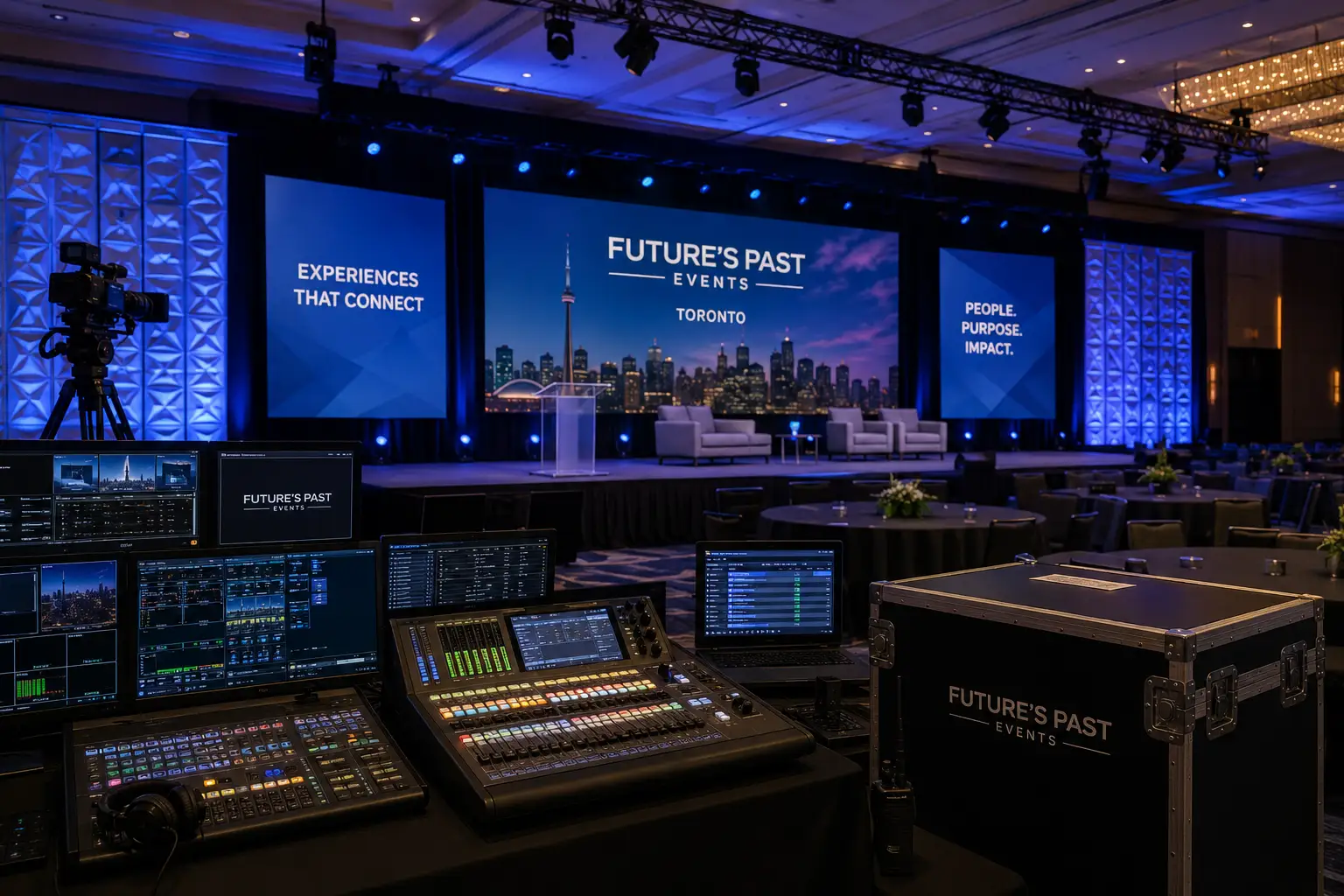
An event rehearsal checklist is most valuable when it is connected to the people who will help bring the event to life.
Future’s Past Events supports organizations across Toronto and the GTA with professional audio visual production services, corporate event production, hybrid events, trade show production, special events, staging, lighting, decor, and AV rentals.
The right rehearsal process helps your team test the plan, support speakers, protect timing, improve accessibility, prepare backups, and create a smoother experience for every guest.
If you are planning a conference, AGM, executive meeting, product launch, hybrid event, awards program, or sponsor-driven corporate experience, bring rehearsal into the conversation early. It is much easier to refine the show before the audience arrives than to fix avoidable problems in the moment.
To start building a stronger production plan, connect with Future’s Past Events through the contact page and share your event goals, venue details, guest count, technical needs, and show-day priorities.
Comments are closed.