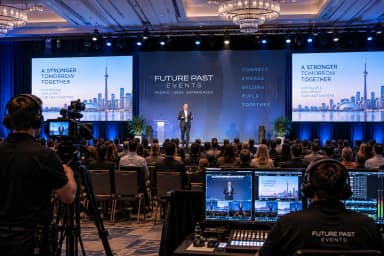
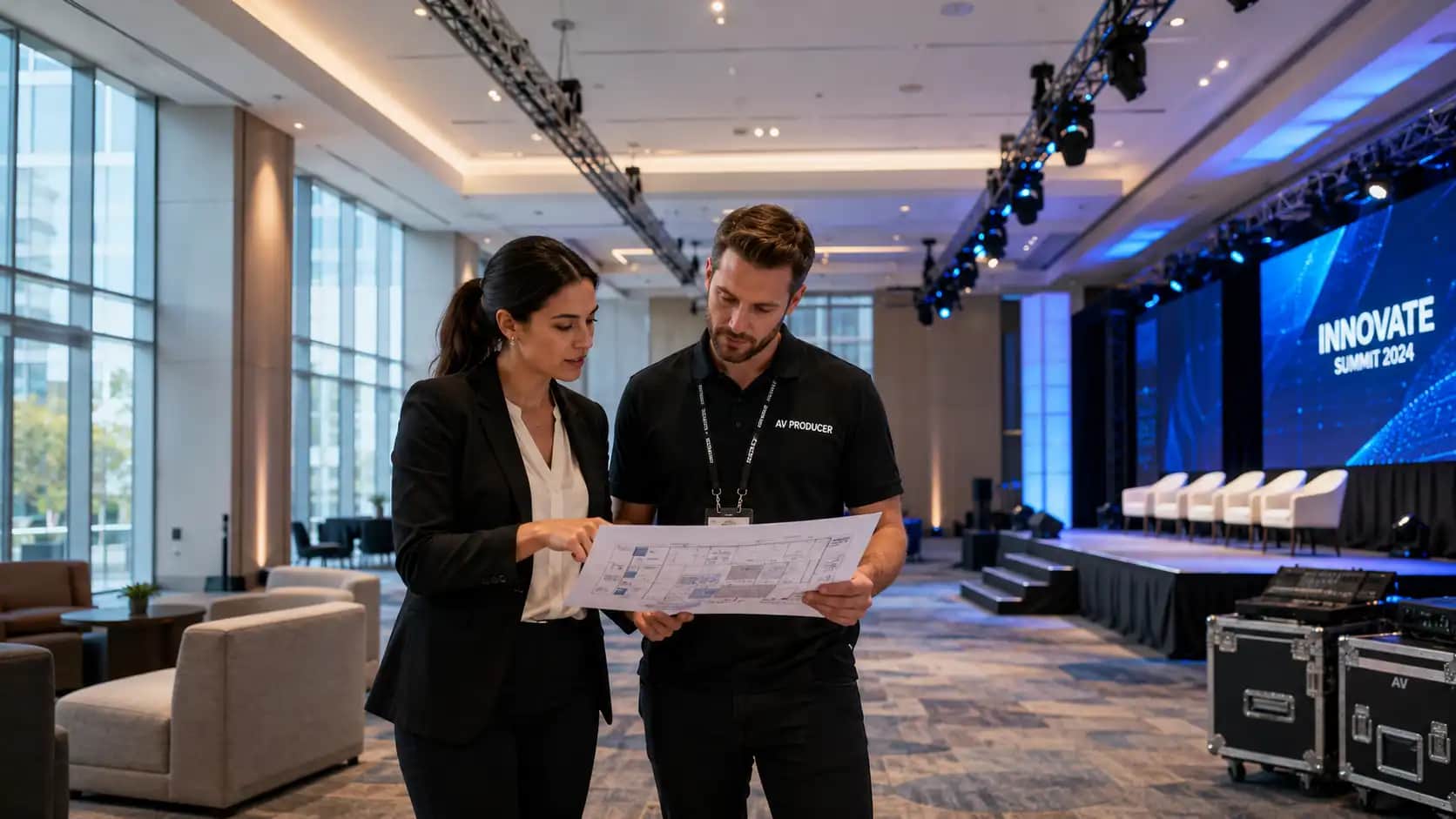
Event venue walkthrough checklist planning is one of the smartest ways to protect your event before contracts, floorplans, and production schedules become difficult to change.
A venue can look impressive in photos and still create problems for sound, sightlines, power, internet, loading access, accessibility, sponsor visibility, or guest flow. That is why an event venue walkthrough checklist should be more than a quick room tour. It should be a practical working tool that helps planners, venue teams, and production partners see the same risks before show day.
For corporate meetings, conferences, AGMs, hybrid events, product launches, galas, and trade shows, the walkthrough is where the event starts becoming real. You can stand in the room, test assumptions, notice constraints, ask better questions, and decide whether the venue can support the experience you want.
Why an Event Venue Walkthrough Checklist Matters Early
An event venue walkthrough checklist matters because many event problems begin long before the audience arrives.
A stage may fit on the floorplan but block sightlines from the back of the room. The ballroom may have enough outlets but not enough dedicated power for production. The venue may advertise Wi-Fi, but the network may not support registration, livestreaming, remote presenters, and attendee devices at the same time.
The walkthrough gives your team a chance to catch those issues while there is still time to adjust. It also helps connect planning documents to the physical space. Your agenda, event run of show, sponsorship plan, accessibility notes, and AV scope become much clearer when everyone has seen the room together.
A common question is whether a planner can do the walkthrough alone. For a small meeting, maybe. For anything with AV, staging, lighting, streaming, sponsor activations, or multiple rooms, your production partner should attend. A second set of technical eyes can spot details that may not be obvious during a standard venue tour.
What to Prepare Before You Walk the Venue
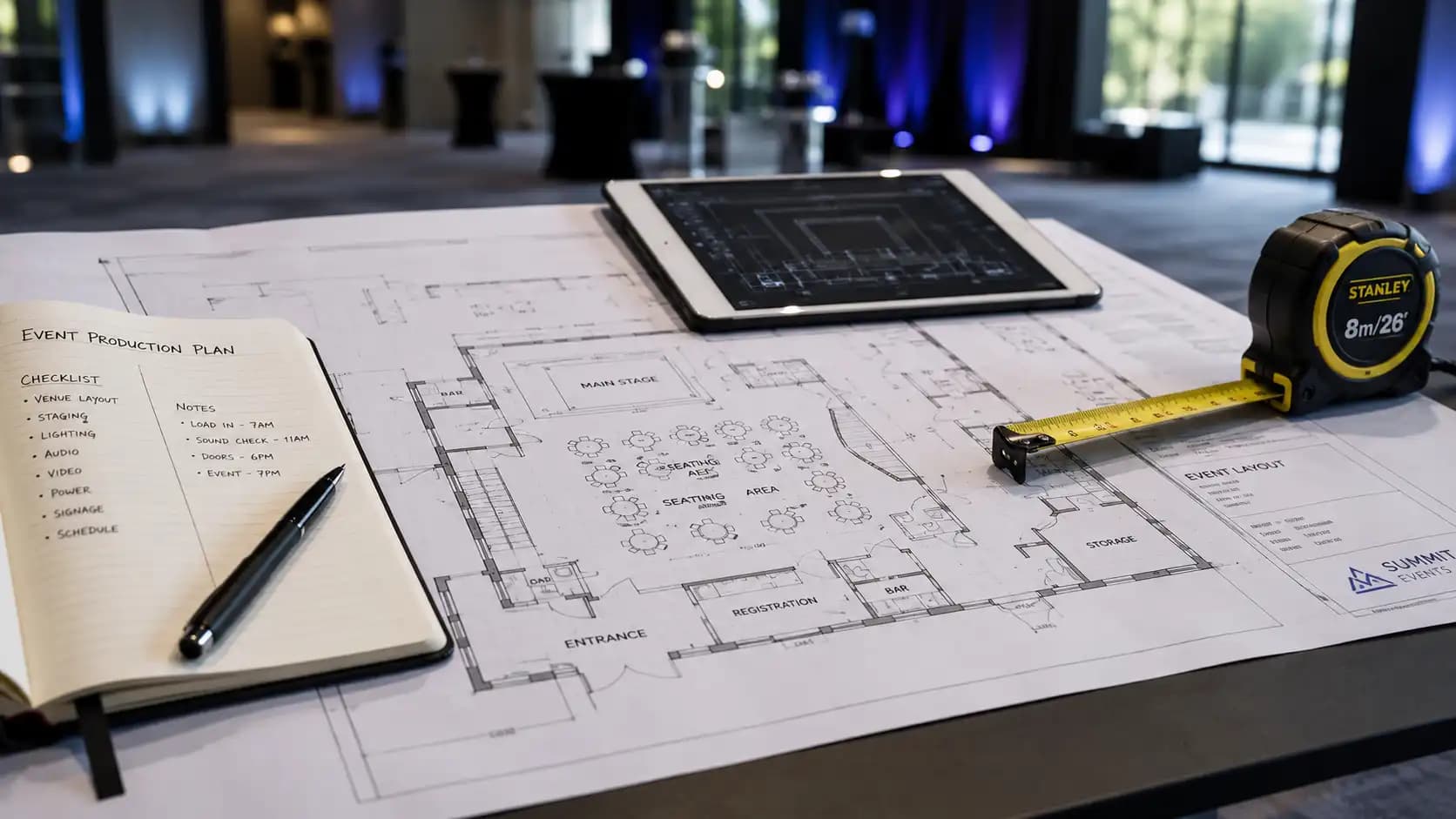
A strong event venue walkthrough checklist begins before you arrive. If you walk in with only a date and guest count, you may miss details that affect budget and execution.
Start with the event format. Is it a seated presentation, networking reception, hybrid meeting, awards dinner, trade show, or multi-room conference? Each format changes what you need to confirm.
Bring a rough agenda, expected attendance, speaker list, sponsor needs, accessibility considerations, preferred room layout, and early AV wish list. If your event includes livestreaming or remote participation, bring that information too. Hybrid events need more than a camera at the back of the room. They need space, power, internet, audio routing, lighting, and clean sightlines.
It also helps to ask the venue for floorplans, ceiling height, loading details, power specifications, internet options, rigging rules, and preferred supplier policies before the walkthrough. Those documents turn a casual tour into a focused review.
Event Venue Walkthrough Checklist: 17 Details to Review On Site
Use this event venue walkthrough checklist as a working guide while you are inside the space. Take photos, record measurements, and note who is responsible for each follow-up item.
1. Arrival, parking, and first impression
Start outside. How will guests find the entrance? Is there enough parking nearby? Where will rideshare drop-offs happen? Are there obvious points of confusion for first-time visitors?
This matters because the event experience begins before check-in. If guests arrive stressed, delayed, or unsure where to go, the room has to work harder to recover that energy.
2. Loading access for production
Loading access should be reviewed early in the event venue walkthrough checklist because it affects labour, timing, equipment choice, and cost.
Confirm dock location, elevator size, ramp access, freight restrictions, parking for production vehicles, and load-in time windows. Ask whether other events will be loading at the same time. A beautiful venue can become complicated if every supplier is trying to use the same elevator during a narrow setup window.
3. Room dimensions and practical capacity
Venue capacity numbers are useful, but they are not enough. Capacity changes once you add a stage, screens, camera risers, tech tables, sponsor displays, buffet stations, bars, or wide aisles.
Compare the official room capacity with your actual layout. A theatre setup, banquet setup, classroom layout, and networking reception all behave differently. If the venue feels tight during the walkthrough, it will feel tighter once guests, staff, decor, and equipment arrive.
4. Ceiling height, rigging, and overhead restrictions
Ceiling height affects screen size, lighting positions, scenic design, camera angles, and stage presence.
If you are considering banners, suspended decor, projection, truss, or larger scenic elements, ask what can be safely rigged and what is prohibited. Some rooms have chandeliers, low beams, sprinkler restrictions, or heritage features that limit production design. Those details should be documented before the creative plan goes too far.
5. Power availability and dedicated circuits
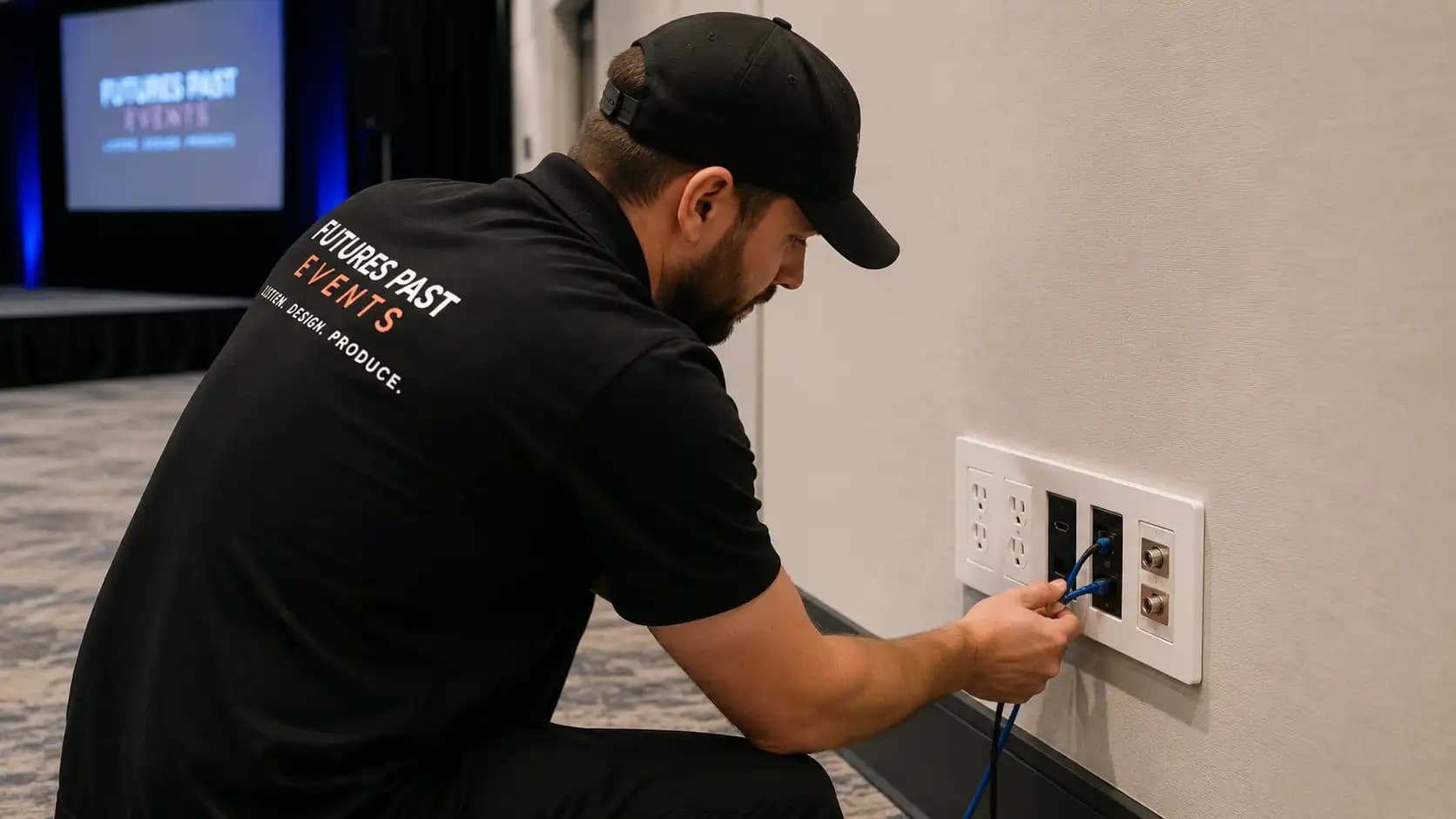
Power is one of the most important parts of any event venue walkthrough checklist. Ask where the electrical panels are, how many circuits are available, what is shared with other rooms, and whether dedicated production power is possible.
Do not rely only on visible wall outlets. AV, lighting, LED screens, registration desks, charging stations, sponsor booths, catering, and livestreaming gear can all add demand. If power planning feels unclear, review it with your AV partner and compare it with a more detailed event power requirements plan.
6. Internet, Wi-Fi, and wired connections
A venue saying “we have Wi-Fi” does not answer the real question.
Ask about upload speed, download speed, wired internet, dedicated production networks, guest Wi-Fi capacity, backup options, and whether other events share the same connection. This is especially important for hybrid events, livestreams, event apps, digital registration, remote speakers, cloud-based presentations, and sponsor demos.
Internet belongs on the same planning level as audio, lighting, staging, and power. For a deeper technical review, pair your event venue walkthrough checklist with an event bandwidth requirements review.
7. Acoustics and noise bleed
Stand in different parts of the room and listen.
Is there echo? HVAC noise? Street noise? Sound from nearby rooms? Hard surfaces that may reflect audio?
Good audio is not only about microphones and speakers. The room itself plays a role. If you are planning panels, keynote presentations, awards, or hybrid participation, clear speech should be treated as a core requirement. This is where experienced audio visual services in Toronto can help turn a difficult room into a workable production space.
8. Sightlines and screen visibility
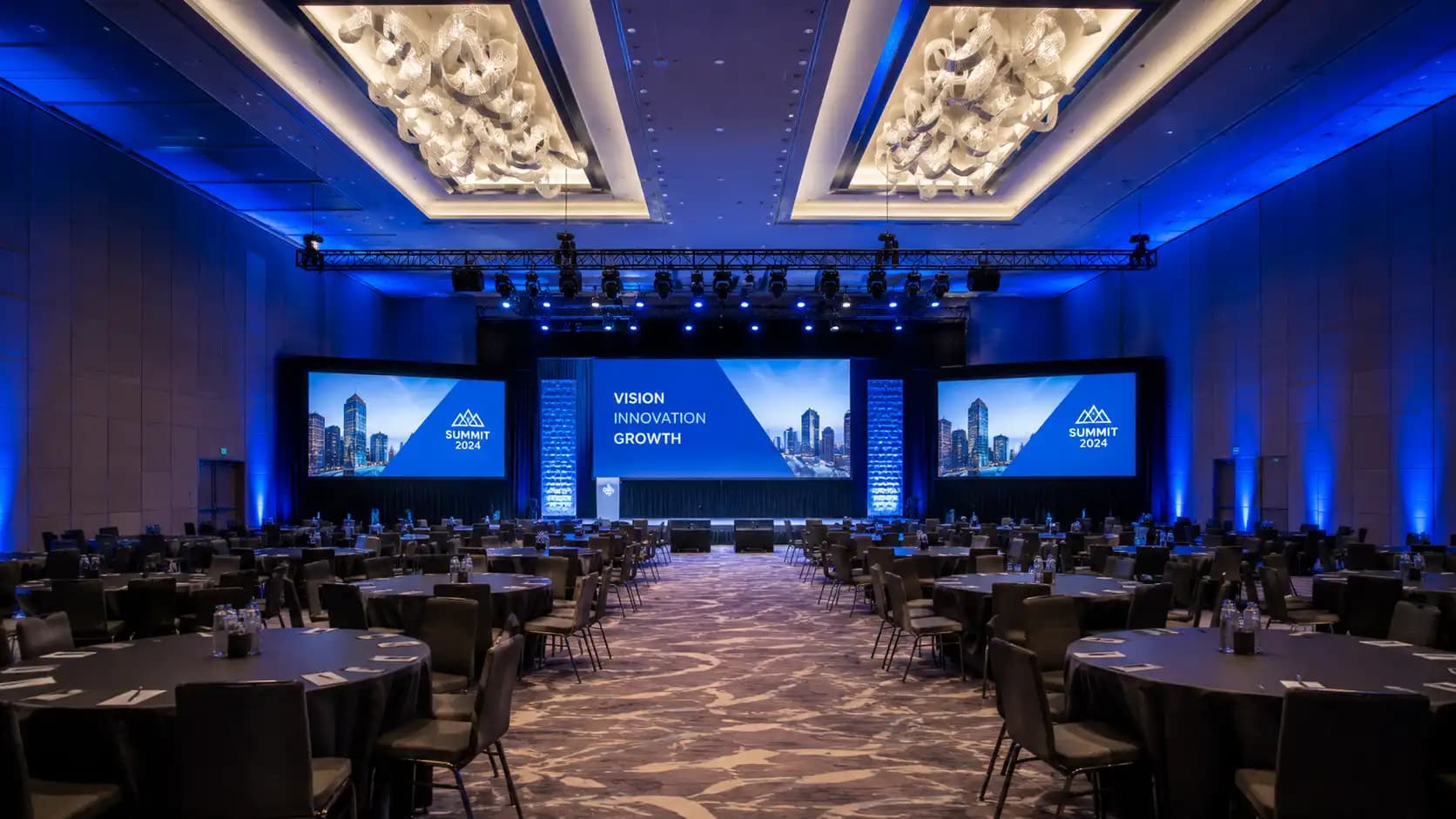
Walk to the back corners, side seats, balcony areas, and seats behind columns. Can guests see the stage, presenters, and screens clearly?
Sightline issues are easier to solve before the final layout is approved. You may need larger screens, different screen placement, raised staging, camera image magnification, or adjusted seating.
This is where an event venue walkthrough checklist helps protect both guest experience and production quality.
9. Lighting conditions
Check natural light, dimming controls, house lighting zones, stage wash options, and where lighting fixtures can be placed.
A bright room may look inviting during a tour but create problems for projection or camera exposure. For evening events, ask how the room changes after sunset. Lighting affects mood, photography, video quality, stage presence, and readability. It also affects how well guests can move safely through the room.
If the venue lighting is limited, review whether lighting rentals can support the room, brand colours, stage visibility, and camera needs.
10. Stage position and presenter movement
The stage should support the message, not just fill a wall.
Review where speakers enter, where they wait, how they move on and off stage, and whether they can see confidence monitors, timers, or notes. For AGMs, executive updates, leadership meetings, and awards programs, stage movement should feel controlled and professional.
If the stage is too low, too far from the audience, or squeezed between service doors, the event may feel less polished. For governance-heavy meetings, combine your event venue walkthrough checklist with an AGM event checklist so the room supports the formal meeting flow.
11. Registration and check-in flow
Registration is often the first operational pressure point.
Look at where lines will form, where badges or check-in devices will sit, how guests will move after checking in, and whether the entrance can handle peak arrival. If you are using tablets, scanners, printers, or payment devices, confirm power and internet in that exact area.
A smooth check-in experience can reduce stress for guests and staff before the program begins.
12. Accessibility routes and inclusive planning
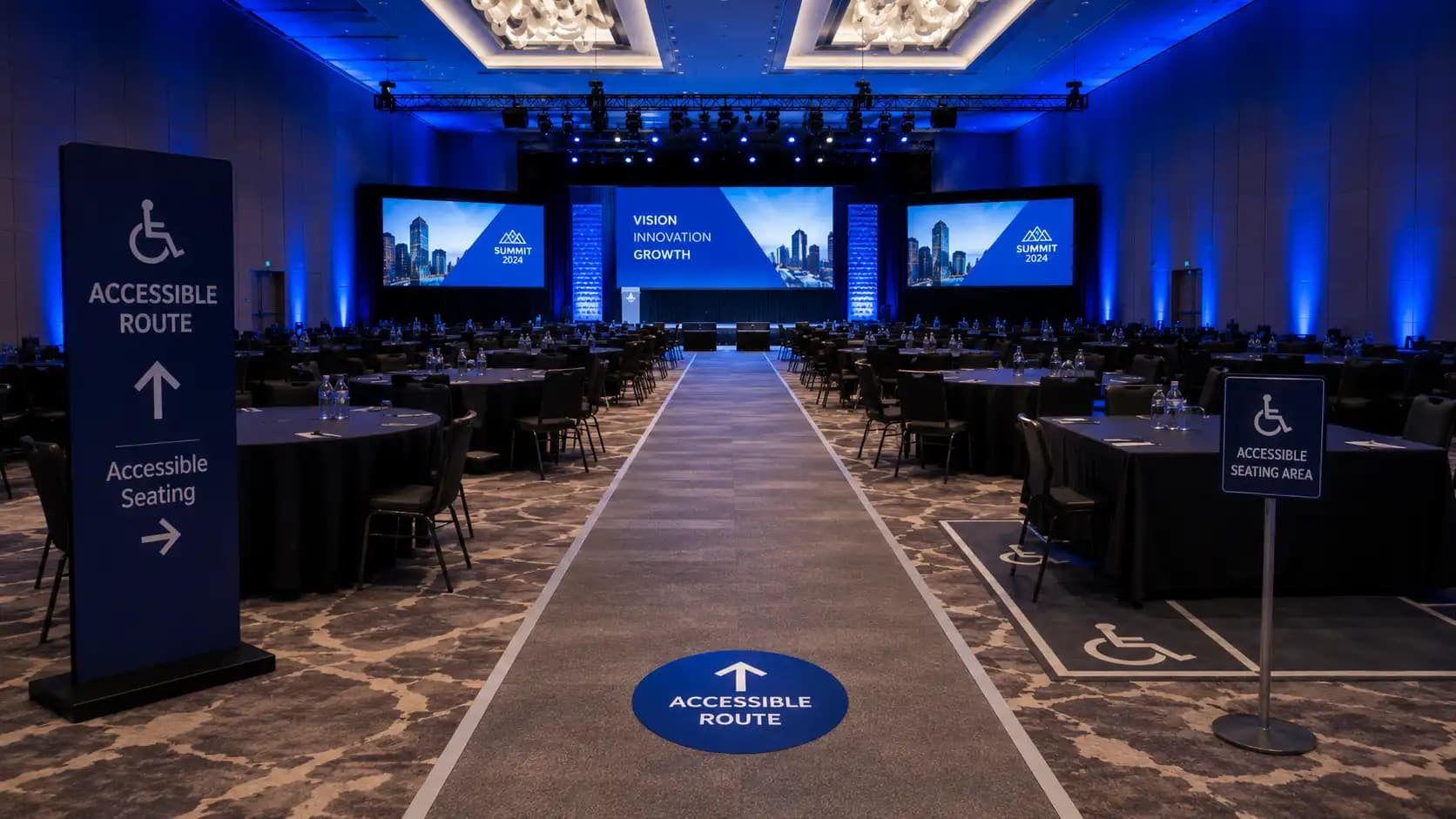
An event venue walkthrough checklist should include accessibility from arrival to departure.
Review accessible entrances, elevators, washrooms, seating options, aisle widths, ramps, signage, stage access, and quiet routes for guests who may need them. Accessibility should never be treated as a last-minute accommodation. It should be part of the event design.
For Ontario events, it is wise to keep broader accessibility expectations in mind, including the Accessibility for Ontarians with Disabilities Act and practical resources such as the Government of Canada guide to planning inclusive meetings.
You can also align your walkthrough notes with a dedicated event accessibility checklist to make sure access, visibility, captions, audio clarity, and seating are reviewed together.
13. Sponsor and exhibitor spaces
If sponsors are part of the event, walk the actual activation areas.
Will sponsors have enough space? Are they visible without blocking flow? Can they access power, internet, lighting, storage, and lead capture tools?
A sponsorship package may promise visibility, but the venue has to make that promise realistic. Review sightlines, foot traffic, signage opportunities, and setup restrictions before finalizing sponsor benefits. This is especially useful when building event sponsorship packages that need to feel valuable before, during, and after show day.
14. Breakout rooms and transition paths
For conferences and training sessions, breakout spaces need the same attention as the main room.
Check room size, audio isolation, screen visibility, seating flexibility, presenter support, signage, and how attendees will move between sessions. A breakout room that is too far away, hard to find, or under-equipped can weaken the overall event even if the general session is excellent.
If AI tools are being used to draft agendas or session plans, make sure those ideas still match the physical space. AI in event planning can help organize possibilities, but the venue walkthrough confirms what is actually practical.
15. Green room, storage, and back-of-house areas
Speakers, executives, performers, event staff, and production teams need functional back-of-house space.
Ask where speakers can prepare, where cases can be stored, where staff can keep supplies, and where production equipment can be hidden from guests. A venue may look clean from the guest side while having very limited storage.
If storage is not planned, cases, cables, signage, and extra chairs can end up in places guests can see.
16. Safety, emergency exits, and crowd movement
Safety checks should be part of every event venue walkthrough checklist.
Review exits, evacuation routes, fire lanes, crowd bottlenecks, first-aid access, security posts, and staff communication. For larger gatherings, it is also worth reviewing crowd management guidance from trusted sources such as the NFPA and confirming any event-specific requirements with the venue or local authority.
If your event uses public space, amplified sound, temporary structures, or road closures in Toronto, the City of Toronto event planning guidance can help identify possible permits and approvals.
17. Load-out and post-event timing
Load-out is often ignored until the end of the night, but it affects labour, overtime, supplier schedules, and venue relations.
Ask when load-out can begin, which elevators are available, where empty cases can wait, and whether another event is scheduled immediately after yours. If the event ends late, confirm noise rules, dock access, security requirements, and garbage removal expectations.
A smooth exit is part of a professional production plan.
Venue Walkthrough Questions to Ask
The best event venue walkthrough checklist is built around clear questions. Use this mini-breakdown as a planning note during your site visit.
| Planning Area | Ask the Venue | Ask the Production Team |
|---|---|---|
| Power | What circuits and panels are available? | What equipment needs dedicated power? |
| Internet | Is wired internet available? | Which systems need priority bandwidth? |
| Loading | What are the dock and elevator limits? | How long will load-in and load-out take? |
| Staging | What room restrictions apply? | What stage size and position support the program? |
| Lighting | What can be dimmed or controlled? | What additional lighting is needed? |
| Accessibility | What accessible routes are available? | How should layout and stage access be adapted? |
| Safety | What emergency procedures apply? | What production choices affect crowd flow? |
This table does not replace a full plan, but it helps keep the conversation focused. A good event venue walkthrough checklist should create decisions, not just notes.
Common Mistakes to Avoid During a Venue Walkthrough
Even experienced teams can move too quickly during a site visit.
The biggest mistake is focusing only on how the venue looks. A room can photograph beautifully and still be wrong for the event. Pay attention to what guests will hear, see, follow, and feel once the space is full.
Another mistake is trusting standard capacity charts without mapping production needs. If you are adding cameras, a control area, sponsor booths, buffet stations, or a stage reveal, your usable guest capacity changes.
Planners also sometimes forget to document decisions. Take photos, label them, and turn notes into follow-up tasks. Your event venue walkthrough checklist should become a shared document after the visit, not stay buried in one person’s notebook.
How early should the walkthrough happen? Ideally, schedule it before final venue approval or as soon as the venue is shortlisted. For complex events, a second technical walkthrough closer to show day is often useful, especially after the agenda, floorplan, and AV scope have matured.
How the Checklist Changes by Event Type
An event venue walkthrough checklist should flex based on the event format.
For corporate event production, focus on stage clarity, executive movement, presentation playback, room flow, branding, and a polished guest experience. The room should support the message without creating distractions.
For hybrid events, prioritize internet, camera positions, lighting, speaker audio, remote presenter workflows, and a production network. Hybrid audiences notice technical gaps quickly, so the room must work for both in-person and online viewers.
For trade show production, focus on booth flow, sponsor visibility, power drops, lead capture, signage, storage, and exhibitor load-in. Trade shows succeed when the floor is easy to navigate and each activation has enough space to perform.
For special events and galas, decor, lighting, stage reveals, music, photography, and guest movement often become central. The walkthrough should confirm that creative ideas can be executed safely and elegantly within the venue.
Turning Walkthrough Notes Into a Production Plan
After the walkthrough, organize your notes quickly.
Separate confirmed items from open questions. Assign ownership to the planner, venue, AV partner, catering team, sponsor lead, or security contact.
Update the floorplan, budget, production schedule, and event run of show based on what you learned. If the room requires extra lighting, additional power distribution, a different stage location, dedicated internet, or a revised registration area, those changes should be made early.
This is also the moment to align with related planning documents. Your event venue walkthrough checklist should support your accessibility checklist, bandwidth review, power plan, sponsorship package, and show-day timeline. When those documents agree with each other, the event becomes easier to manage.
If you need equipment support, review available audio visual rental equipment early so the technical scope fits the room instead of being forced into it later.
Make Your Venue Walkthrough Count
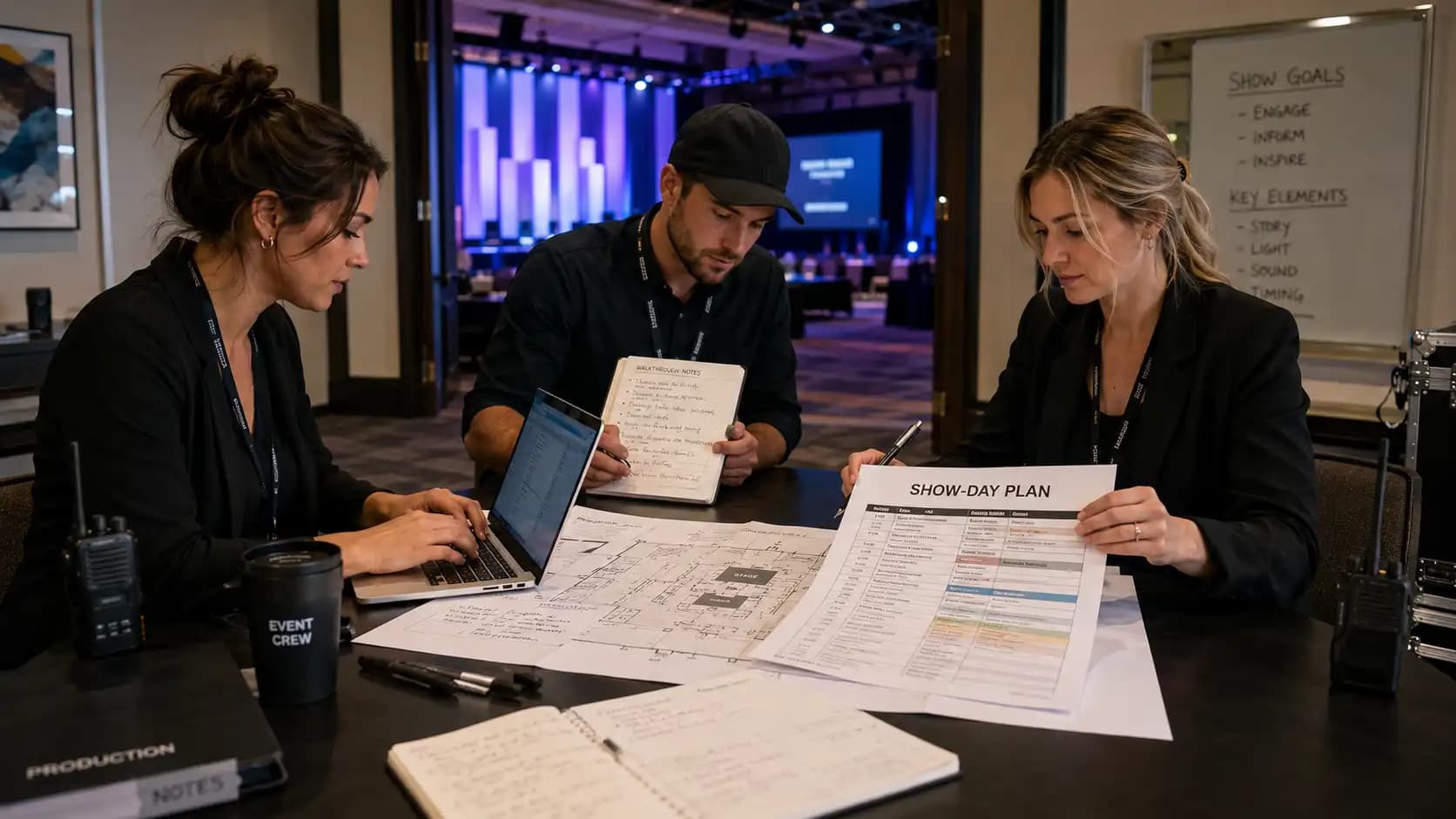
An event venue walkthrough checklist is not just a planning form. It is a way to protect the guest experience, reduce last-minute surprises, and make better decisions before the room is full.
The right venue should support your event goals, but the right production plan turns that venue into a polished experience. That means reviewing the space through the lens of audio, visuals, staging, lighting, decor, internet, accessibility, safety, timing, and guest movement.
Future’s Past Events helps organizations across Toronto and the GTA plan and produce corporate events, hybrid events, trade shows, special events, audio visual rentals, staging, lighting, and decor with the technical detail live events require.
If you are comparing venues or preparing for a site visit, the team can help you turn your walkthrough into a practical production plan. Start with the services overview, explore the portfolio for examples, review common planning questions in the FAQs, or contact Future’s Past Events to discuss your next event.
Related posts
Awards Show Production: 10 Steps to a Ceremony That Runs on Time
Awards show production is what turns a list of winners into a night people remember. Every category needs a clean reveal, every winner needs to reach the stage without a long silence, and the whole program has to finish before the room loses its energy. That only happens when the show is…
Corporate Holiday Party AV: 9 Steps to a Memorable Year-End Night
Corporate holiday party AV decides whether the evening feels like a celebration or like a conference room with a buffet. The CEO's toast has to be heard over three hundred conversations, the year-in-review video has to play on cue, and the room has to change from dinner to dance floor without…
Town Hall AV: 9 Steps to a Clear, Reliable Corporate Town Hall
Town hall AV can make the difference between a leadership message that feels clear and confident and one that gets lost in weak audio, hard-to-read slides, awkward transitions, or a poor remote experience. A corporate town hall may look like a simple meeting, but once you add executives, audience Q&A, presentations,…