
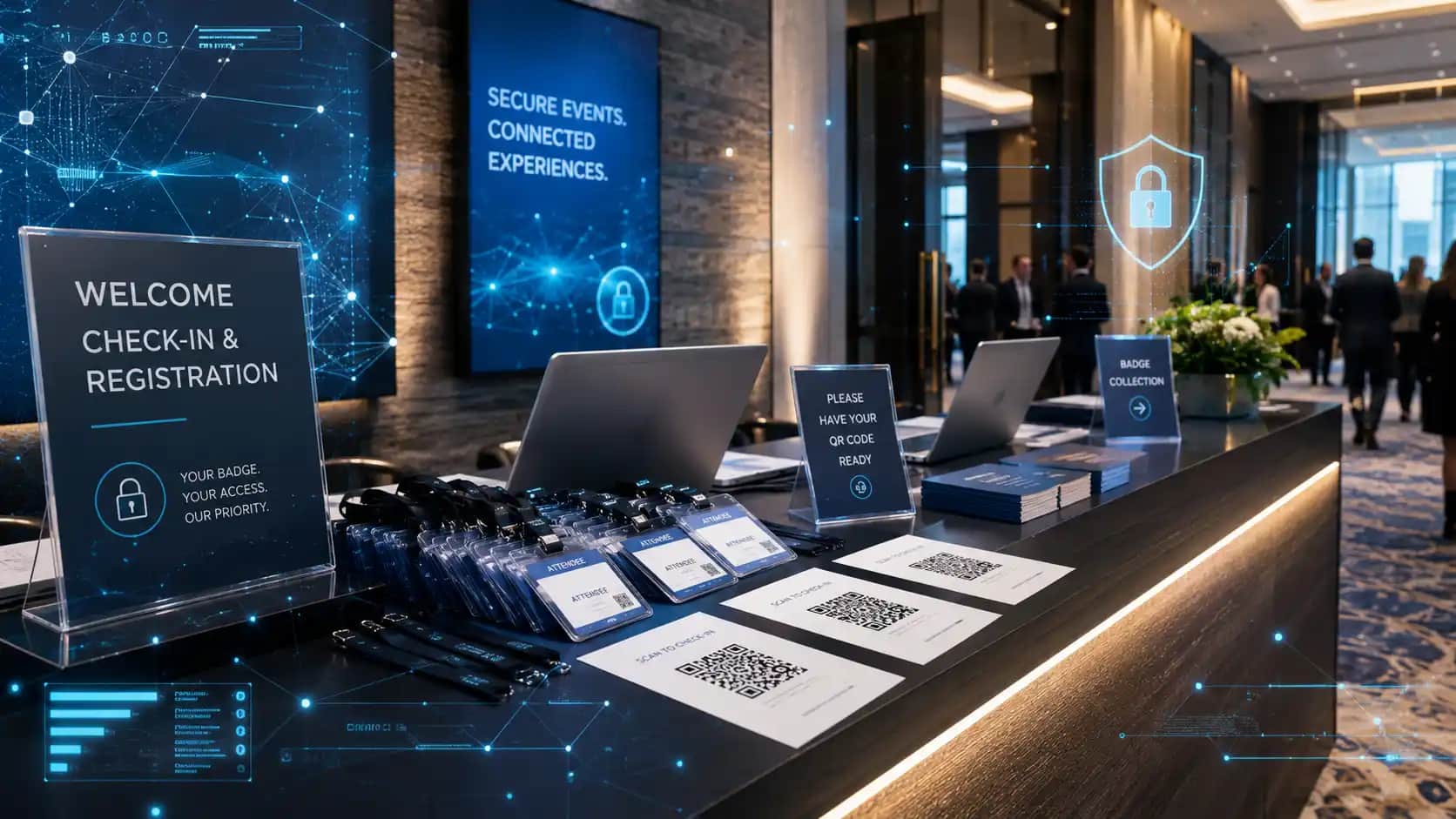
Event cybersecurity checklist planning is now an essential part of professional event preparation, especially for corporate events, hybrid meetings, trade shows, AGMs, product launches, investor updates, and conferences that depend on registration platforms, Wi-Fi, livestreaming, event apps, QR codes, sponsor lead capture, and digital presentation systems.
Modern events do not only move people through a room.
They move data through systems.
A guest may register online, receive confirmation emails, join the venue Wi-Fi, scan QR codes, download materials, check in with a badge printer, participate in polls, submit questions, watch a livestream, and share information with sponsors or exhibitors.
That can create a smooth and polished experience when everything is planned well. It can also create risk when cybersecurity and privacy are treated as technical afterthoughts instead of core event planning details.
The good news is that an event cybersecurity checklist does not need to turn planners into IT specialists. It simply gives your team a practical way to ask the right questions before show day, protect attendee trust, and keep digital event tools from becoming weak points in an otherwise professional production.
Why an Event Cybersecurity Checklist Belongs in Event Planning
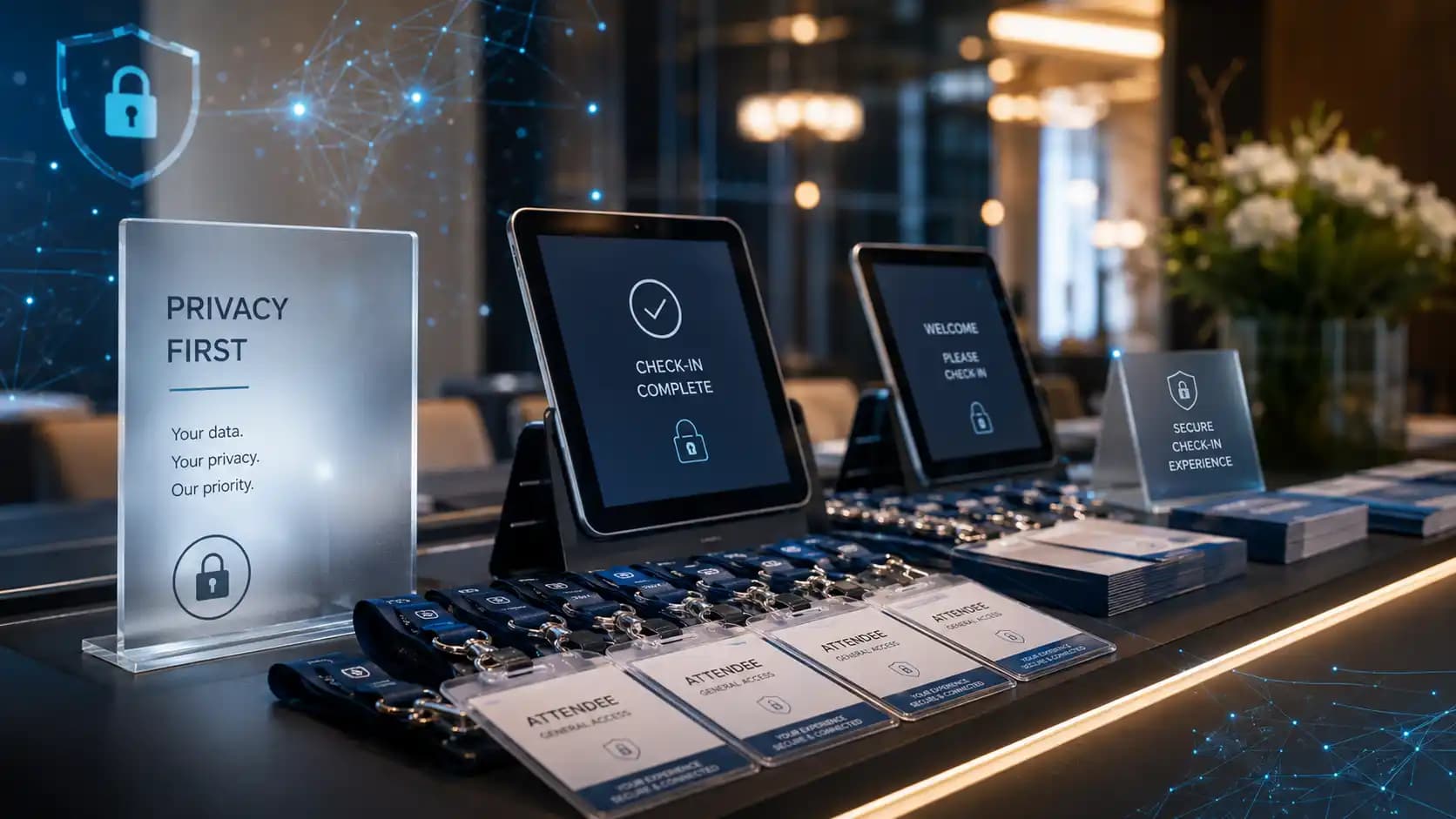
An event cybersecurity checklist matters because event technology is now part of the attendee journey.
Years ago, a planner might have focused mainly on room setup, microphones, lighting, staging, catering, signage, guest flow, and the agenda. Those still matter. But they now sit beside digital systems that carry personal information and control important parts of the event experience.
Think about a typical corporate event.
Registration may collect names, job titles, email addresses, company names, dietary needs, accessibility requests, session choices, payment details, and consent preferences. A hybrid event may also involve remote speaker links, cloud recordings, login credentials, chat transcripts, downloadable content, analytics, and post-event reports.
If that information is handled poorly, the issue is not only technical. It can affect brand confidence, attendee comfort, legal exposure, sponsor relationships, and the overall professionalism of the event.
That is why teams planning corporate event production or hybrid events should treat privacy, access, Wi-Fi, registration, and platform control as part of the production conversation.
What Should an Event Cybersecurity Checklist Cover?
A useful event cybersecurity checklist should cover the full event lifecycle: before the event, during the event, and after the event.
It should also include every group that touches event data. That can include internal marketing teams, registration vendors, AV partners, livestream teams, sponsors, exhibitors, venue teams, speakers, and post-event reporting teams.
At a minimum, review these areas:
| Planning Area | What Can Go Wrong | Smart Planning Move |
|---|---|---|
| Registration data | Too much personal information is collected or shared | Collect only what the event truly needs |
| Event Wi-Fi | Guests, staff, and production systems use the same network | Separate networks by user type and priority |
| Hybrid platforms | Wrong people access links, recordings, chats, or speaker rooms | Use permissions, waiting rooms, and controlled access |
| QR codes and links | Attendees scan unclear or unsafe links | Use branded, tested, and clearly labelled links |
| Sponsor lead capture | Attendee data is shared without enough clarity | Make consent and sharing rules easy to understand |
| Post-event files | Recordings, reports, and attendee lists stay accessible too long | Set retention rules before the event ends |
This type of event cybersecurity checklist helps teams make better decisions before pressure builds. It also gives non-technical stakeholders a simple way to understand risk without getting lost in jargon.
1. Start With the Data You Actually Collect
The first step in any event cybersecurity checklist is knowing what information you are collecting and why.
Many events collect more data than they need because old registration forms get reused without review. A field may have been useful for one event, but unnecessary for the next. Over time, registration forms can become longer, more intrusive, and harder to manage.
Ask a simple question: what data is required to run this event well?
Names and email addresses may be necessary. Job titles may help networking. Dietary requirements may support hospitality. Accessibility requests may support a more inclusive attendee experience. But some fields may be unnecessary, especially if the information will not be used in a meaningful way.
For Canadian organizations, an event cybersecurity checklist should also connect to privacy planning. Privacy planning should align with the principles behind PIPEDA, including clear purposes, appropriate safeguards, and limiting collection.
You do not need to turn the event plan into a legal document. But you should treat personal information with care from the first form field.
A strong event cybersecurity checklist should include one owner for registration data, one approved platform, and one clear rule for who can export attendee lists.
2. Protect Registration and Check-In Systems
Registration is often where the event experience begins, which is why the event cybersecurity checklist should treat it as a priority.
It is also where sensitive information can spread quickly if too many people have access.
Before launch, confirm who has admin rights to the registration platform. Remove old users. Avoid shared logins. Use multi-factor authentication where available. Make sure staff accounts are role-based, so a temporary check-in team does not have the same access as the event director, marketing lead, or data owner.
On show day, check-in desks should be organized in a way that protects privacy.
Screens should not expose full attendee lists to people standing in line. Printed badges should be stored carefully. Walk-up registration should avoid repeating private details out loud where others can overhear. If tablets, scanners, or badge printers are being used, confirm that they are connected to the right network and supervised during busy arrival periods.
This is where cybersecurity connects directly to guest experience.
A clean check-in process supports trust, speed, and professionalism, just as much as signage, staffing, and clear audio.
3. Separate Guest Wi-Fi From Production Networks
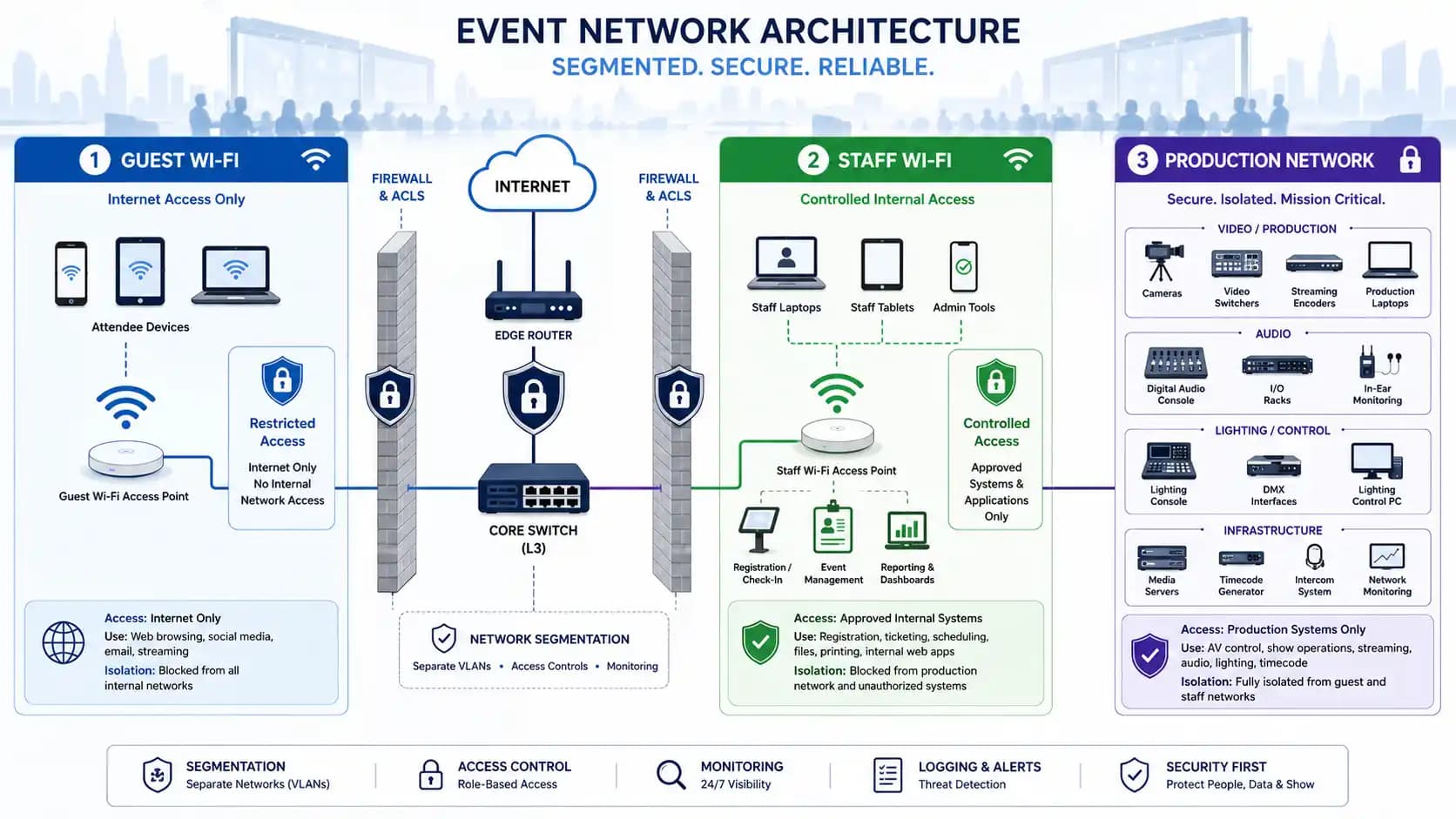
Wi-Fi is one of the most important items in an event cybersecurity checklist because almost everyone uses it, yet not every connection has the same purpose.
Guests may need Wi-Fi for email, social media, event apps, QR codes, session materials, and basic browsing. Production teams may need internet for livestreaming, remote speakers, presentation backups, cloud assets, captioning, polling, or video conferencing. Registration may need a stable connection for check-in and badge printing.
Those needs should not all compete on one unmanaged network.
The Canadian Centre for Cyber Security’s Wi-Fi security guidance is a useful reference for understanding why wireless networks need proper controls. For events, the practical takeaway is simple: separate networks, protect passwords, avoid posting staff network details publicly, and coordinate bandwidth needs early.
If your team is already reviewing event bandwidth requirements, add security to the same conversation.
Speed matters.
Controlled access matters too.
4. Secure Hybrid Event Links and Remote Speaker Access
Hybrid and virtual components create extra access points, so an event cybersecurity checklist should never stop at the ballroom door.
A remote speaker link, production call, cloud recording, moderator dashboard, or backstage chat can become a problem if it is shared casually or left open.
Your event cybersecurity checklist should include secure link handling. Send links only to the people who need them. Use waiting rooms or approval features when available. Rename remote speakers clearly so production teams can identify them. Avoid public links for private rehearsals, executive meetings, board updates, investor presentations, or paid sessions.
For a hybrid event, it is also smart to separate the attendee viewing experience from the production experience.
Attendees should not see backstage conversations, speaker prep rooms, test feeds, internal chat channels, or unfinished presentation content.
This is closely tied to the planning behind a strong event run of show. The same document that maps cues, speakers, videos, transitions, and timing can also identify who controls digital access at each stage of the program.
5. Review QR Codes, Short Links, and Event Apps
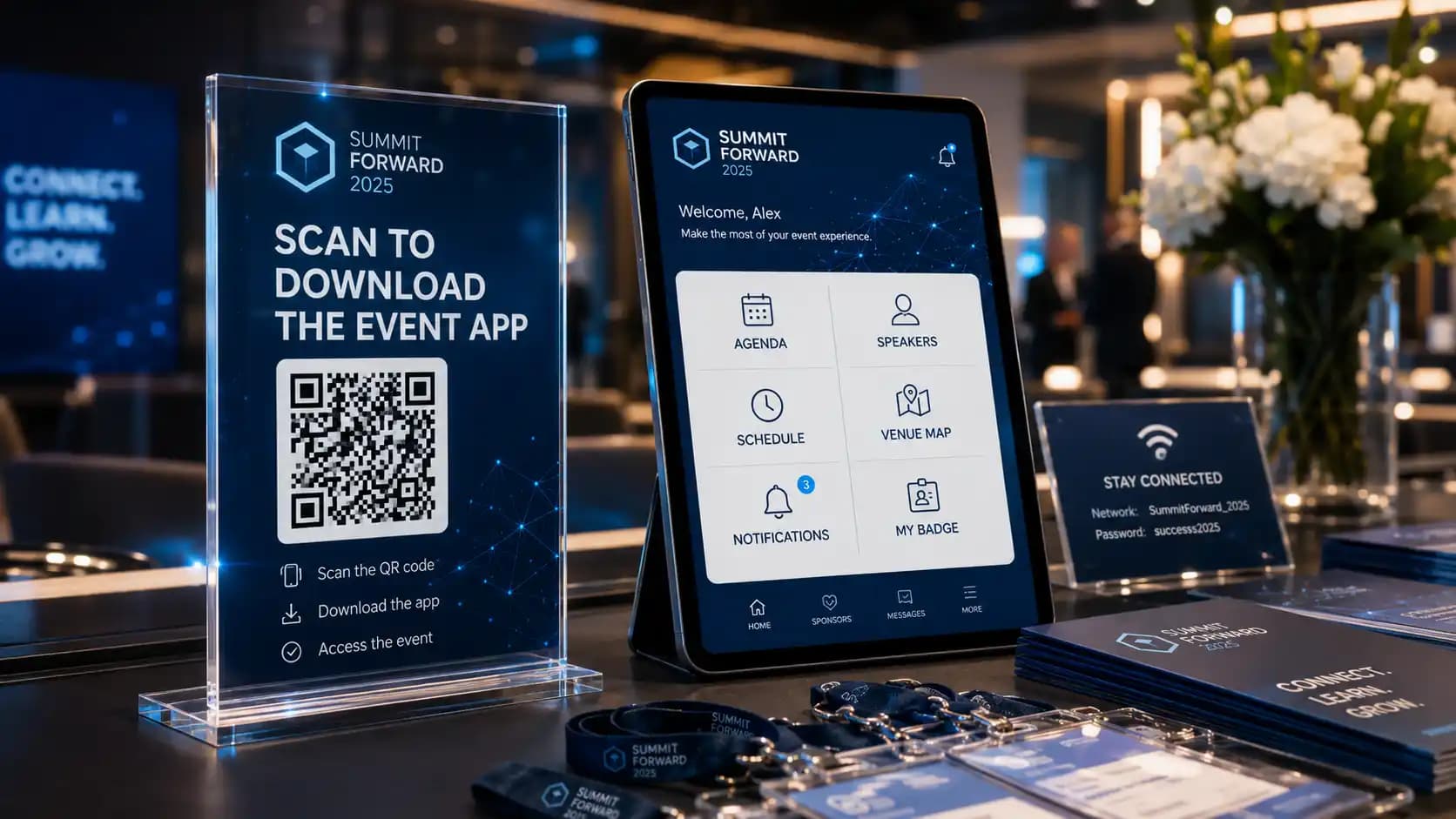
QR codes are convenient, but they should never be an afterthought in an event cybersecurity checklist.
They may point to agendas, surveys, sponsor pages, menus, donation forms, downloadable files, maps, contest forms, or networking tools. Guests often scan them quickly without checking the destination.
That is why an event cybersecurity checklist should require every QR code and short link to be tested before printing, displayed with clear context, and connected to a trustworthy destination.
For example, a sign that says “Scan for agenda” is better than a floating QR code with no explanation. A branded landing page is better than a random-looking short link. If a sponsor uses its own code, confirm where it sends attendees and what information is collected.
This also improves user experience.
Clear digital pathways reduce confusion, protect trust, and make the event feel more professional.
6. Set Rules for Sponsor and Exhibitor Data
Trade shows, conferences, and sponsor activations often involve lead capture.
That can be valuable for sponsors and useful for attendees, but it needs clear expectations.
If an attendee scans into a session, visits a booth, downloads a file, enters a contest, or answers a poll, what information is shared? With whom? For what purpose? Will the attendee receive follow-up emails?
These questions should be answered before sponsor packages are sold, not after attendees start asking.
If your team is already building event sponsorship packages, data-sharing rules should be part of the value conversation. Sponsors want measurable value, but attendees want clarity and control. A strong sponsor program should support both.
A practical event cybersecurity checklist should include a sponsor data policy, approved lead capture tools, consent language, and a limit on who receives raw attendee lists.
7. Plan for Presentation Files, Recordings, and Speaker Content
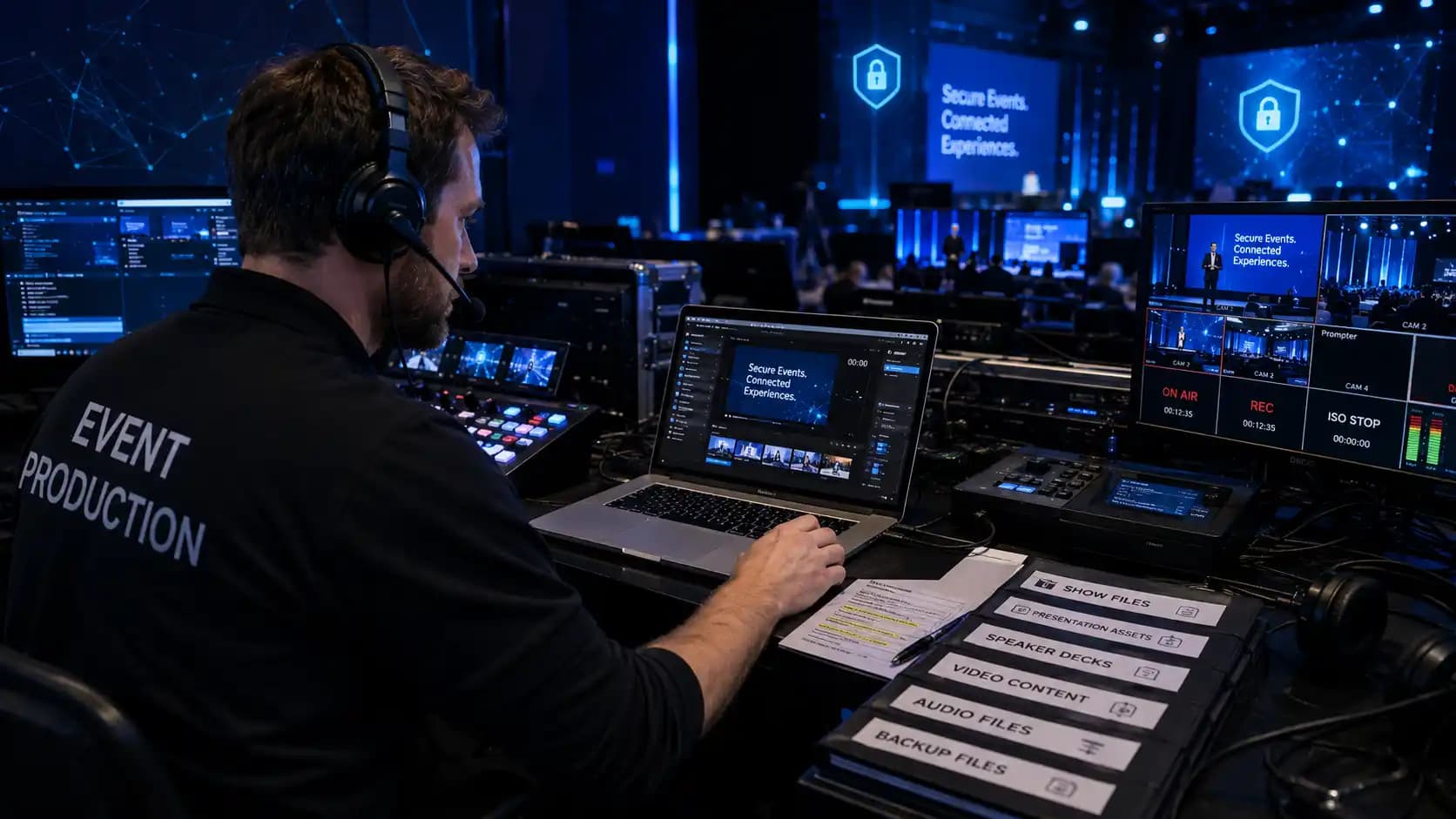
Speaker decks, product demos, executive presentations, financial updates, award videos, and unreleased brand materials can be sensitive.
They may not always be personal information, but they can still be confidential.
Decide how files will be submitted. Avoid scattered email threads when possible. Use a controlled folder structure. Name final versions clearly. Remove outdated versions before show day. Limit edit access. Decide who can download files and who only needs viewing access.
For livestreamed or recorded events, your event cybersecurity checklist should ask one more question: what happens after the event?
Recordings may include speaker remarks, audience questions, chat messages, sponsor content, attendee names, or sensitive business updates. Your event cybersecurity checklist should define who receives recordings, where they are stored, whether they will be edited, and when raw files should be deleted.
This planning supports smoother production as well.
The more organized your files are, the easier it is for audio visual services, presentation teams, and show callers to keep the event moving.
8. Build Privacy Into Accessibility and Attendee Support
Accessibility planning and privacy planning often overlap.
An attendee may share mobility requirements, dietary needs, captioning requests, interpretation needs, sensory considerations, medical considerations, or other accommodation details.
Those details should help the event team support the guest. They should not be visible to people who do not need them.
If your team is using an event accessibility checklist, add privacy handling to it. Decide who receives accommodation requests, how they are stored, how they are communicated to venue or production teams, and how they are removed after the event.
This is a good example of how privacy can feel human, not bureaucratic.
Guests should feel that their needs are respected without feeling exposed.
9. Prepare a Simple Incident Response Plan
Even a strong event cybersecurity checklist cannot guarantee that nothing will go wrong.
A link may be sent to the wrong person. A laptop may be misplaced. A QR code may need to be replaced. A platform login may stop working. A suspicious email may target speakers or staff. A guest may report that they received an unexpected message after scanning a code.
The answer is not panic.
The answer is preparation.
Create a simple response plan with names, roles, and decision paths. Who should staff contact first? Who can reset platform access? Who can communicate with the venue? Who decides whether a link should be disabled? Who handles attendee communication if needed?
The NIST Cybersecurity Framework is built around clear cybersecurity outcomes, and one useful lesson for event teams is that preparation matters across identifying, protecting, detecting, responding, and recovering.
For events, that can be translated into a simple, practical plan your team can actually use under pressure.
10. Recheck Cybersecurity During Rehearsal
A rehearsal is not only for microphones, slides, lighting cues, and speaker timing.
It is also a smart time to test the digital experience.
During rehearsal, use the event cybersecurity checklist as a live test tool. Open attendee links from a fresh device. Test speaker links. Confirm moderator permissions. Check that QR codes go to the right pages. Confirm the Wi-Fi network names. Make sure staff know which network to use. Confirm that registration devices connect correctly. Review who has access to recordings, chat exports, and final files.
If your team is already using an event cybersecurity checklist, the rehearsal becomes the moment when assumptions turn into proof.
This also fits naturally with technical preparation around event power requirements, bandwidth, AV setup, stage cues, and show flow.
Cybersecurity works best when it is built into the same production rhythm, not bolted on at the end.
11. Remove Access After the Event
After load-out, the event cybersecurity checklist still matters because cybersecurity work is not finished.
In fact, many risks appear after the event because everyone moves on quickly.
Your event cybersecurity checklist should include post-event cleanup. Remove temporary users from registration platforms. Disable shared links. Archive or delete old files. Confirm where recordings are stored. Remove exported attendee lists from personal desktops. Limit access to post-event reports. Decide what sponsors receive and document what was shared.
This step is easy to forget, but it protects future events.
It also makes your next event easier because your systems start clean instead of carrying outdated access from the last program.
A Practical Event Cybersecurity Checklist for Planning Teams
Here is a simple checklist your team can adapt:
- Confirm what attendee data is truly needed.
- Assign one owner for registration data and platform access.
- Use role-based access and remove old users.
- Separate guest Wi-Fi, staff Wi-Fi, and production network needs.
- Test QR codes, short links, and event app destinations.
- Protect remote speaker links and backstage hybrid access.
- Set clear sponsor and exhibitor data-sharing rules.
- Secure speaker files, decks, recordings, and chat exports.
- Protect accessibility and accommodation details.
- Create a simple incident response plan.
- Recheck cybersecurity during rehearsal.
- Remove temporary access after the event.
This event cybersecurity checklist is intentionally practical. It is not a replacement for legal, IT, or privacy advice. It is a planning tool that helps event teams recognize where digital trust can affect the live experience.
How Future’s Past Events Helps Teams Plan More Reliable Events
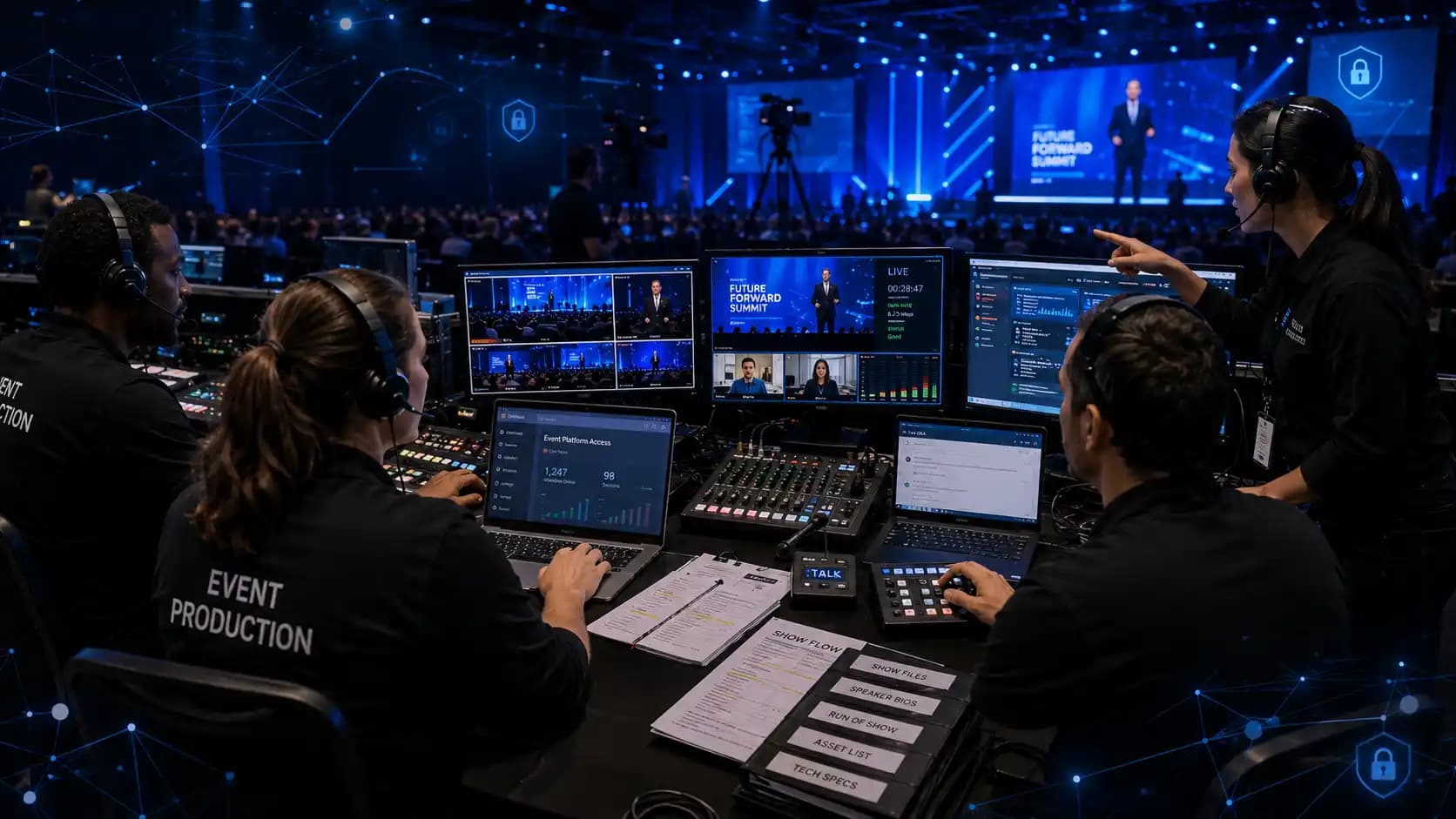
An event cybersecurity checklist works best when it is connected to the larger production plan.
Digital safety is not separate from Wi-Fi, livestreaming, registration, speaker support, AV equipment, staging, lighting, audience flow, and show calling. All of those pieces influence whether an event feels polished, secure, and reliable.
Future’s Past Events supports organizations across Toronto and the GTA with professional audio visual production services, corporate events, hybrid event production, trade show production, AV rentals, lighting, staging, special events, and event decor.
For corporate teams planning a high-stakes meeting, hybrid broadcast, product launch, AGM, conference, or sponsor-driven event, the safest approach is to bring technical planning into the conversation early.
When your AV, internet, platform, access, and production details are aligned, your event is easier to manage and easier for guests to trust.
To start planning a more confident event experience, connect with Future’s Past Events through the contact page and bring your event goals, venue details, digital tools, and production needs into one clear planning conversation.
Related posts
Awards Show Production: 10 Steps to a Ceremony That Runs on Time
Awards show production is what turns a list of winners into a night people remember. Every category needs a clean reveal, every winner needs to reach the stage without a long silence, and the whole program has to finish before the room loses its energy. That only happens when the show is…

Corporate Holiday Party AV: 9 Steps to a Memorable Year-End Night
Corporate holiday party AV decides whether the evening feels like a celebration or like a conference room with a buffet. The CEO's toast has to be heard over three hundred conversations, the year-in-review video has to play on cue, and the room has to change from dinner to dance floor without…
Town Hall AV: 9 Steps to a Clear, Reliable Corporate Town Hall
Town hall AV can make the difference between a leadership message that feels clear and confident and one that gets lost in weak audio, hard-to-read slides, awkward transitions, or a poor remote experience. A corporate town hall may look like a simple meeting, but once you add executives, audience Q&A, presentations,…