
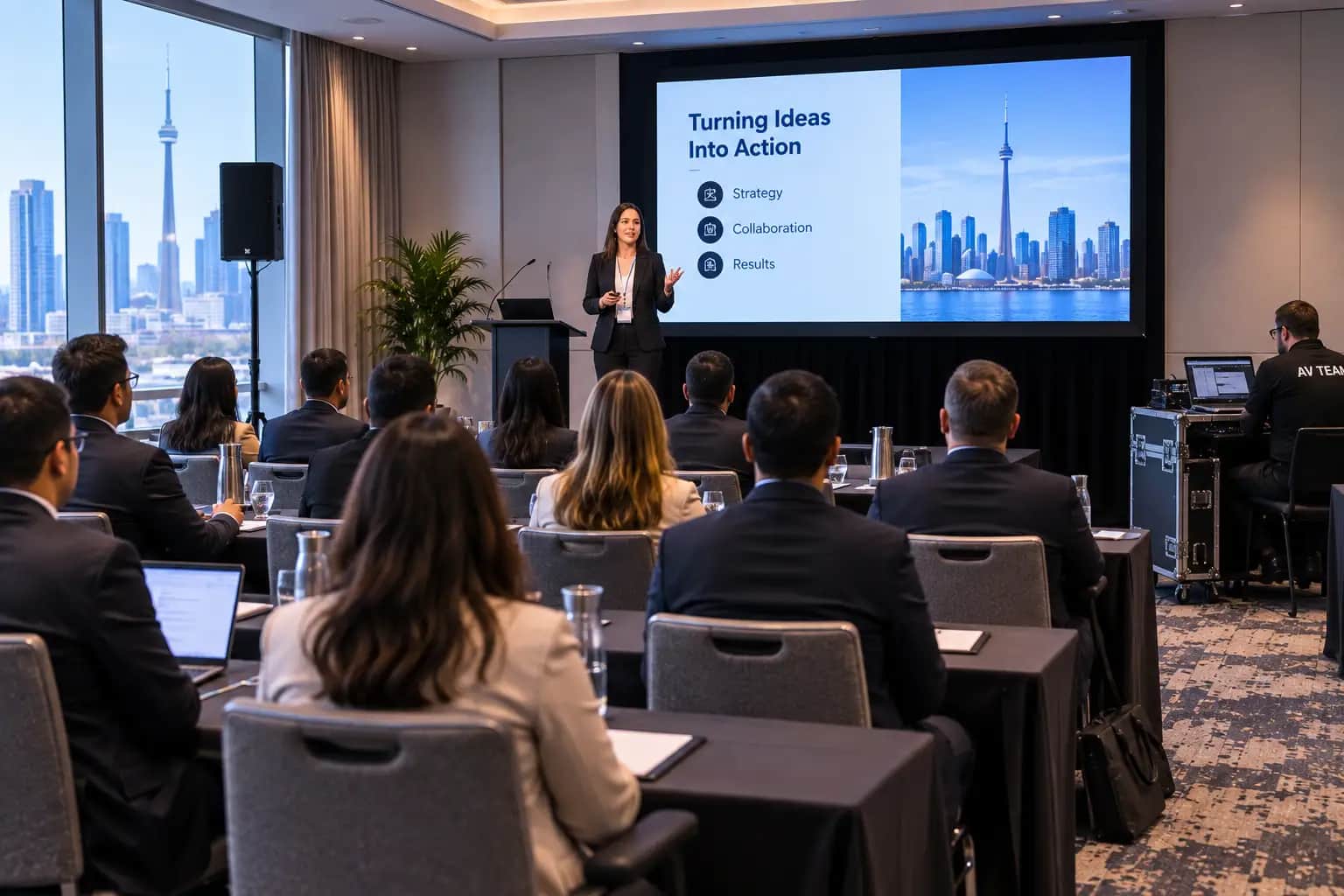
A breakout room AV checklist helps conference organizers give smaller sessions the same professional reliability as the main stage. Breakout rooms may use less equipment than a ballroom keynote, but they often create more operational complexity because several sessions can run at the same time, with different presenters, formats, microphones, laptops, and technical requirements.
That is why breakout room planning deserves its own process.
For conferences and corporate meetings in Toronto and the GTA, the best approach is to coordinate breakout spaces alongside the main corporate event production plan rather than treating each room as a last-minute equipment order.
Why Breakout Room AV Needs Its Own Plan
A general session usually receives plenty of attention.
There may be a large stage, multiple screens, dedicated technicians, rehearsals, lighting, cameras, and a tightly managed run of show.
Breakout rooms can appear simpler.
That appearance is misleading.
A conference might have one main ballroom but six breakout rooms running simultaneously. Each room may have a different presenter, audience size, laptop, presentation format, microphone requirement, schedule, and level of technical complexity.
A strong breakout room AV checklist creates consistency without assuming every room needs exactly the same equipment.
The goal is to give presenters confidence, help attendees hear and see clearly, and make room transitions feel intentional.
What Should a Breakout Room AV Checklist Include?
At minimum, a breakout room AV checklist should cover the purpose of each session, audience size, seating layout, screen requirements, audio coverage, microphone count, presenter connections, internet needs, presentation files, hybrid requirements, recording, technical staffing, rehearsal time, and backup equipment.
It should also identify who owns each room.
That last detail matters more than it sounds.
When several sessions start at 10:00 a.m., the planning team needs to know who responds if Room A has a microphone issue while Room C has a presenter connection problem.
Clear ownership prevents small problems from becoming conference-wide distractions.
Breakout Room AV Checklist: 12 Steps to Review
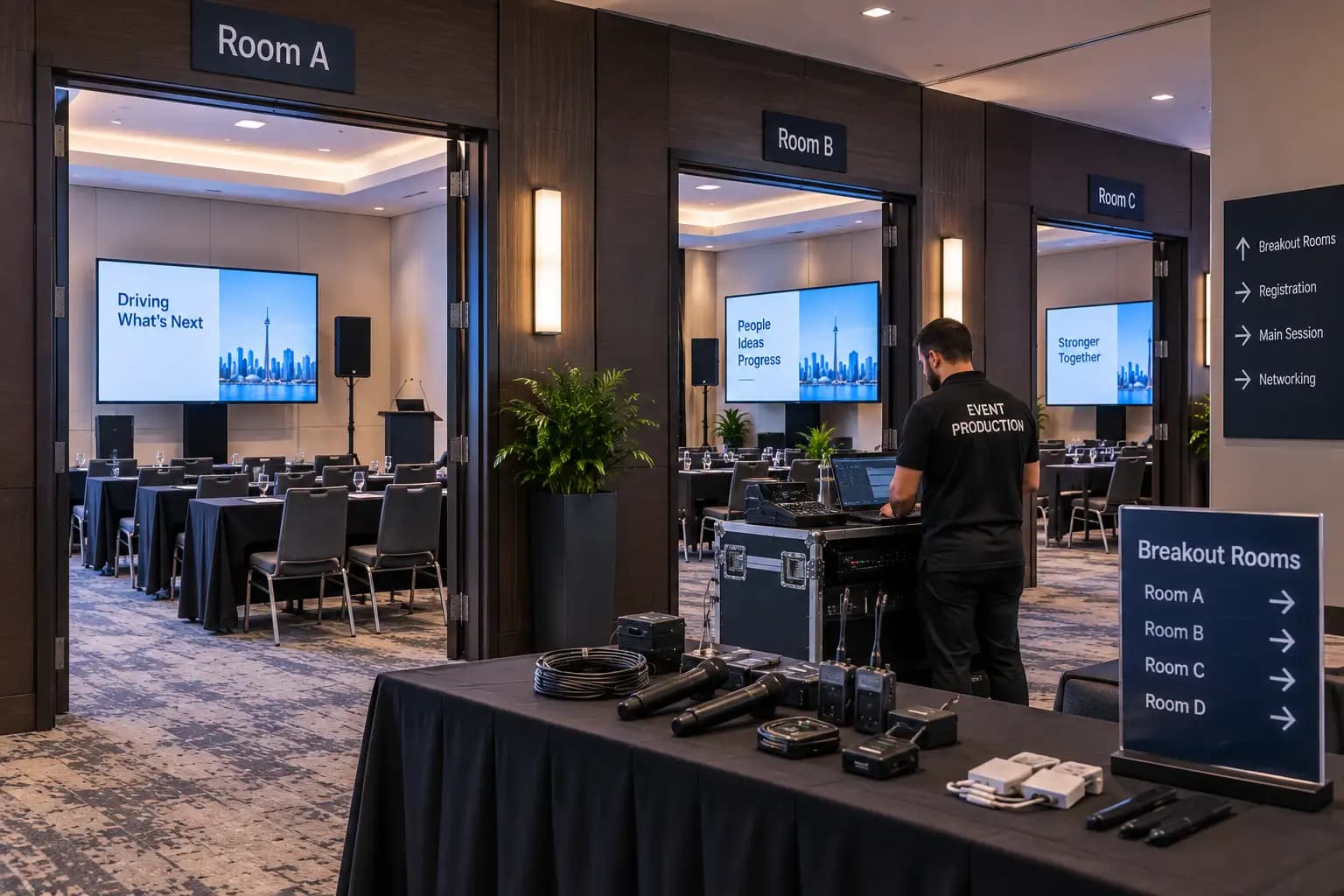
Use this breakout room AV checklist before finalizing equipment, room assignments, staffing, and the conference production schedule.
1. Define What Will Happen in Each Room
Start with the session format rather than the equipment.
Is the room hosting a lecture, panel, workshop, training session, executive discussion, software demonstration, audience Q&A, or hybrid meeting?
Each format changes the AV requirement.
A 30-person workshop where participants speak frequently needs a different audio approach from a 150-person presentation where one keynote speaker controls the room.
For every space, record:
- Session type
- Expected attendance
- Number of presenters
- Audience participation requirements
- Presentation content
- Video or audio playback
- Remote participants
- Recording requirements
- Session duration
This makes the breakout room AV checklist a planning document rather than simply an equipment list.
2. Create a Standard Baseline for Similar Rooms
Consistency makes multi-room conferences easier to operate.
If five breakout spaces have similar capacity and session formats, consider giving them a common technical baseline.
For example:
- Same display connection
- Same presentation aspect ratio
- Same microphone type
- Same presentation remote
- Same basic speaker setup
- Same cable and adapter package
- Same signage format
- Same backup procedure
Standardization helps presenters move between rooms and makes it easier for technicians to troubleshoot quickly.
Your audio visual production partner can then identify which sessions need something beyond the standard package.
3. Size Displays for the Farthest Viewer
A screen that looks large while standing at the front of an empty meeting room can look surprisingly small from the last row.
Display size should be based on what attendees need to read, the room depth, seating arrangement, content detail, and viewing positions.
The breakout room AV checklist should therefore include a sightline check from the actual audience area.
The AVIXA standard for display image size for 2D content specifically considers image size in relation to viewing positions and the type of information viewers need to understand.
For some smaller breakout spaces, a professional flat-panel display may be appropriate. Larger rooms may require projection or another display solution.
Do not choose the screen only because it happens to be available.
Choose it for the audience.
4. Design Audio for the Room, Not Just the Presenter
Clear audio is usually more important than dramatic visuals in a breakout session.
If attendees cannot understand the presenter, the session fails regardless of how attractive the slides look.
Your breakout room AV checklist should answer:
- Does the presenter need amplification?
- How large is the room?
- Does the venue have usable installed speakers?
- Will the presenter move around?
- Is the room beside another active session?
- Will videos play through the sound system?
- Does the audience need to speak?
- Is audio being recorded or sent online?
Do not assume a small room automatically needs no sound reinforcement.
Room acoustics, seating density, background noise, movable walls, presenter speaking style, and session format all affect intelligibility.
5. Match Microphones to the Session Format
Microphone planning should happen before show day.
A presenter who needs both hands free may prefer a lavalier or headset. A moderator may work well with a handheld microphone. A four-person panel may require individual microphones so conversation feels natural.
Audience Q&A needs its own plan.
Possible approaches include handheld wireless microphones with runners, standing microphones, table microphones, or a moderated digital Q&A system.
Include microphone quantities in the breakout room AV checklist, including reasonable backups.
One microphone for a five-person panel usually creates awkward handoffs and unnecessary pauses.
6. Standardize Presenter Connections and Content Playback
Presenters bring different devices.
Some arrive with Windows laptops. Others have Macs. Some use USB-C. Others expect HDMI. Corporate security settings can also restrict adapters, software, internet access, or external devices.
Avoid discovering those differences five minutes before a session.
The breakout room AV checklist should document whether each room will use:
- Presenter laptops
- Dedicated show laptops
- HDMI
- USB-C
- Presentation switchers
- Confidence monitors
- Presentation remotes
- Video playback with audio
For conferences with many speakers, connect this workflow to the conference presentation management process.
Centralized presentation management can reduce laptop changes, incompatible files, missing fonts, incorrect videos, and confusion about which deck is actually final.
7. Plan Hybrid and Remote Participation Separately
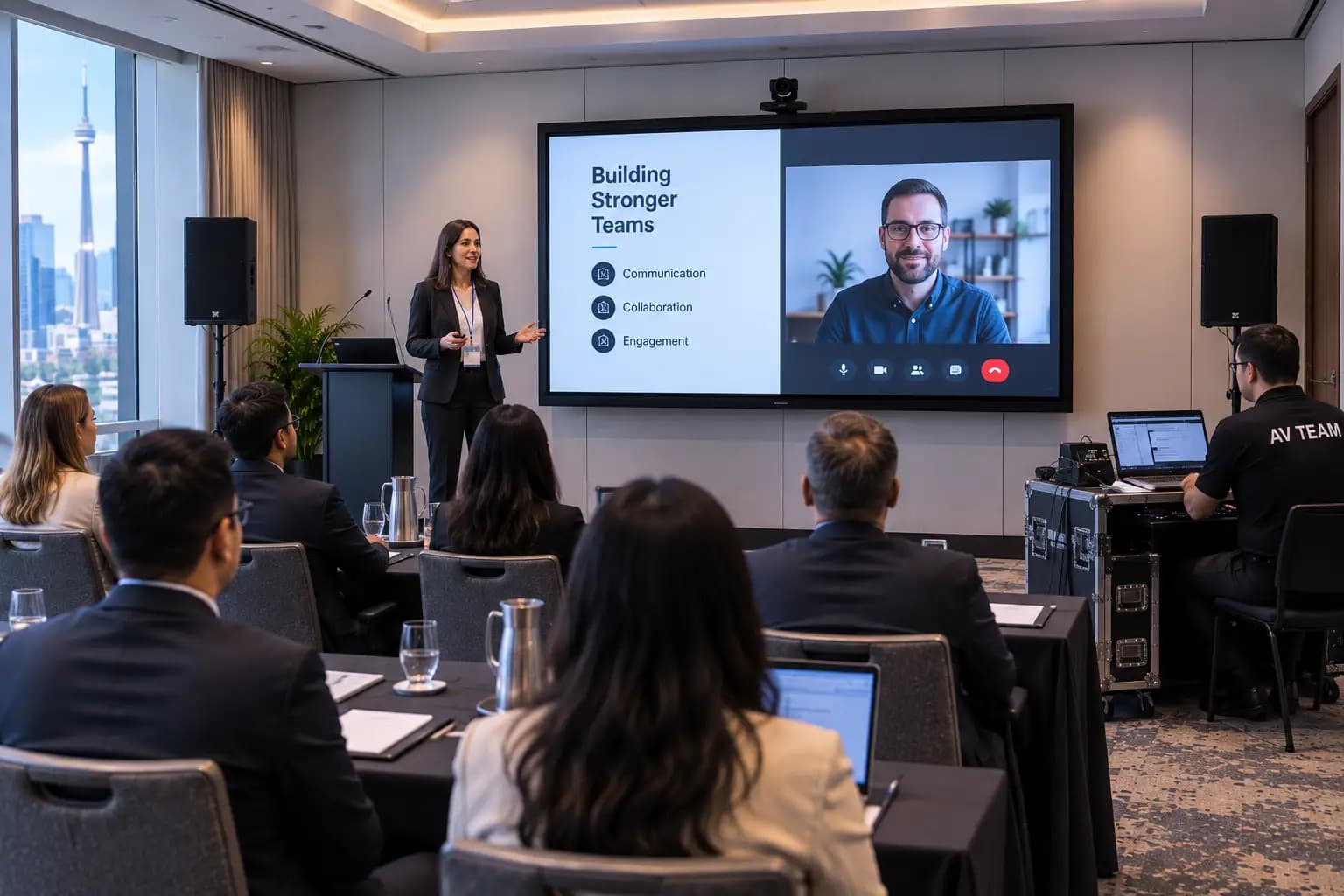
A hybrid breakout room is not simply a normal breakout room with a webcam.
Remote participants need to hear the presenter and audience clearly. They also need useful camera framing, readable shared content, and a way to contribute to the conversation.
Microsoft’s meeting room guidance for Teams emphasizes coverage for every participant when planning microphones, speakers, displays, and cameras.
For hybrid sessions, expand your breakout room AV checklist to include:
- Camera coverage
- Remote speaker return video
- Microphone pickup
- Remote participant audio
- Echo management
- Content sharing
- Platform moderation
- Wired internet
- Backup connectivity
- Remote technical checks
Internet should also be reviewed against your event bandwidth requirements.
Several breakout rooms running simultaneous video calls can create very different bandwidth requirements from one general-session livestream.
8. Check Sound Isolation Between Rooms
Breakout spaces are often divided by movable air walls.
That can create sound bleed.
A highly amplified presenter in one room may be clearly audible during a quieter executive discussion next door.
During your event venue walkthrough, review how closely breakout rooms sit together and whether partitions provide enough isolation for the planned formats.
Your breakout room AV checklist should also consider speaker placement and reasonable operating levels.
More volume is not automatically better.
The objective is even, intelligible coverage inside the intended room without creating problems elsewhere.
9. Include Accessibility in Every Breakout Space
Accessibility should not exist only in the main ballroom.
Attendees moving into breakout sessions still need suitable routes, seating, sightlines, sound, presentation readability, and accommodation support.
The Government of Canada’s Guide to Planning Inclusive Meetings recommends considering participant requirements as part of meeting preparation.
Review whether captions, interpretation, assistive listening, accessible seating, or other accommodations need to move with attendees from room to room.
Also check presentation slides for readable text and useful contrast.
Add accessibility directly to the breakout room AV checklist so it remains part of technical planning rather than becoming a separate last-minute conversation.
10. Choose the Right Technical Support Model
Not every breakout room needs a dedicated technician for every minute.
But every breakout room needs a support strategy.
Do breakout rooms need their own AV technician?
It depends on complexity.
A high-profile executive presentation, hybrid session, panel with several microphones, live recording, or software demonstration may justify a dedicated technician.
Several simple presentation rooms located beside one another may be supported by a floating technician.
A practical support model can include:
Dedicated technician: Best for technically complex or high-risk sessions.
Floating technician: One technician supports several standardized rooms located close together.
Session-start support: Technicians rotate through rooms before sessions begin to connect presenters, test microphones, and confirm content.
Central support desk: Presenters report technical issues through one conference operations point.
Document the support model inside the breakout room AV checklist so planners and room staff know exactly who to contact.
11. Test Every Room Before Attendees Enter
Breakout rooms still need a technical check.
Test:
- Every microphone
- Every speaker
- Every display
- Every laptop input
- Presentation remotes
- Embedded video audio
- Internet connections
- Remote platforms
- Recording feeds
- Camera framing
- Signage
- Lighting
- Backup equipment
Run the checks from the audience perspective as well.
Can someone in the back actually read the presentation?
Can everyone hear?
Is the presenter standing in useful light?
Does the camera see the people who will speak?
Connect this step with your broader event rehearsal checklist.
The breakout room AV checklist is complete only when the room has been tested in the configuration attendees will actually experience.
12. Plan Session Changeovers and Backups
A room that works perfectly at 9:00 a.m. can still create trouble at 10:00 a.m.
The next presenter may use a different laptop. A panel may need three more microphones. Chairs may move for a workshop. A remote speaker may replace an in-room presenter.
Add transition details to the breakout room AV checklist.
Confirm what changes between sessions and how much time the crew has to complete them.
Also prepare backups for the most common failure points:
- Spare presentation adapter
- Backup microphone
- Fresh batteries
- Backup presentation file
- Secondary playback laptop
- Replacement cables
- Offline copy of critical content
- Escalation contact for internet problems
These details should align with the main event run of show so room changes do not conflict with the overall conference schedule.
Breakout Room AV vs. General Session AV
A useful breakout room AV checklist recognizes that breakout rooms and general sessions solve different production problems.
| Area | General session | Breakout room |
|---|---|---|
| Audience | Usually largest conference audience | Smaller or specialized groups |
| Displays | Large projection, LED or multiple screens | Right-sized display for room depth |
| Audio | Full-room professional system | Scaled coverage based on room |
| Microphones | Keynotes, panels, hosts, Q&A | Presenter, panel or audience-specific |
| Lighting | Often fully designed stage lighting | Functional presenter lighting may be enough |
| Cameras | Often multi-camera | Optional unless hybrid or recorded |
| Staffing | Dedicated technical crew | Dedicated or floating support |
| Presentations | Centrally managed | Ideally standardized across rooms |
| Rehearsal | Detailed cue-to-cue possible | Focused technical and presenter checks |
| Risk | One highly visible production | Multiple simultaneous points of failure |
Neither space is automatically more important.
The general session is more visible, but breakout rooms may represent most of the attendee’s educational or working time.
How Many AV Technicians Does a Multi-Room Conference Need?
There is no universal technician-to-room ratio.
The correct staffing level depends on complexity, distance between rooms, presenter confidence, session turnover, hybrid requirements, recording, microphone counts, and how standardized the rooms are.
Five simple rooms along one hallway are very different from five rooms on separate floors with remote speakers and recordings happening simultaneously.
Use the breakout room AV checklist to rate the complexity of each space.
A useful approach is to classify rooms as:
- Standard: Simple presentation and microphone
- Enhanced: Panels, videos, audience interaction, multiple sources
- Complex: Hybrid, recording, VIP presenters, demos, multiple technical systems
Then assign support according to risk rather than simply counting rooms.
What Are the Most Common Breakout Room AV Mistakes?
One of the biggest mistakes is spending heavily on the main ballroom and treating breakout spaces as an afterthought.
Another is assuming every room should receive the same package without checking what actually happens inside it.
Other common problems include:
- Screens that are too small
- Too few microphones
- No plan for audience questions
- Missing laptop adapters
- Video playing without sound
- Weak internet for remote presenters
- No technical owner for the room
- Inconsistent setups from room to room
- No time between sessions for resets
- Presentations arriving immediately before start time
- Technicians spread across rooms that are too far apart
Most of these issues are not equipment failures.
They are planning failures.
That is why the breakout room AV checklist should be completed while the conference schedule, room assignments, presenter requirements, and production scope are still flexible.
Build Better Breakout Sessions With Future’s Past Events
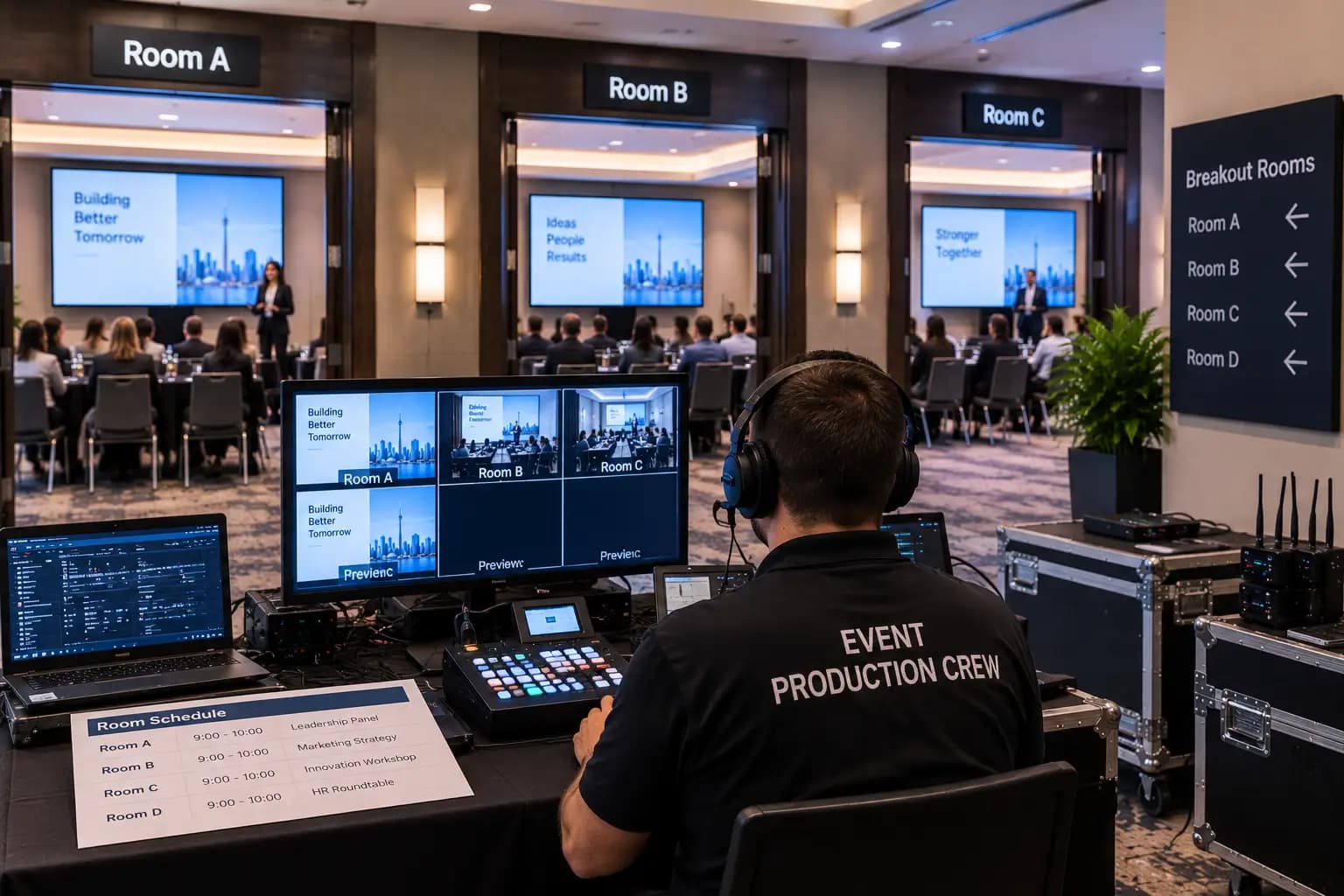
A breakout room AV checklist helps make an entire conference feel consistent.
Attendees can move from the keynote into a smaller session without experiencing a sudden drop in audio quality, screen visibility, presenter confidence, or technical organization.
Presenters can focus on their material instead of troubleshooting adapters.
Organizers know who owns each room.
Technicians have time to test equipment, prepare backups, and support transitions before they become visible problems.
Future’s Past Events supports corporate conferences, meetings, hybrid programs, trade shows, audiovisual production, staging, lighting, and technical event execution throughout Toronto and the GTA.
If your next conference includes several meeting rooms, simultaneous presentations, panels, remote speakers, recording, or complex presenter requirements, contact Future’s Past Events before the breakout room specifications are locked.
A little more planning across several smaller rooms can make a very large difference to how professional the entire conference feels.
Related posts
LED Wall vs Projector: How to Choose the Right Screen for Your Event
LED wall vs projector is one of the first technical decisions in any event plan, and one of the easiest to get wrong. Both can put a large, sharp image in front of your audience. But they behave very differently in a bright room, a shallow room, or a room full of stage lighting, and…
Sales Kickoff Event Production: 9 Steps to an SKO That Energizes the Team
Sales kickoff event production decides whether your SKO sends the team into the new year fired up or quietly checking email. A sales kickoff asks a lot of a single day: leadership has to set the strategy, product teams have to launch what is new, top performers have to be recognized, and…
Awards Show Production: 10 Steps to a Ceremony That Runs on Time
Awards show production is what turns a list of winners into a night people remember. Every category needs a clean reveal, every winner needs to reach the stage without a long silence, and the whole program has to finish before the room loses its energy. That only happens when the show is…