An AV RFP is how you turn your event's audio visual requirements into quotes you can actually compare. Send three AV companies a vague request and you get three different events back, each priced on its own assumptions. Send them a clear RFP and you get three answers to the same question, which is the only way the prices mean anything.
That matters more as 2027 budgets get set. Finance and procurement teams are asking harder questions about event spend, and "we went with the cheapest quote" is not an answer anyone wants to give after the microphones fail. A good RFP protects the budget and the show at the same time.
This guide covers when you need an AV RFP, what to put in it, a template you can adapt, and how to compare the quotes that come back, line by line.
What an AV RFP Is, and When You Need One
An AV RFP (request for proposal) is a document you send to several audio visual providers asking each of them to propose and price the same event. Unlike a quick quote request, it describes the event in enough detail that every provider is solving the same problem, and it tells them exactly how to present their answer.
You do not need a formal RFP for a single meeting room with a projector and a microphone. A short email and a phone call will do. An RFP earns its time when:
- The event has several rooms, a general session, or a multi-day program.
- It includes a livestream, recording, or hybrid audience.
- There is staging, LED walls, or production lighting involved.
- Your organization's procurement policy requires competitive bids above a certain amount.
- You are comparing the venue's in-house AV with outside providers.
Start With Your Requirements, Not an Equipment List
The most common RFP mistake is sending an equipment list. "Two projectors, four wireless mics, one mixer" invites providers to price your guess, and it hides the expertise you are paying for. Describe outcomes instead: how many people, what the room is like, who is on stage, what needs to be seen and heard, and who is watching from elsewhere.
If you have not worked those out yet, start with our guide to audio visual requirements for events. It walks through the audience, the room, the program, the content and the reach of your event. The RFP is where those requirements go out to bid.
What to Include in an AV RFP
A clear AV RFP is usually five to ten pages. It covers these sections.
1. Event overview
Who you are, what the event is for, and what success looks like. A sales kickoff that has to energize a team needs different production from an AGM that has to run to the minute. One paragraph of context helps every provider pitch at the right level.
2. Dates and schedule
List every date the provider needs to plan around, not just the show day:
- Load-in start time and any restrictions on deliveries.
- Technical rehearsal times.
- Show days, with start and end times for each room.
- Strike and load-out deadline.
Rehearsal and overnight work change crew hours more than anything else, so leave nothing implied. Our event load-in checklist covers what has to happen in that window.
3. Venue details
Providers price risk they cannot see. Give them:
- Venue name, rooms, and room dimensions, including ceiling height.
- Floor plans and seating layouts, with the expected audience per room.
- Rigging points and any restrictions on hanging equipment.
- Available power near the stage and the technical table. See our guide to event power requirements.
- Internet access and whether a dedicated line is available for streaming.
- Loading dock access, freight elevators, and parking for crew vehicles.
- The venue's rules for outside AV: in-house exclusivity, fees for outside providers, mandatory venue labour, and insurance requirements.
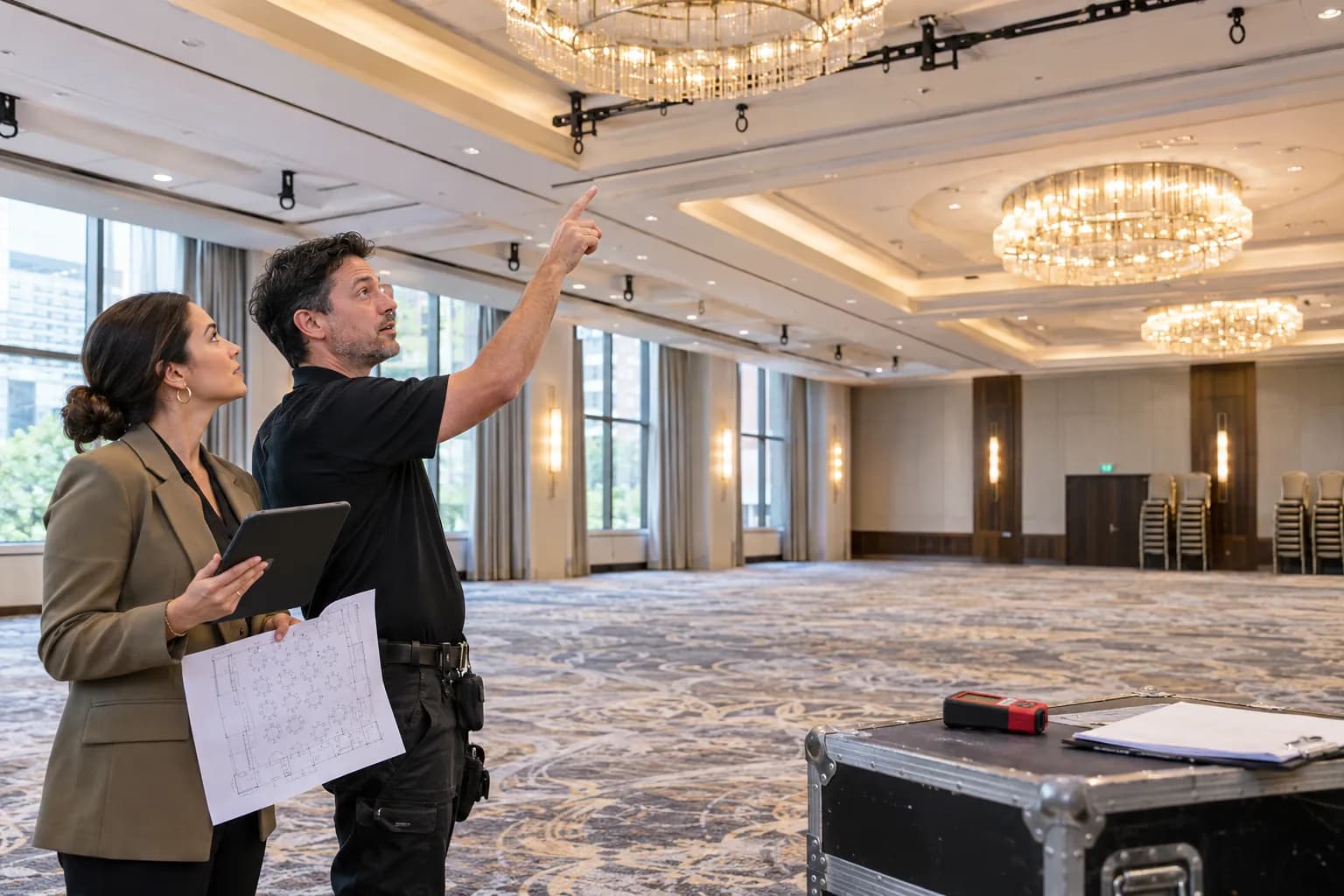
Offer a site visit, and say when it can happen. For anything complex, a provider who has stood in the room will quote more accurately than one working from a floor plan. Our venue walkthrough checklist lists what to look at together.
4. Program and room-by-room requirements
Go room by room. For each one, list the sessions, the seating style, who is on stage, how many people speak at once, whether there is audience Q&A, and what is shown on screen. A general session, six breakout rooms and an evening reception are three very different jobs, and a provider can only price them properly if they are described separately.
5. Content and presenters
How slides arrive, whether videos have sound, whether presenters bring their own laptops, whether there are remote speakers, and who manages the presentation files. These details decide whether you need a playback operator and a speaker-ready room. Our guide to conference presentation management explains the options.
6. Streaming, recording and hybrid
If anyone is watching from outside the room, say so and say how: a private stream, a public one, a platform you already use, recorded sessions for later, or a fully interactive hybrid audience. Include the venue's internet details, because streaming quality depends on them. Our guide to event bandwidth requirements covers what to ask the venue.
7. Look and feel
Stage size, set, branding, lighting expectations and screen format. If you have a design, include it. If not, describe the feel you want and let providers propose. Our posts on event stage size and LED wall vs projector help you frame the choices.
8. Budget range
Share a range. It feels like giving away your negotiating position, but without one, providers guess, and you get proposals at three unrelated price levels that cannot be compared. A range lets each provider show what they would do with the same money.
9. What every response must include
This section is what makes the quotes comparable. Ask each provider to:
- Itemize equipment by room, with brand and model for key items such as microphones, projectors, LED panels, cameras and the audio console.
- List the crew by role, with call times, hours and hourly or daily rates.
- State their overtime rules: when overtime starts, and the rate after that.
- Price each day separately, including rehearsal days.
- Show delivery, setup, strike, and freight as their own lines.
- List assumptions and exclusions plainly, including what they expect the venue or you to provide.
- Explain their backup plan for critical items such as spare microphones, backup playback, and a second internet path for streams.
- Confirm their insurance and provide a certificate if the venue requires one.
- State deposit, payment, cancellation and change order terms.
- Provide references from comparable events.
10. Submission details and how you will decide
Give a deadline for questions, the date for site visits, the due date for proposals, and when you will decide. Say how you will evaluate the bids. Providers write better proposals when they know price is one factor among several.
AV RFP Template
Copy this structure into a document and fill it in. Mark anything still unknown as "TBC" rather than leaving it out. A good provider will help you close the gaps.
1. Event overview: organization, event name, purpose, audience, what success looks like.
2. Schedule: load-in, rehearsal, show times per day and room, strike and load-out deadline.
3. Venue: name and address, rooms with dimensions and ceiling heights, floor plans, rigging, power, internet, dock and parking, outside AV rules and fees.
4. Rooms and sessions: for each room, the seating style, expected audience, session list, people on stage, Q&A, and screen content.
5. Content: slide and video formats, presenter laptops, remote presenters, music, sponsor loops, who manages files.
6. Reach: recording, livestream platform, hybrid interaction, overflow rooms.
7. Look and feel: stage, set, branding, lighting, screen format, reference images.
8. Budget range: a range for the whole event, or per room if that is how you are funded.
9. Response format: itemized equipment with models, crew by role with hours and rates, overtime rules, day-by-day pricing, delivery and setup lines, assumptions, exclusions, backup plan, insurance, terms, references.
10. Key dates and evaluation: questions deadline, site visit dates, proposal due date, decision date, evaluation criteria.
How to Compare AV Quotes Line by Line
When the proposals arrive, resist the urge to start at the bottom line. Two quotes can be thousands of dollars apart because they describe different events. Put them side by side and check each of these lines first.

| Line to check | What to look for | Why it changes the price |
|---|---|---|
| Equipment | Brand and model, quantities, spares | A generic "wireless mic" can be a consumer model or a touring standard |
| Crew | Number of people, roles, call times | Fewer technicians is cheaper and riskier |
| Labour hours | Minimum calls, overtime start, overnight work | Overtime on a long show day can exceed the equipment cost |
| Days | Rehearsal and multi-day rates | Some providers charge each day in full, others discount extra days |
| Setup and strike | Included, or priced separately | A low equipment price can hide a high setup line |
| Delivery and freight | Trucks, parking, after-hours delivery | Downtown delivery and parking add real cost |
| Venue fees | Outside AV fees, power, rigging, internet | Often billed by the venue, not the AV company, so missing from the quote |
| Streaming | Encoder, platform, backup internet, operator | "Streaming included" can mean a webcam or a full broadcast setup |
| Taxes | HST applied the same way on every quote | In Ontario, 13% HST on a large quote is a significant amount |
| Terms | Deposit, cancellation, change orders | A cheaper quote with strict cancellation terms can cost more |
Once each quote describes the same event, compare the totals including venue fees and tax. That is the real cost of each option.
Red Flags in an AV Quote
- One lump sum. A single package price tells you nothing about what you are buying.
- No models listed. You cannot judge quality or compare like for like.
- No crew detail. Equipment without named roles and hours usually means one technician doing everything.
- "Labour TBD." Labour is often the largest line. If it is unknown, so is the price.
- No site visit for a complex room. The provider is guessing about rigging, power, sightlines and access.
- No backup plan. Ask what happens if a microphone, a playback laptop or the stream fails.
- A price far below the others. Ask what is missing before you celebrate. The answer is usually crew, rehearsal time, or something the venue will bill you for later.
Questions to Ask Before You Sign
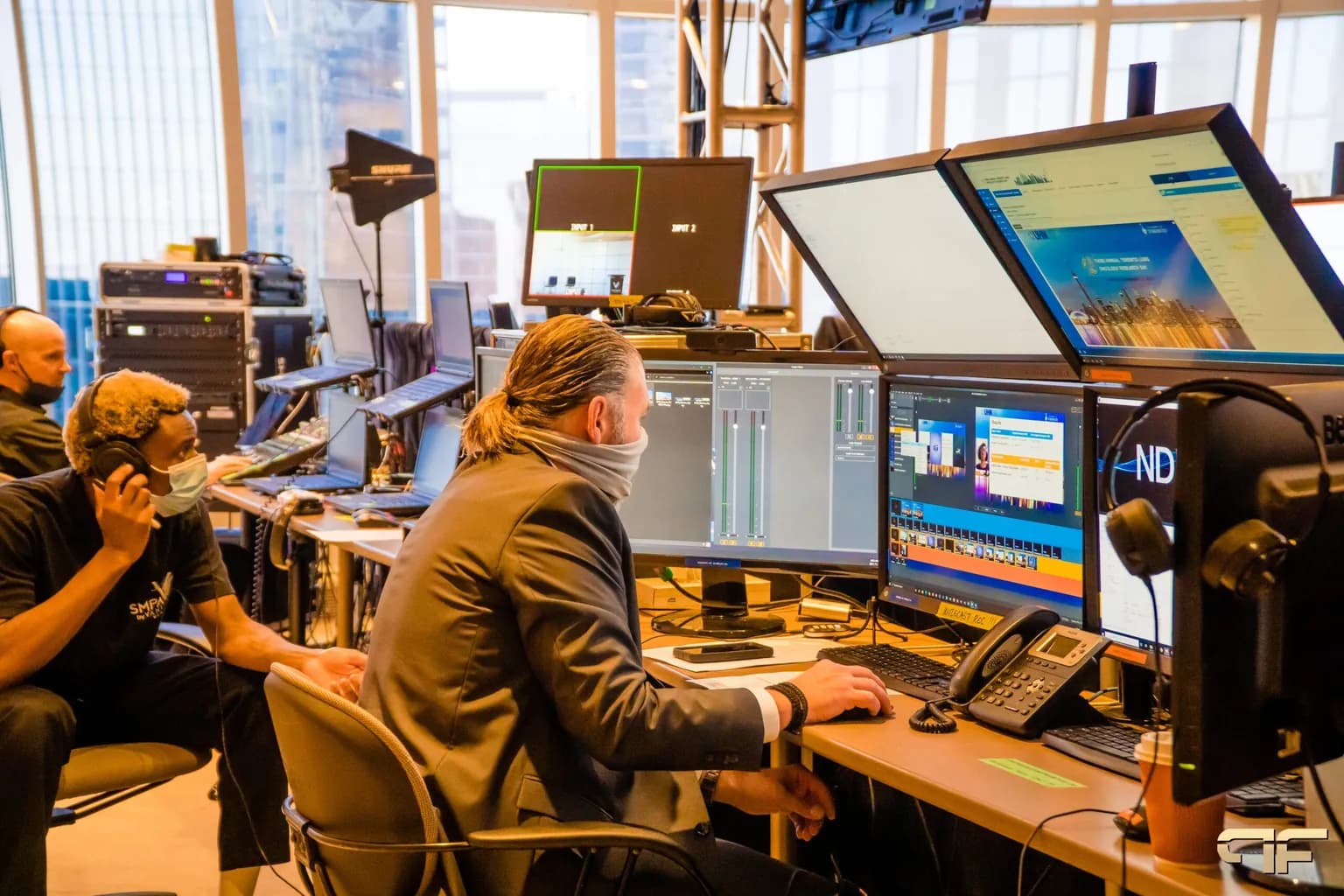
The crew matters as much as the equipment list, so ask who will actually be at the technical table on show day.
- Who will be our lead technician on site, and have they worked in this venue?
- What does the show crew look like during the general session?
- What happens if the program runs late? When does overtime start?
- What do you need from us, and by when? Content, run of show, presenter lists.
- What is your backup plan for audio, playback and the stream?
- What changes are free after signing, and how are change orders priced?
- Can we see photos or references from a comparable event?
How to Score the Bids
A simple weighted scorecard keeps the decision honest, especially when several people are involved. Agree on the weights before the proposals arrive. A typical split looks like this:
- Fit to your requirements: 30%. Did they solve the event you described?
- Crew and experience: 25%. Who is running the show, and have they done this before?
- Technical approach and backup planning: 20%. How do they reduce risk?
- Total cost: 20%. Including venue fees, overtime exposure and HST.
- Terms and responsiveness: 5%. Cancellation, changes, and how quickly they answered your questions.
The lowest price wins this scorecard only when everything else is equal. It rarely is.
AV RFP Timeline for 2027 Events
For a conference or a large corporate event, work back from the show date:
- Four to six months out: send the RFP and offer site visits.
- Two to three weeks later: proposals due. Allow more time for multi-room or multi-day events.
- One to two weeks after that: clarify questions, check references, decide.
- Four to six weeks out: confirm final room plans, run of show and streaming details.
- One to two weeks out: lock content and presenter files. Our event rehearsal checklist covers the final days.
If your event is in spring, the RFP should go out this winter. Popular dates and experienced crews book early.
Frequently Asked Questions
What is an AV RFP?
An AV RFP is a request for proposal sent to audio visual providers. It describes an event's dates, venue, program and requirements, and asks each provider to propose and price the same scope in the same format, so the quotes can be compared fairly.
How many AV companies should I send an RFP to?
Three is a practical number for most corporate events. It gives you a real comparison without creating more proposals than your team can review properly. Send the same document to all of them.
How long should AV providers have to respond?
Two to three weeks is typical for a single-venue event. Allow more time for multi-room conferences, events with staging or LED walls, or anything that needs a site visit before it can be priced.
Should I share my budget in an AV RFP?
Yes, as a range. Without one, providers have to guess the level of production you want, and you get proposals that cannot be compared. A range lets each provider show what they would deliver for the same money.
Do AV quotes include HST?
Some do and some do not, so ask every provider to show the subtotal and the tax separately. In Ontario, HST is 13%, so applying it consistently matters when comparing large quotes.
Can I compare the venue's in-house AV with an outside provider?
Yes. Send the venue's AV team the same RFP as everyone else, and add any fees the venue charges when an outside provider is used to those providers' totals. Then you are comparing the real cost of each option.
Getting Better AV Quotes
A clear RFP is a few hours of work that pays for itself many times over. It gets you quotes you can compare, it shows you which providers actually read the brief, and it starts the event with everyone working from the same plan.
Future's Past Events has spent over 20 years producing conferences, corporate events, galas and hybrid events across Toronto and the GTA. If you are putting an event out to bid, send us your RFP, or simply what you know so far, and we will help you turn it into a clear production plan and proposal. Explore our audio visual services and hybrid event production, or contact our team to talk through your event.
Related posts
Audio Visual Requirements for Events: How to Work Out What Your Event Needs
Audio visual requirements are the answer to a simple question: what does this event need so that every person in the room, and everyone watching from somewhere else, can hear clearly, see clearly, and follow what is happening? Get that answer right early and every later decision gets easier. Get it wrong and you…
LED Wall vs Projector: How to Choose the Right Screen for Your Event
LED wall vs projector is one of the first technical decisions in any event plan, and one of the easiest to get wrong. Both can put a large, sharp image in front of your audience. But they behave very differently in a bright room, a shallow room, or a room full of stage lighting, and…
Sales Kickoff Event Production: 9 Steps to an SKO That Energizes the Team
Sales kickoff event production decides whether your SKO sends the team into the new year fired up or quietly checking email. A sales kickoff asks a lot of a single day: leadership has to set the strategy, product teams have to launch what is new, top performers have to be recognized, and…