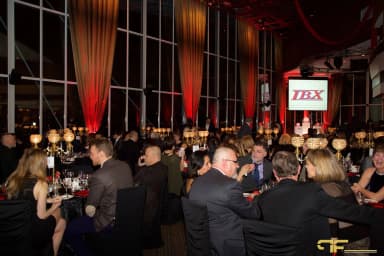
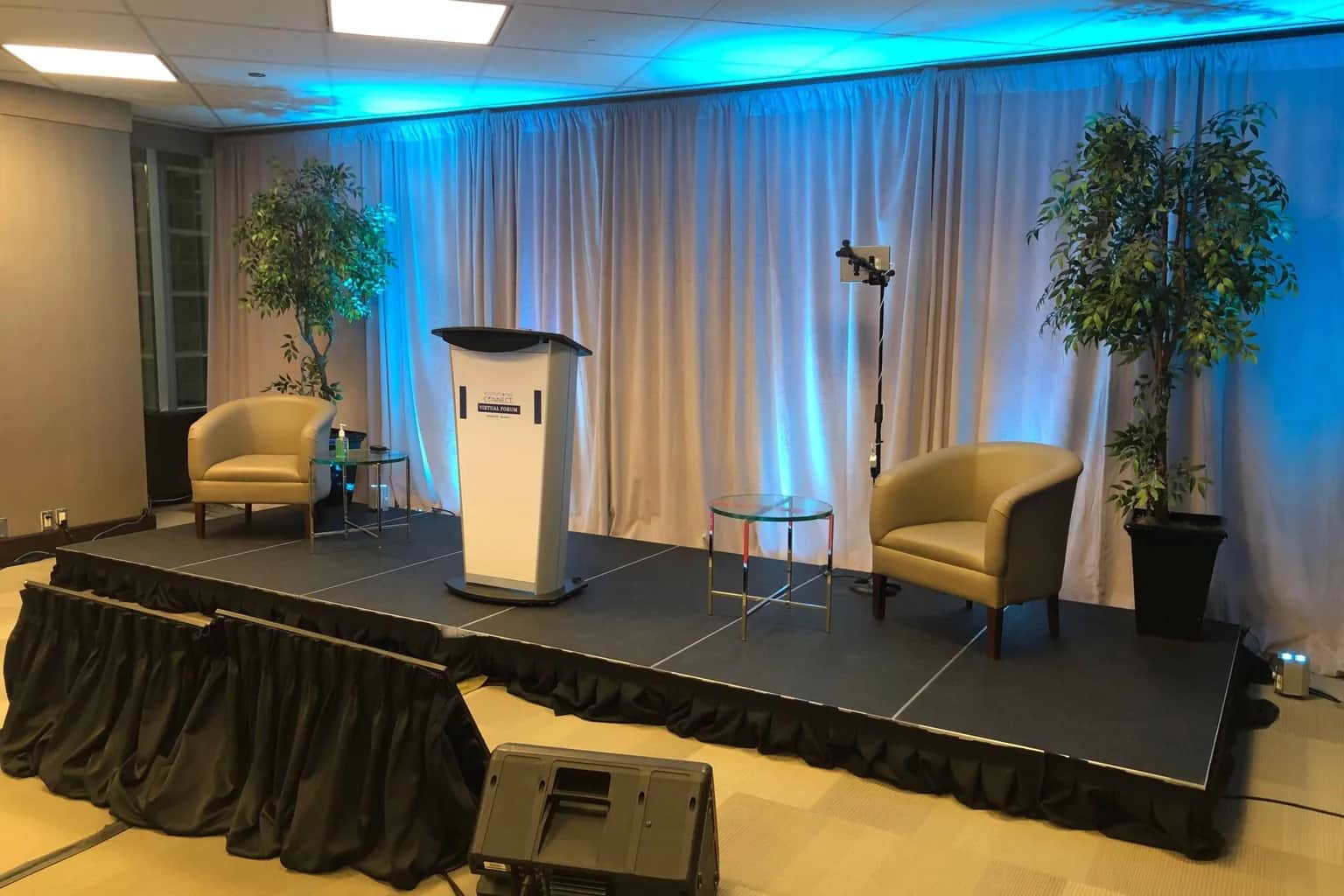
Audio visual requirements are the answer to a simple question: what does this event need so that every person in the room, and everyone watching from somewhere else, can hear clearly, see clearly, and follow what is happening? Get that answer right early and every later decision gets easier. Get it wrong and you end up paying for equipment nobody needed, or discovering on show day that the back half of the room cannot read the slides.
Most planners do not struggle because they lack equipment options. They struggle because nobody has turned the event itself into a clear set of AV requirements. A venue asks "what AV do you need?", an AV company asks for a run of show that does not exist yet, and the conversation stalls.
This guide shows you how to work out the audio visual requirements for a conference, AGM, town hall, gala, product launch, or hybrid event. You will not find a shopping list here. You will find a way of thinking that produces the right list for your event, and a simple brief you can send to any AV provider so their quotes can be compared.
What Audio Visual Requirements Actually Are
Audio visual requirements describe outcomes, not products. "We need two wireless microphones" is an equipment decision. "Four panelists need to be heard at the same time, and the audience needs to ask questions from the floor" is a requirement. The second version lets your AV team choose the right solution, and it stops you from under-buying or over-buying.
That is also what separates requirements from an equipment checklist. A checklist, like our audiovisual equipment checklist for events, helps you confirm nothing is forgotten once the plan exists. Requirements come first. They are the reason each line on the checklist is there.
A useful way to frame them is with four questions about every moment of your program:
- Can everyone hear it? Speakers, panelists, video playback, music, audience questions.
- Can everyone see it? The presenter, the slides, the video, the stage.
- Can the content be shown the way it was made? Slides, video files, remote presenters, live demos.
- Does it need to reach anyone outside the room? Recording, livestreaming, a hybrid audience, an overflow room.
If you can answer those four questions for each part of the agenda, you have most of your AV requirements already.
The Five Inputs That Set Your AV Requirements
Every AV requirement traces back to a handful of facts about the event. Collect these before you ask anyone for a quote.
1. Audience size and layout
The number of attendees drives speaker coverage, screen size, and how many screens you need. Seating style matters as much as the headcount. Theatre seating, classroom tables, rounds for a dinner, and cocktail-style standing rooms all change sightlines and how sound travels. A room set for 300 at rounds is far deeper than the same 300 in theatre rows.
2. The room itself
Ceiling height decides how large a screen can go and whether anything can be flown overhead. Windows and daylight decide how bright the image has to be. Pillars, chandeliers, and low soffits decide where screens cannot go. Hard walls and glass make a room echo, which affects how many speakers you need and where they sit. If you have not seen the room with your AV team, an event venue walkthrough is the single most useful hour you can spend.
3. Format and agenda
A single keynote has very different AV requirements from a day of keynotes, panels, breakouts, an awards segment, and an evening reception. List every program element and note who is on stage, how many people speak at once, whether there is audience Q&A, and whether there is a band, DJ, or video moment. Each of those adds a specific requirement.
4. Content
Ask presenters what they are bringing early. Slides in 16:9 or an older 4:3 format, videos with sound, live web demos, a presenter joining remotely, music walk-ups, sponsor loops between sessions. Content is where most show-day surprises come from, because it is often the last thing anyone collects.
5. Reach beyond the room
Recording, livestreaming, and hybrid participation are not small add-ons. They add cameras, a cleaner audio mix, lighting good enough for video, internet that can be trusted, and people to run all of it. Decide early whether the event needs to exist outside the room, because it changes the requirements for almost everything else.
Turning Those Inputs Into Requirements
Once you have the inputs, you can translate them into requirements your AV team can act on.
| What you know | The requirement it creates | Example |
|---|---|---|
| 250 guests at rounds in a long ballroom | Screens visible from the back tables, sound coverage that reaches the back without being loud at the front | Two side screens plus delay speakers for the rear of the room |
| A five-person panel with audience Q&A | Each panelist heard at the same time, questions heard by the room and the recording | One microphone per panelist, plus roaming or standing microphones for Q&A |
| Keynote with video clips | Video playback with sound, switched cleanly between laptop and video | A playback source and a switcher instead of plugging in laptops one at a time |
| A remote presenter | Their video and audio reach the room, and they can see and hear the room | A two-way connection with a return feed and a dedicated operator |
| Sessions recorded for later | Clean audio and properly lit presenters | A direct recording feed from the audio console and front lighting on stage |
| Concurrent breakouts | Each room works on its own | A separate small system, and ideally a technician, per room |
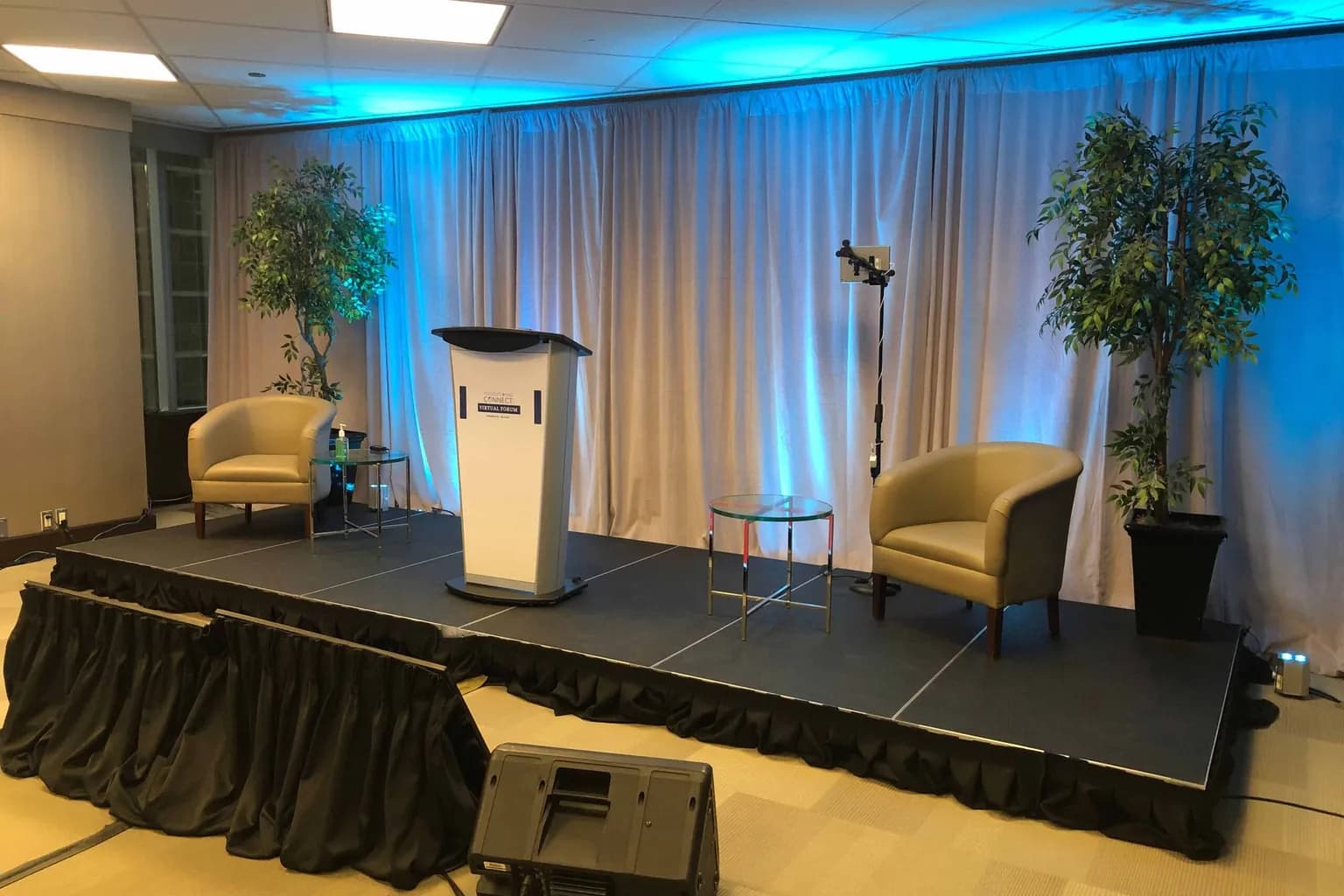
Audio Requirements
Audio is the requirement guests forgive least. People will tolerate a small screen. They will not tolerate a presenter they cannot hear.
Microphones by role. A lectern microphone suits a speaker who stays put. Lavalier or headset microphones suit presenters who move or use their hands. Handheld microphones suit hosts, award presenters, and audience questions. For panels, plan one microphone per person on stage at the same time, not one to share. Add a spare for every few in use, because batteries and last-minute speakers are real.
Coverage, not volume. The goal is for the back row to hear as clearly as the front without the front being uncomfortably loud. In long or divided rooms that usually means more speakers placed through the room rather than bigger speakers at the front.
Everything else that makes sound. Video playback, walk-up music, a background playlist during networking, a band or DJ in the evening. Each one needs an input and someone who knows when to bring it in.
Feeds out of the room. If you are recording, streaming, or sending audio to an overflow room or a hearing assistance system, those need their own mix. A recording that only picks up the room speakers sounds hollow and distant.
Visual Requirements
Screen size follows the farthest viewer. A widely used rule of thumb is that the image should be tall enough for the person in the back row to read your smallest text. Detailed content, like spreadsheets or small type, needs a bigger image than a single photograph or a headline. If the back of the room is far away, two side screens often work better than one very large centre screen.
Projection or LED. Projection works well in rooms you can darken and where there is depth behind or in front of the screen. LED walls hold up in bright rooms and make a strong backdrop for a stage. Our guide to LED wall vs projector covers that decision in detail.
Aspect ratio. Match the screens to the content. Most decks are now 16:9. If a presenter is bringing an old 4:3 deck, find out before show day, not during the rehearsal.
Confidence monitors. A screen at the front edge of the stage, facing the presenter, shows their current and next slide. It keeps presenters looking at the audience instead of turning to read the screen behind them.
Image magnification. In larger rooms, a camera on the presenter shown on the side screens lets the back of the room see faces and expressions. If you are already filming for a stream, the same cameras can do both jobs.
Lighting Requirements
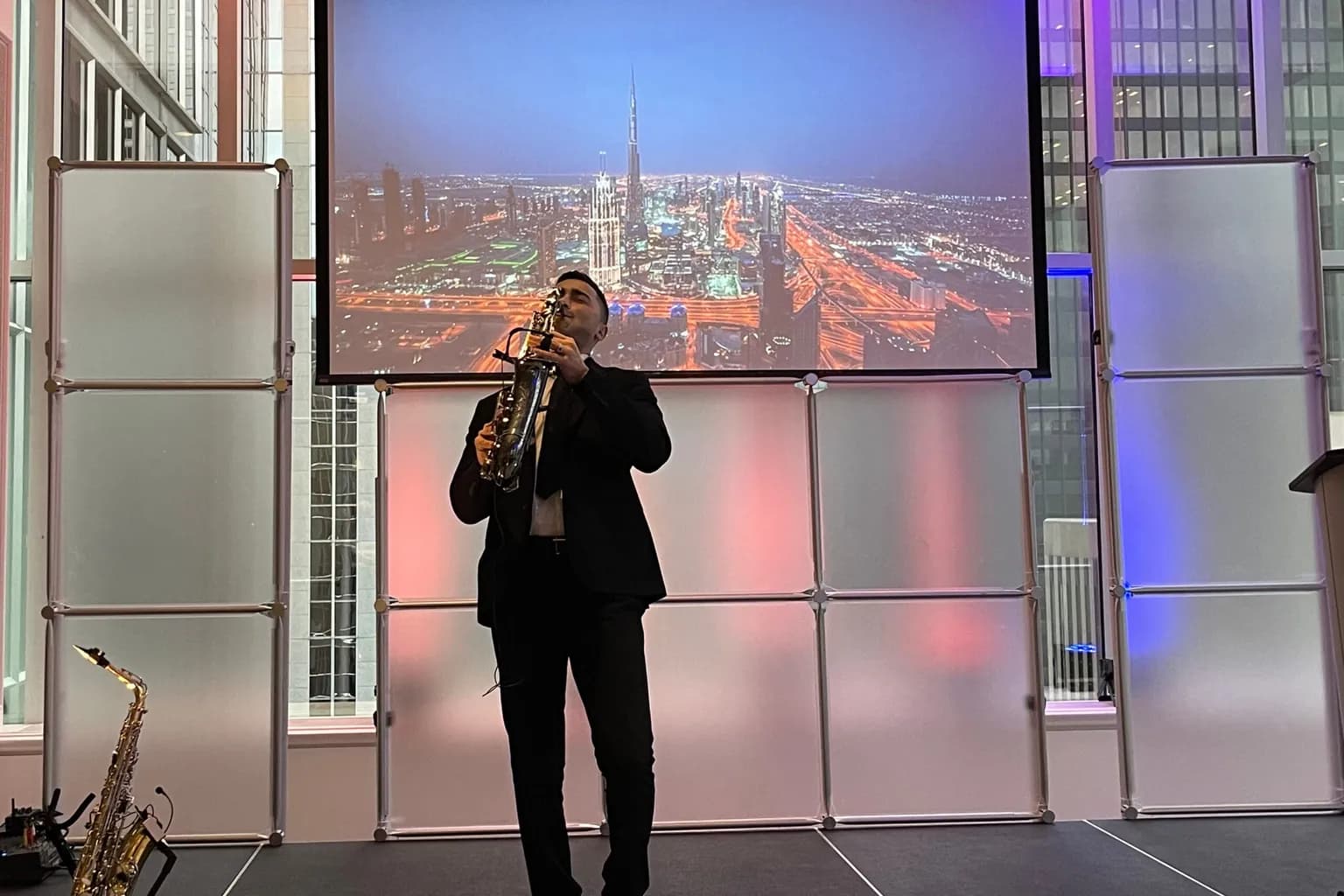
Lighting is often treated as decor, but part of it is pure function. Presenters need front light so the audience can see their faces, and the camera needs it even more. A presenter lit only by the room's ceiling lights looks flat in the room and dark on a recording.
Then there is the room. Can the house lights be dimmed in zones, so the stage stays bright while the audience area drops for a video? Do windows need covering for projection to work? Is there a reception or dinner segment where the mood should change? Our event lighting team usually separates "lighting so people can see" from "lighting that sets the atmosphere", because the first is a requirement and the second is a choice.
Requirements for Recording, Livestreaming and Hybrid Events
If the event has to reach people outside the room, add these requirements to everything above.
- Cameras sized to the stage and the program, with operators if shots need to follow movement.
- A dedicated audio mix for the stream or recording, separate from what the room hears.
- A reliable internet connection, preferably wired and dedicated to the stream. Our guide to event bandwidth requirements explains what to ask the venue.
- Stable power for the streaming position, kept off the circuits that lighting and catering use. See event power requirements.
- Someone looking after the remote audience: questions coming in, a host who speaks to them, and a plan for when a remote presenter's connection drops.
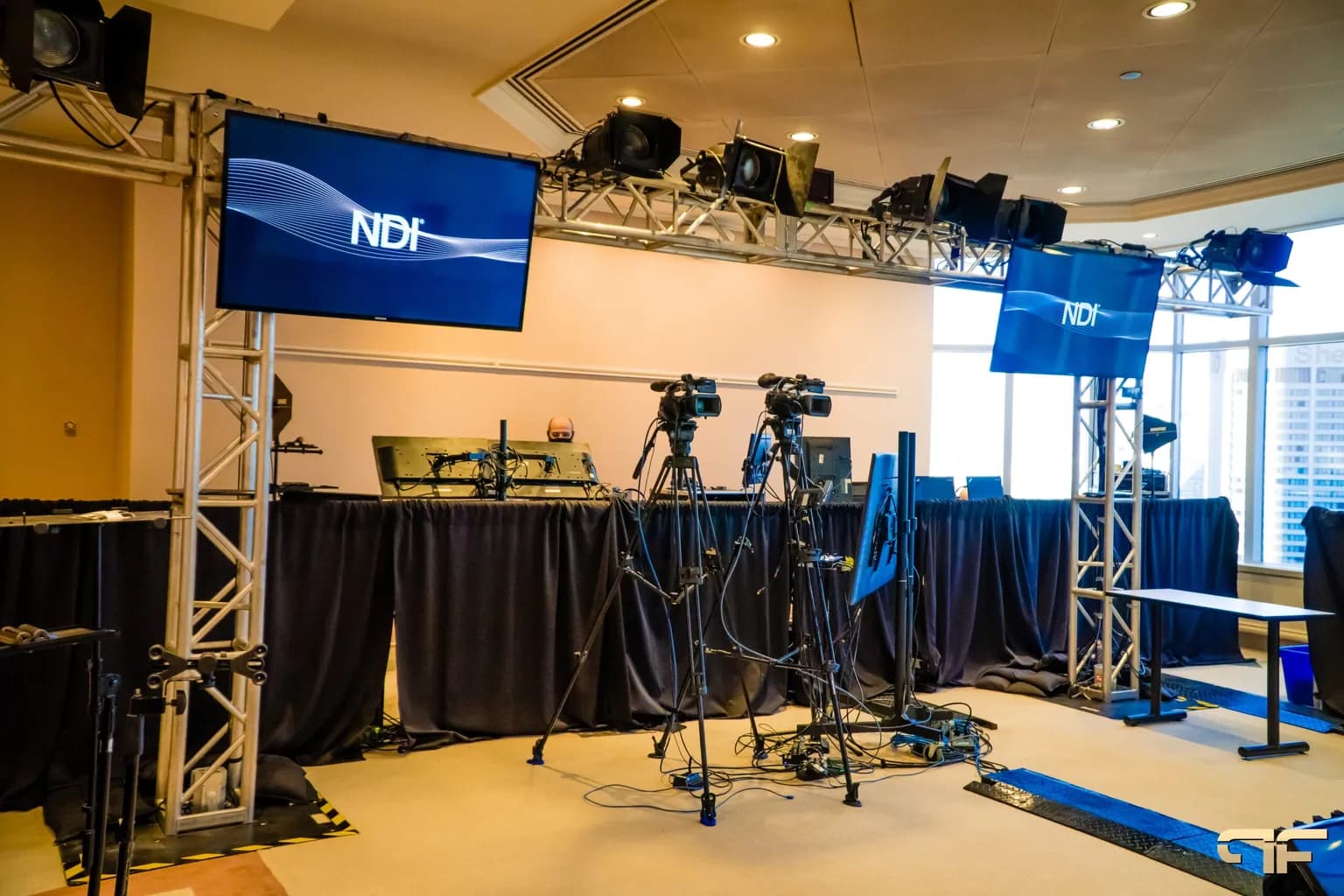
For a fuller plan, our guide to hybrid event planning walks through the virtual side step by step.
Requirements by Space
Many events are really several events in different rooms. Work out the AV requirements for each space separately.
General session. The main stage carries the heaviest requirements: full audio, the largest screens, stage lighting, and usually the recording or stream.
Breakout rooms. Each breakout is its own system. Four concurrent breakouts means four projectors or displays, four sets of microphones, four speaker systems, and someone able to fix a problem in each room quickly. The breakout room AV checklist covers the details.
Registration and foyers. Welcome screens, sponsor loops, background music, and power for check-in tablets and badge printers.
Receptions and dinners. Microphones for toasts and speeches, music, and lighting that changes the room. If there is a band or DJ, find out what they bring and what they expect you to supply.
Exhibit and sponsor areas. Exhibitor screens, power, and sometimes a small stage for demos. Our post on AV needs for trade shows covers the exhibitor side.
Crew Requirements
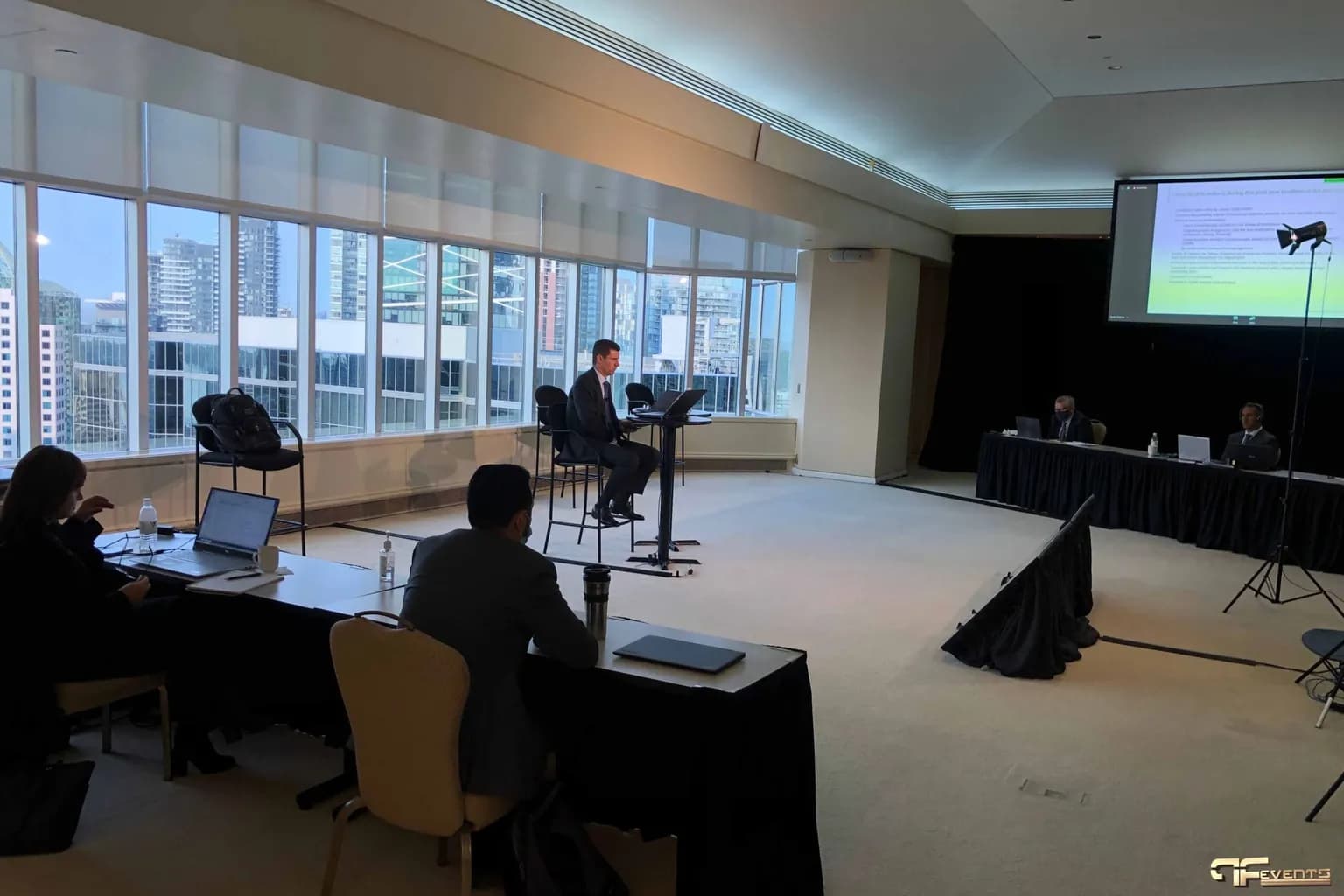
Equipment does not run itself. A simple meeting room may only need a technician who sets up, checks the microphones, and stays nearby. A general session with a stream usually needs people for audio, video and graphics, cameras, and lighting, plus someone calling the show from a run of show. Breakouts need roaming support at the very least.
When you compare quotes, compare the crew lines carefully. A lower price often means fewer people, and fewer people is fine only if the program is simple.
Venue Requirements and Restrictions
The venue shapes your AV requirements as much as your program does. Before anything is booked, find out:
- What AV the venue includes, and whether it actually meets your requirements or only covers a basic meeting.
- Whether the venue requires you to use its in-house AV, or charges a fee when you bring in an outside provider.
- Where screens, speakers, and a technical table can go, and whether there are rigging points for anything overhead.
- How much power is available near the stage and the technical table, and whether it costs extra.
- When load-in can start and when the room must be cleared. Our event load-in checklist helps you plan that window.
- Whether the venue has an internet connection that can be dedicated to a stream.
How to Write an AV Requirements Brief
Put everything above into a short brief and send the same document to every AV provider you are considering. It saves time, and it makes the quotes comparable. A good brief includes:
- Event basics: name, date, venue, rooms, and load-in and load-out times.
- Audience: expected attendance per room and seating style.
- Program: each session with timing, who is on stage, how many speak at once, and whether there is Q&A.
- Content: slide format, videos with sound, remote presenters, music, and sponsor loops.
- Reach: recording, livestream, hybrid audience, or overflow room.
- Look and feel: stage set, branding, and any lighting or decor expectations.
- Venue facts: room dimensions, ceiling height, windows, what the venue supplies, and any restrictions.
- Budget range: even a rough range helps a provider suggest the right level of solution.
- Decision date: when you need to confirm.
You do not need every answer before sending it. Mark what is still unknown. A good AV team will help you fill the gaps, and the questions they ask are a fair test of how carefully they will plan your event.
Common Mistakes When Planning AV Requirements
- Starting from equipment instead of outcomes. Asking for "a projector and two mics" before knowing the room and the program.
- Leaving content until the last week. Late slides and untested videos cause more problems than any equipment failure.
- Forgetting the back of the room. Planning screens and sound from the front row.
- Treating streaming as a small extra. A stream adds cameras, a mix, bandwidth, power, and crew.
- Assuming the venue's in-house setup is enough. Sometimes it is. Check it against your requirements before you rely on it.
- Skipping the rehearsal. A short technical rehearsal finds most problems while they can still be fixed. See our event rehearsal checklist.
Frequently Asked Questions
What does "AV requirements" mean?
AV requirements are the audio, video, lighting, streaming, and staffing an event needs so that everyone can hear, see, and take part. They are written as outcomes, such as "every panelist heard at once", and then turned into equipment and crew by the AV team.
What AV does a 100-person meeting usually need?
A typical setup is a projector or display sized to the room, a lectern microphone, a wireless microphone for a host or Q&A, a small speaker system, a way to switch between presenters' laptops, and a technician. The exact requirements depend on the room, the program, and whether it is recorded or streamed.
How early should AV requirements be confirmed?
Start the conversation when you are choosing the venue, because the venue affects screen placement, power, rigging, and cost. Confirm the full requirements once the agenda is set, and lock in content details closer to the event.
Do I need an AV technician on site?
For anything beyond a very simple meeting, yes. Microphones need checking, levels need adjusting as speakers change, and problems need fixing in seconds rather than minutes. For larger events, you will need a team rather than one person.
Is the venue's in-house AV enough?
It can be, for straightforward meetings. Compare what the venue includes with your requirements, especially for screen size, audio coverage, recording, and streaming. If there are gaps, ask what it costs to upgrade in-house equipment versus bringing in an outside provider.
Getting Your AV Requirements Right
The events that run smoothly are rarely the ones with the most equipment. They are the ones where someone took the time to understand the audience, the room, the program, and the content, and turned that into clear requirements before anything was booked.
Future's Past Events has spent over 20 years producing corporate events, conferences, galas, and hybrid events across Toronto and the GTA. We help planners turn an agenda into a clear set of audio visual services, and supply everything from a single meeting room setup to full stage production and equipment rentals. If you have an event coming up and want help working out what it really needs, contact our team and send us what you know so far.
Related posts
LED Wall vs Projector: How to Choose the Right Screen for Your Event
LED wall vs projector is one of the first technical decisions in any event plan, and one of the easiest to get wrong. Both can put a large, sharp image in front of your audience. But they behave very differently in a bright room, a shallow room, or a room full of stage lighting, and…
Sales Kickoff Event Production: 9 Steps to an SKO That Energizes the Team
Sales kickoff event production decides whether your SKO sends the team into the new year fired up or quietly checking email. A sales kickoff asks a lot of a single day: leadership has to set the strategy, product teams have to launch what is new, top performers have to be recognized, and…
Awards Show Production: 10 Steps to a Ceremony That Runs on Time
Awards show production is what turns a list of winners into a night people remember. Every category needs a clean reveal, every winner needs to reach the stage without a long silence, and the whole program has to finish before the room loses its energy. That only happens when the show is…