Corporate holiday party AV decides whether the evening feels like a celebration or like a conference room with a buffet. The CEO's toast has to be heard over three hundred conversations, the year-in-review video has to play on cue, and the room has to change from dinner to dance floor without anyone noticing the crew. None of that happens by accident, and very little of it can be fixed once guests are through the door.
Holiday parties also land in the busiest weeks of the event calendar. In Toronto and the GTA, December venues often host several events on the same day, crews and equipment are booked weeks ahead, and load-in windows get shorter. The earlier the technical plan is connected to your special event production, the more options you keep.
What Does Corporate Holiday Party AV Need to Accomplish?
A holiday party is not a conference, and its AV should not feel like one. The goal is atmosphere first, with just enough structure to carry the few moments that must work.
A strong setup should support five outcomes:
- Guests can talk comfortably over dinner without shouting over the music.
- Speeches, toasts, and recognition moments are clearly heard in every corner of the room.
- Videos, photo slideshows, and branded visuals play reliably and look good.
- The room changes mood on cue, from reception to dinner to dance floor.
- The crew stays out of sight while the party is in full swing.
Is holiday party AV different from other corporate events?
Yes. Most corporate events are built around content: presentations, panels, and sessions. A holiday party is built around people spending time together. The program is short, but the evening is long, and it changes character several times.
That shifts the priorities. Lighting and sound set the mood for four or five hours, while the formal program may last twenty minutes. The system has to handle both a clean speech microphone and a DJ or band at full volume, often in a room that was never designed for either.
9 Essential Steps for Better Corporate Holiday Party AV
Start with the shape of the evening, not with an equipment list. Use these nine steps before the venue contract, entertainment, and schedule are locked.
1. Map the evening in phases
Most holiday parties follow the same arc: arrival and reception, dinner, a short formal program, then dancing or entertainment until the end of the night. Each phase needs something different from the AV.
Write the phases down with approximate times. Note where the formal moments sit, such as the welcome, the CEO's remarks, recognition awards, a charity announcement, or a raffle. Those moments become fixed cues, and everything else is built around them.
This timeline later becomes the backbone of your event run of show, so the venue, caterer, DJ, and AV crew all work from the same sequence.
2. Walk the room before you plan the look
Holiday parties are rarely held in purpose-built event spaces. Restaurants, hotel ballrooms, private dining rooms, rooftop lounges, and heritage buildings all bring their own limits on ceiling height, rigging, power, and where a speaker can stand.
Visit the space with your production team before the design is finalized. Check the ceiling, the wall colors, the windows, the dance floor size, the location of power, and how equipment will get in. A structured event venue walkthrough checklist helps make sure nothing gets missed.
Ask the venue about December specifically. Is another event loading out before yours? Is there a curfew on music? Are there restrictions on haze near the smoke detectors? These answers change the plan.
3. Design the sound for conversation and celebration
Holiday party audio has two jobs that pull in opposite directions. During the reception and dinner, music should sit under conversation. Later, the dance floor needs full-range sound with enough low end to get people moving.
The best systems are designed for both modes from the start. Speakers are placed to cover the tables evenly at a moderate level, and additional speakers or subwoofers are focused on the dance floor rather than blasting the whole room. That way, guests who want to talk can still find a quieter corner.
Speech gets its own attention. The welcome, toast, and awards must be intelligible everywhere, including the back tables near the bar. A good audio visual services team will tune the system for the spoken word first, then add the music on top.
4. Plan the microphones for every speaker and toast
The formal program is short, but it is the part guests will remember if it goes wrong. Plan exactly who will speak and how.
For most holiday parties, a wireless handheld microphone for the MC and a lectern or second handheld for executives cover the program. If there are recognition awards, add a microphone for the presenter and decide whether winners will speak. If a band is playing, the MC should not have to borrow the singer's microphone.
Keep backup batteries on hand, test every microphone in the room with the system at show level, and give one technician the responsibility for turning microphones on and off. An unexpected squeal of feedback during the CEO's toast is avoidable.
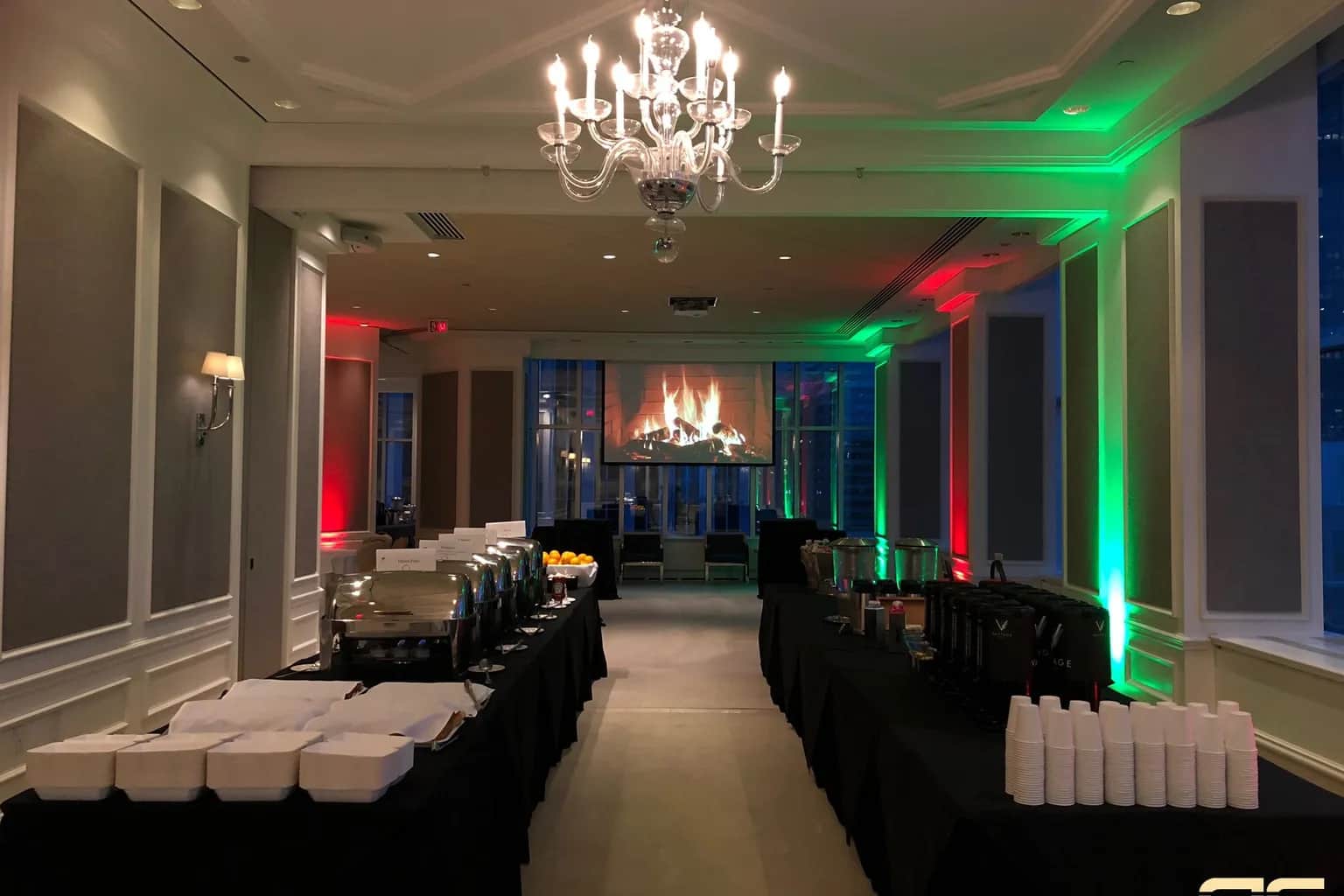
5. Use lighting to transform the room
Lighting does more to change how a room feels than almost any other element. A plain ballroom becomes warm and festive with uplighting on the walls, pin spots on the centerpieces, and a soft wash over the stage.
Choose a color palette with intention. Red and green read instantly as holiday colors, but warm amber, winter blue and white, or your brand colors can feel more elegant. A logo or snowflake gobo projected on a wall or dance floor adds a finishing touch without adding décor.
The best holiday parties also change the lighting through the evening: warm and bright enough for dinner, focused on the stage for speeches, then darker and more dynamic when the dancing starts. Event lighting that is programmed in advance makes those transitions smooth, and coordinating it with your event décor keeps the whole room consistent.
6. Turn screens into part of the décor
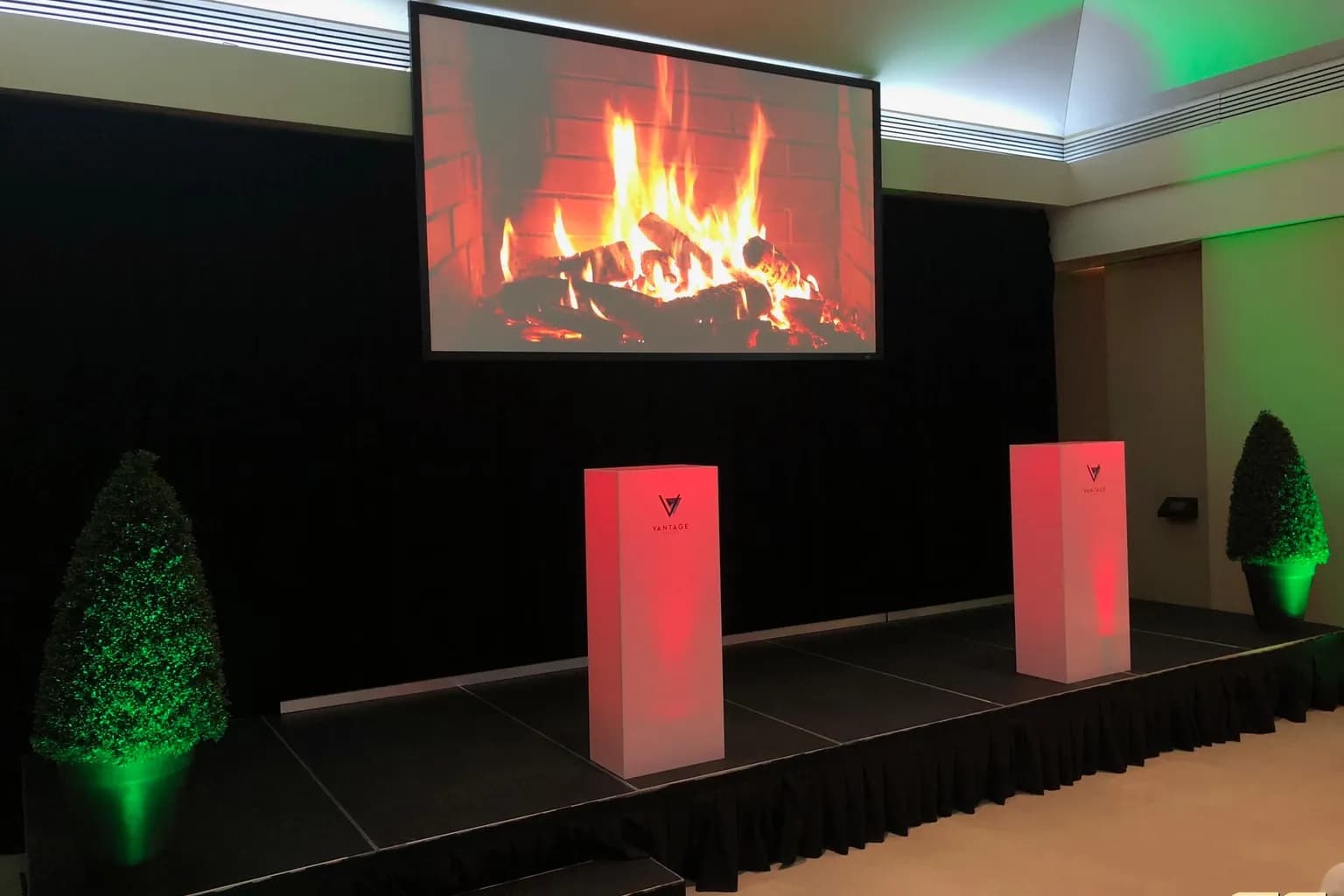
Screens at a holiday party should not look like leftovers from a sales meeting. When nothing is being presented, they can carry a crackling fireplace loop, a winter scene, animated branding, or a slideshow of photos from the year.
When content does play, it needs to play reliably. The year-in-review video is often the emotional high point of the evening, so collect it early, check it on the actual playback system, and confirm that the audio is embedded and at the right level. Have a backup copy ready.
Plan where the screens sit relative to the tables and the dance floor. A screen above the stage works for speeches; additional displays help guests in long or L-shaped rooms see what is happening. At IBX Services' holiday gala at Atlantis, Ontario Place, a projection screen above the stage showed the band live on camera, so the back tables saw the performance as clearly as the front.
7. Coordinate the DJ or band with the AV team
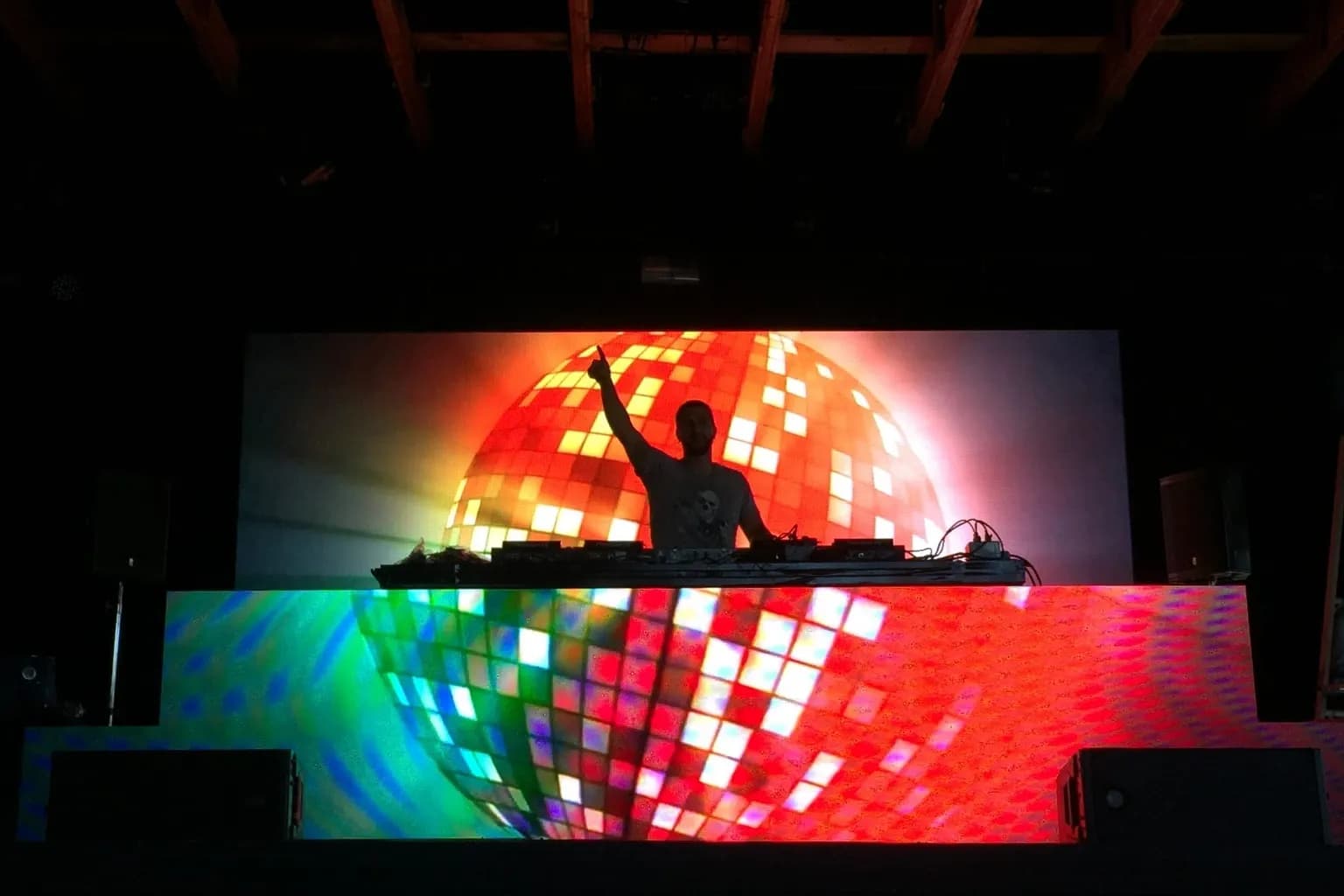
Entertainment is usually the biggest single factor in how a holiday party feels, and it affects almost every technical decision. A DJ needs a booth, power, and a way into the sound system. A live band needs a stage, monitors, more power, a sound check, and a changeover plan if a DJ follows.
Decide early who provides what. Some entertainers bring their own sound system; others expect the venue or AV company to provide it. Two systems in the same room, run by two teams, rarely sound as good as one integrated setup. If the DJ services for your corporate event come from the same team as the sound and lighting, the handoff from dinner to dancing is much simpler.
Agree on the music too. Share a list of songs to play and songs to avoid, and confirm when the energy should build. The first song after the speeches often sets the tone for the rest of the night.
8. Check power, cables, and guest safety
Holiday parties combine dim lighting, dancing, drinks, and long cable runs. That combination deserves a deliberate safety plan.
Confirm the available circuits with the venue, especially when a band, lighting, and catering equipment share the same room. Guidance on event power requirements helps you ask the right questions before the load is too much for the room. Route cables away from walkways and the dance floor, and cover any that must cross a path with proper cable ramps.
Keep emergency exits and their signs visible, even when the room is dark. If you plan to use haze or special effects, get written approval from the venue first. Accessibility matters here too: clear paths, accessible seating near the stage, and speeches that everyone can hear. The event accessibility checklist covers these details.
9. Book early and protect the load-in
December is the busiest month for corporate celebrations, and that affects the technical plan directly. Crews, lighting, and staging equipment are booked well in advance, and venues often schedule events back-to-back.
Confirm your load-in and load-out times in writing, including whether the crew can work after midnight. Allow enough time to set up, test, and rehearse the speeches before guests arrive. A clear event load-in checklist keeps the schedule realistic, especially when another event is leaving the room just before yours.
If you are still deciding on a date, ask your AV partner which dates in late November and December are still open. Early December weekends fill up first.
Corporate Holiday Party AV Planning Matrix
| Area | What to confirm | Common risk |
|---|---|---|
| Timeline | Phases of the evening, fixed cues, speech order | The program runs long and cuts into the party |
| Venue | Power, ceiling, load-in window, music curfew, haze rules | Surprises on the day that limit the plan |
| Audio | Table coverage, dance floor sound, speech clarity | Music too loud for dinner or speeches not heard at the back |
| Microphones | MC, executive, and award presenter mics, backups | Feedback, dead batteries, or one mic passed around |
| Lighting | Color palette, gobos, dinner and dance looks | A flat, bright room that never feels festive |
| Screens | Ambient loops, year-in-review video, playback test | Video without sound or a desktop showing on screen |
| Entertainment | DJ or band needs, stage, sound system, changeover | Two systems that fight each other |
| Safety | Cable routes, exits, effects approval, accessible paths | Trip hazards in a dark room full of dancers |
Common Holiday Party AV Mistakes to Avoid
Most holiday party problems are not equipment failures. They come from treating the evening as simpler than it is.
One common mistake is playing dinner music too loud. Guests came to talk to colleagues they may not see often. If they have to shout, the room feels tiring long before the dancing starts.
Another is leaving the year-in-review video to the last minute. Files arrive the night before, in the wrong format, with no sound, or in a version that has not been approved. Collect content at least a week ahead.
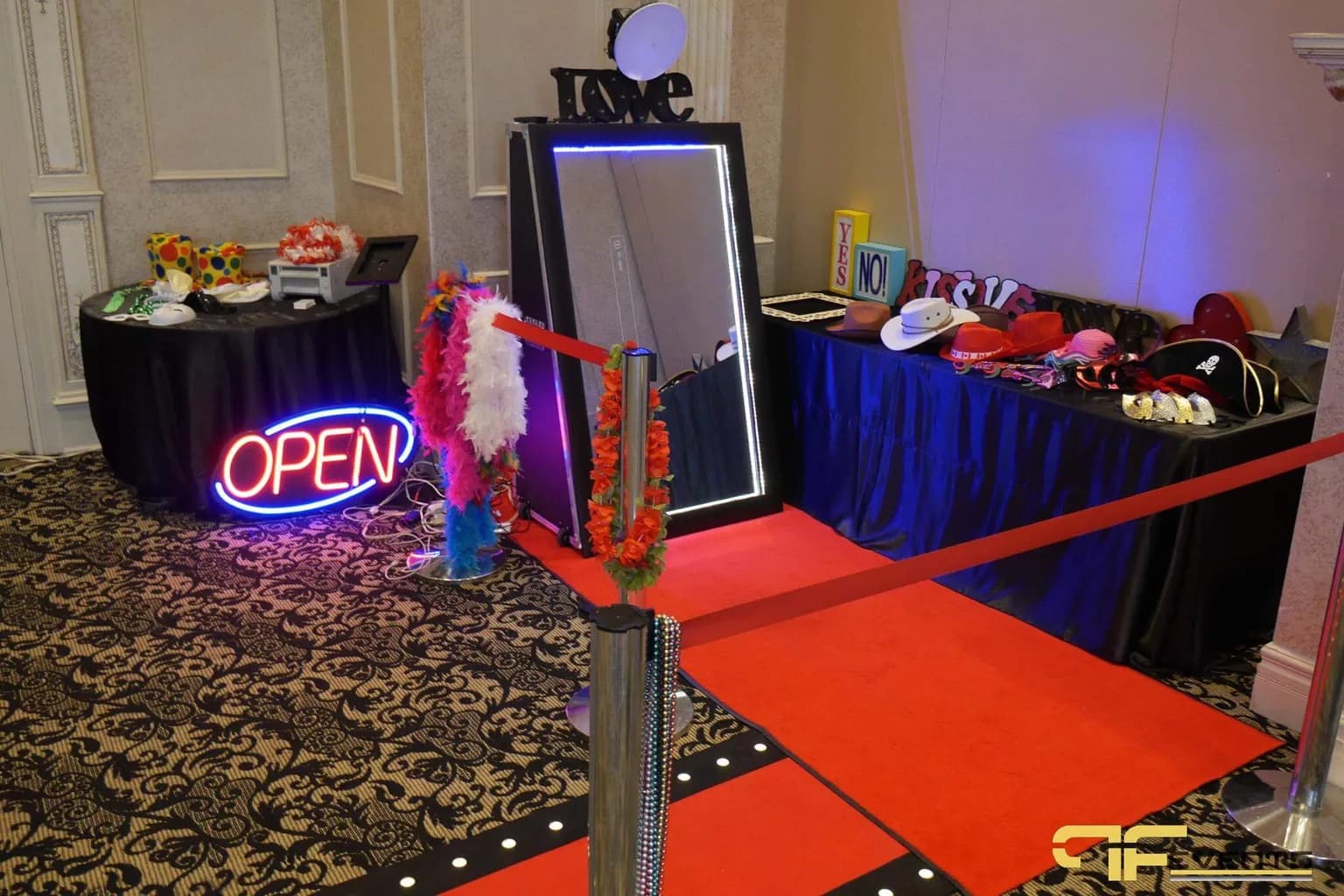
A third is forgetting the photo moments. A photo booth, a step-and-repeat, or a red-carpet entrance needs its own lighting; otherwise, the photos guests share afterwards look dark and flat.
Finally, do not let the formal program grow. Every extra speech takes time from the celebration. Agree on the speakers, the order, and a time limit, and build them into the run of show.
How much does corporate holiday party AV cost?
There is no useful flat price, because the scope varies enormously. A dinner for forty in a private dining room with background music and one microphone is very different from a party for six hundred with a stage, a band, a DJ, intelligent lighting, screens, and a photo booth.
The biggest cost drivers are guest count, room size, entertainment, lighting design, number of screens, labour hours, and the load-in and load-out schedule. Late finishes and tight December turnarounds can also affect labour.
A more useful question is which moments matter most. Once those priorities are clear, the production team can put the budget where guests will feel it.
How early should you book AV for a holiday party?
As early as you can confirm the venue and date. For December events in Toronto and the GTA, October is a good time to lock in the production team, and early December weekends are usually the first to go. Booking early also gives you time for a site visit and a proper content deadline.
Does a small office holiday party need professional AV?
Not always. A small gathering with background music and no speeches can often use the venue's built-in system. Professional AV becomes worth it when there are speeches that must be heard, a video to show, live entertainment, a room that needs to be transformed, or more guests than the house system can handle.
DJ vs. Live Band for a Holiday Party
A DJ offers flexibility. The music can adapt to the crowd in real time, the setup is compact, and a DJ can play everything from dinner jazz to current hits. It is usually the simpler option technically.
A live band creates a stronger sense of occasion, but it needs more: a stage, more power, monitor speakers, a sound check before guests arrive, and a plan for breaks. Many holiday parties combine the two, with a band during the early part of the evening and a DJ for the late dance set.
Either way, bring the entertainment and AV teams into the same conversation early, so the stage, sound, and lighting are designed around the performance.
Plan Your Corporate Holiday Party AV With Future's Past Events
A great holiday party feels effortless to the people enjoying it. The music fits the moment, the speeches are heard, the video plays on cue, and the room looks nothing like it did that afternoon.
Future's Past Events has more than 20 years of experience producing corporate celebrations, galas, and special events across Toronto and the GTA, with sound, lighting, staging, screens, décor, and live technical support. Bringing the production team in early makes it easier to design the evening around your room, your guests, and your program before December schedules fill up.
If you are planning a company holiday party, year-end celebration, or client appreciation evening, contact Future's Past Events with your venue, date, guest count, entertainment plans, and the moments that matter most. A clear holiday party AV plan lets your team enjoy the night instead of worrying about the equipment.
Related posts
Audio Visual Requirements for Events: How to Work Out What Your Event Needs
Audio visual requirements are the answer to a simple question: what does this event need so that every person in the room, and everyone watching from somewhere else, can hear clearly, see clearly, and follow what is happening? Get that answer right early and every later decision gets easier. Get it wrong and you…
LED Wall vs Projector: How to Choose the Right Screen for Your Event
LED wall vs projector is one of the first technical decisions in any event plan, and one of the easiest to get wrong. Both can put a large, sharp image in front of your audience. But they behave very differently in a bright room, a shallow room, or a room full of stage lighting, and…
Sales Kickoff Event Production: 9 Steps to an SKO That Energizes the Team
Sales kickoff event production decides whether your SKO sends the team into the new year fired up or quietly checking email. A sales kickoff asks a lot of a single day: leadership has to set the strategy, product teams have to launch what is new, top performers have to be recognized, and…